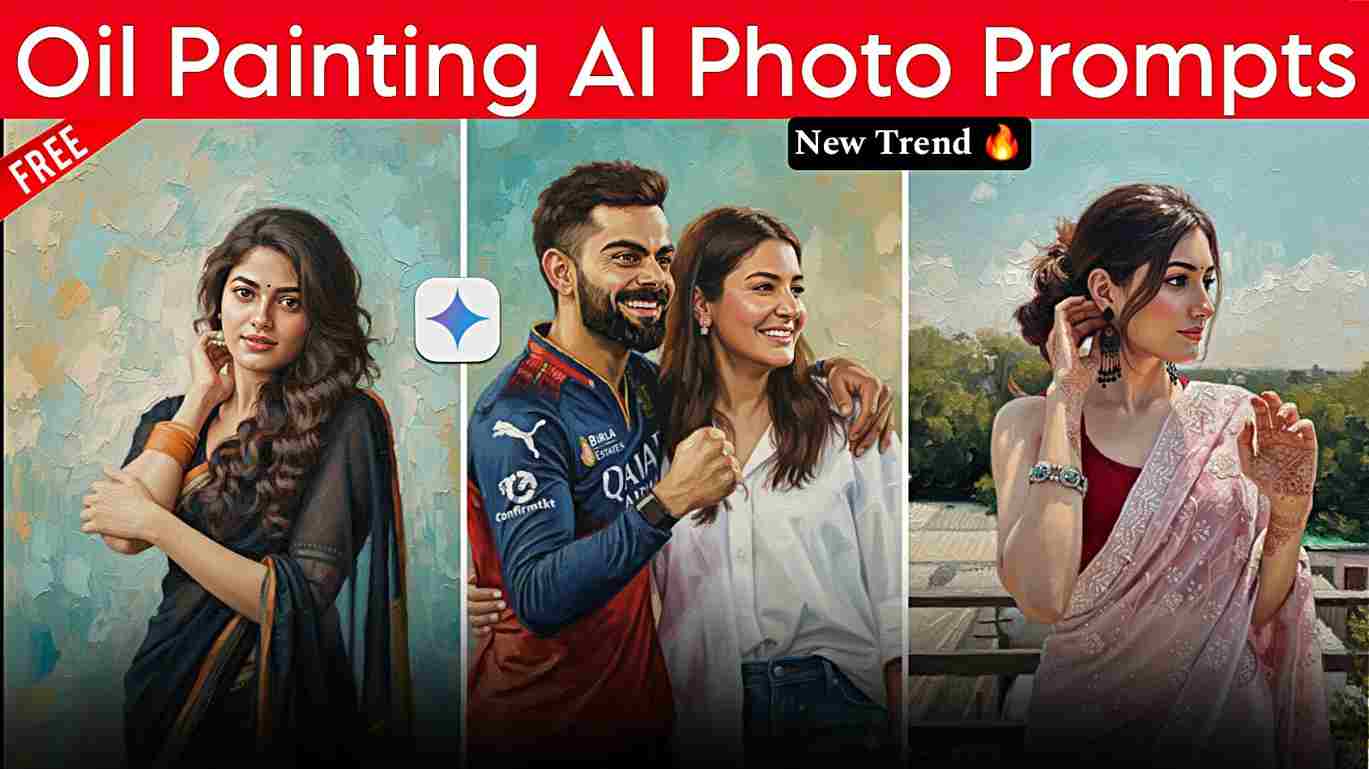
Viral Oil Painting Portrait AI Photo Editing Prompts – In this article, I am going to share an amazing Gemini prompt for creating an oil painting–style AI photo using your real face. I experimented with creating many images to test and refine the results, and then decided to share them with you. Below, I have provided detailed information on how to create realistic oil painting–style images using the Gemini application. I hope this article helps you, and if you face any issues, feel free to reach out.
Why Is the Oil Painting Portrait AI Trend Going Viral?
The Viral Oil Painting Portrait AI trend is gaining massive popularity because it perfectly blends classic art aesthetics with modern AI technology. People enjoy seeing their real photos transformed into royal, museum-style oil painting portraits, which deliver a premium and artistic look without hiring professional painters or using expensive photo-editing software. With advanced tools like Google Gemini AI, anyone can create a timeless and realistic oil painting portrait in just a few steps, making high-quality digital art accessible to everyone.
Another key reason behind this trend’s success is its strong social media appeal. Oil painting–style AI portraits appear elegant, unique, and highly shareable on platforms like Instagram, Facebook, and WhatsApp. Content creators and influencers use these AI-generated portraits to stand out in crowded feeds, boost engagement, and attract more followers. The realistic brush textures, detailed lighting, and cinematic finish give the images a handcrafted feel, instantly grabbing viewers’ attention and driving the trend viral in 2025.
Trending Oil Painting Photo Editing Prompt
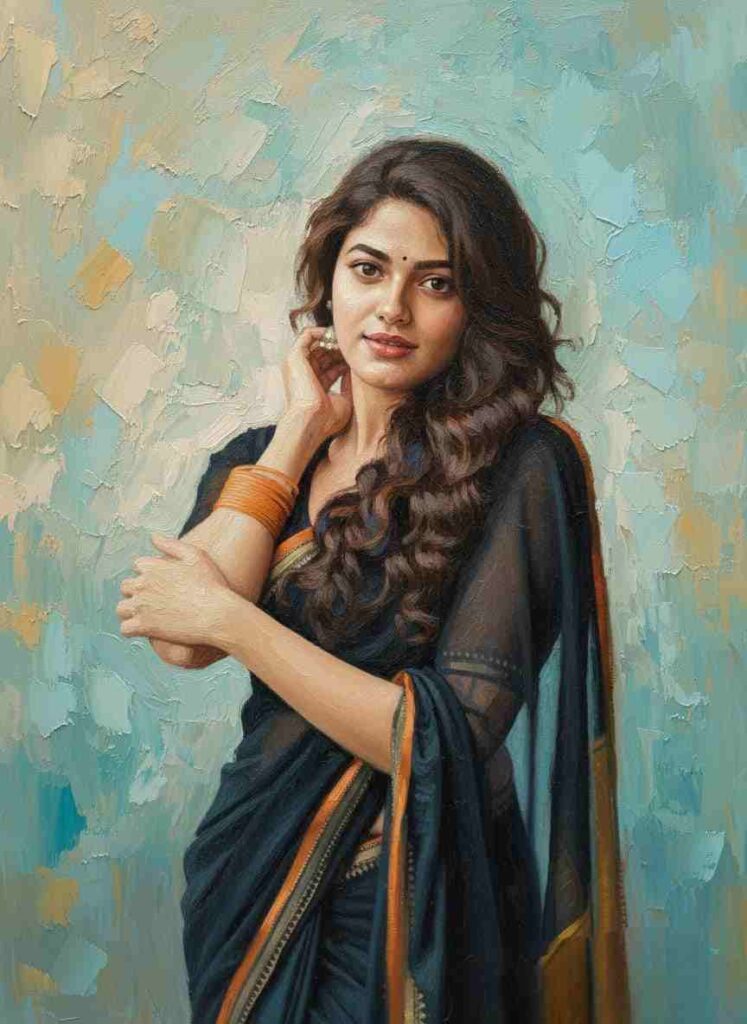
Heavily textured oil painting on canvas, with soft diffused lighting and a bright atmosphere. Background painted with loose, visible impasto brushstrokes in blended teal, sky-blue, olive, warm beige, and soft ochre tones, creating creamy smooth gradient with painterly texture. Portrait of the person from the uploaded photo (100% facial structure match), depicted in a classical Indian fine-art style. Rich, saturated colors with warm undertones. Strong emphasis expressive eyes, soft facial shadows, and realistic skin glow. on Hair painted with layered brushstrokes in deep brown, auburn, and warm highlights, showing volume and subtle texture. Clothing color should remain same. Overall style inspired by modern Indian oil portraiture with bold brushwork, smooth blending around the face, and textured impasto strokes around the background and clothing. Ultra-sharp facial detailing with artistic painterly finish throughout." Do not change the pose or positon and also do not change any facial expressions
How to make a Viral Oil Painting AI Photo?
If you want to convert your regular photo into a viral oil painting portrait using AI, the process is straightforward and ideal for beginners. This editing style gives your image a classic, artistic, and premium look that feels hand-painted. Follow the step-by-step method below to create a realistic oil painting–style AI portrait in just a few minutes:
- Open Google Chrome and search for “Harish Edits.”
- Visit the website and explore the Viral Oil Painting Portrait AI Editing Prompts post.
- Choose any oil painting portrait prompt that matches your style and copy it.
- Scroll down the page and click on “Create Your Image.”
- Sign in to your Google Gemini account if login is required.
- Upload your photo and paste the selected oil painting AI prompt into the text box.
- Click on Generate and wait a few seconds while Gemini transforms your image into a detailed oil painting portrait.
- Click Download and save your final oil painting AI portrait to your device.
Conlusion
Friends, in this article, I have explained how to create a viral oil painting AI photo using Google Gemini prompts with your real face, covering the entire A to Z process in simple steps. From choosing the right prompt to generating a realistic oil painting–style portrait, everything has been clearly explained for beginners. I hope this guide helps you create stunning and artistic AI photos easily. If you still face any issues during image generation, feel free to contact me through my Instagram handle. Stay connected and keep visiting for more trending AI photo editing tutorials and viral editing guides.