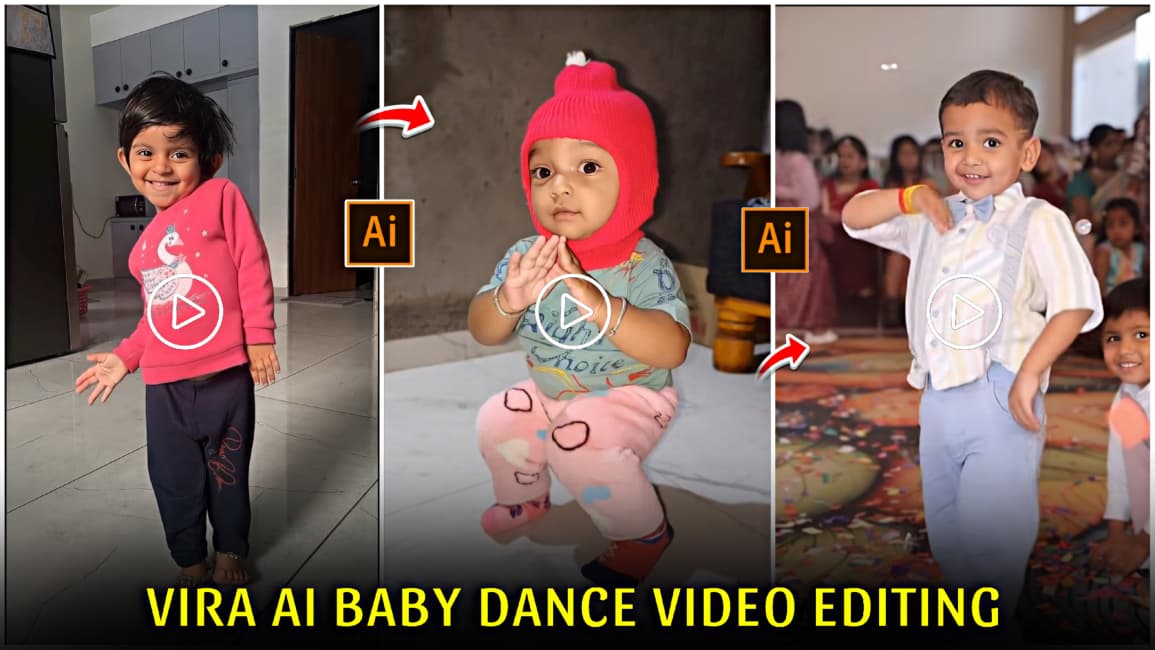
Viral AI baby dance video editing is becoming very popular on Instagram, where a single clear full-body photo of a baby or small child is used to create a fun and realistic dance video with the help of AI technology. These videos are made only for entertainment and creativity, without causing any harm or misuse. The smooth dance moves and natural expressions make the videos look impressive and enjoyable to watch. In this article, you will learn an easy and beginner-friendly method to create AI baby dance videos step by step. By following the guide carefully, you can safely create engaging and shareable baby dance reels for Instagram and other social media platforms.
Details of Trending AI Baby Dance Video Editing
If you want to make your reel or video go viral, this is the perfect time to use this trend because AI child dance videos are currently in high demand on Instagram. Trending content has a much higher chance of reaching a wider audience, as these reels appear more frequently in users’ feeds. Since children are loved by everyone, cute and fun dance videos naturally attract more views, likes, and shares. Almost every home has a child, which makes this trend easy to follow and highly relatable. Just follow the steps explained in this article carefully to understand the full process. However, don’t delay in using this trend—posting at the right time is key to maximizing reach and going viral.
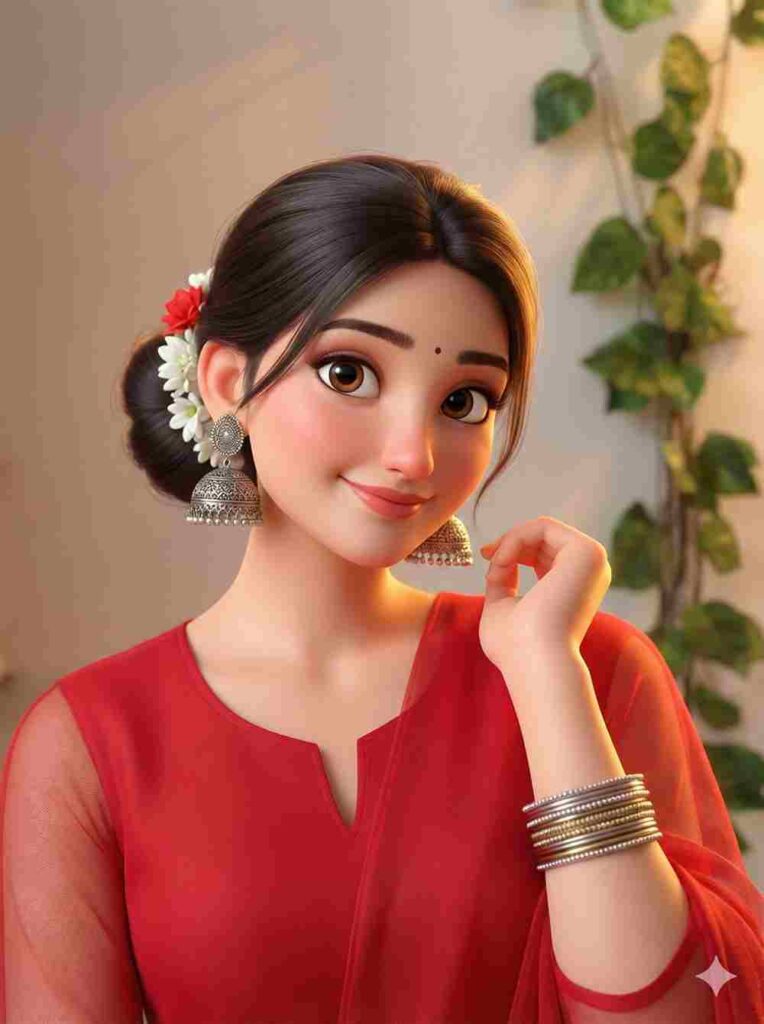
Convert the image into a cute 3D cartoon animated style inspired by Pixar/Disney. Keep the original face, pose, outfit, and expression exactly the same (100% identity match). Add big expressive eyes, smooth skin, soft rounded facial features, vibrant colors, and a joyful animated look. Use warm cinematic lighting, shallow depth of field, soft glow, and a high-quality 3D render finish. Clean background, professional animation movie style, ultra-sharp details
Steps to Make Viral AI Baby Dance Video Using Kling AI
Viral Baby Dance VIdeo for Reference
Prompt ⬇️
A cute baby dancing exactly to the rhythm of the provided song, precise beat synchronization, joyful baby expressions, smooth natural movements, no exaggeration, realistic body motion, high resolution, social media reel style
- Install Kling AI and sign in to get free credits.
- After signing in, click on AI Video, then select Motion Control.
- Upload a clear full-body photo of the child.
- Add a reference dance video.
- Generate the video and download it.
- Upload it on Instagram Reels with trending music and hashtags.
How to Get Free Credits Using Kling AI Referral Code?
I am sharing my Kling AI referral code with my audience so that new users can easily register on the app and get extra credits. By using this referral code during sign-up, you can earn bonus credits that help you create more AI videos without extra cost. This is a simple and useful way for beginners to start using Kling AI, explore features like AI video and motion control, and create trending AI dance videos for Instagram and other social media platforms.
Kling AI Free Credits and Subscription Pricing Explained
After signing in to Kling AI, users currently receive 66 free credits, which allow the creation of a short 9-second AI video. To generate longer videos or create multiple AI dance clips, a minimum one-time subscription is required. At present, this subscription costs around ₹130 and provides additional credits for video generation. This pricing is affordable for beginners and content creators, but it may increase in the future as Kling AI updates its plans. If you want to create trending AI dance videos regularly and maximize your reach on social media platforms like Instagram, upgrading early can be a cost-effective and smart choice.
Overall Words
So friends, in this article I have explained everything in a simple and easy way about how you can create trending AI baby dance videos using Kling AI. By following the steps properly, you can easily make realistic AI dance reels using a single photo and a reference video. This trend is going viral right now, so don’t delay in using it if you want better reach and engagement. I hope this guide helps you a lot, and if you face any problem while creating your AI dance video, feel free to ask in the comments or on Instagram.