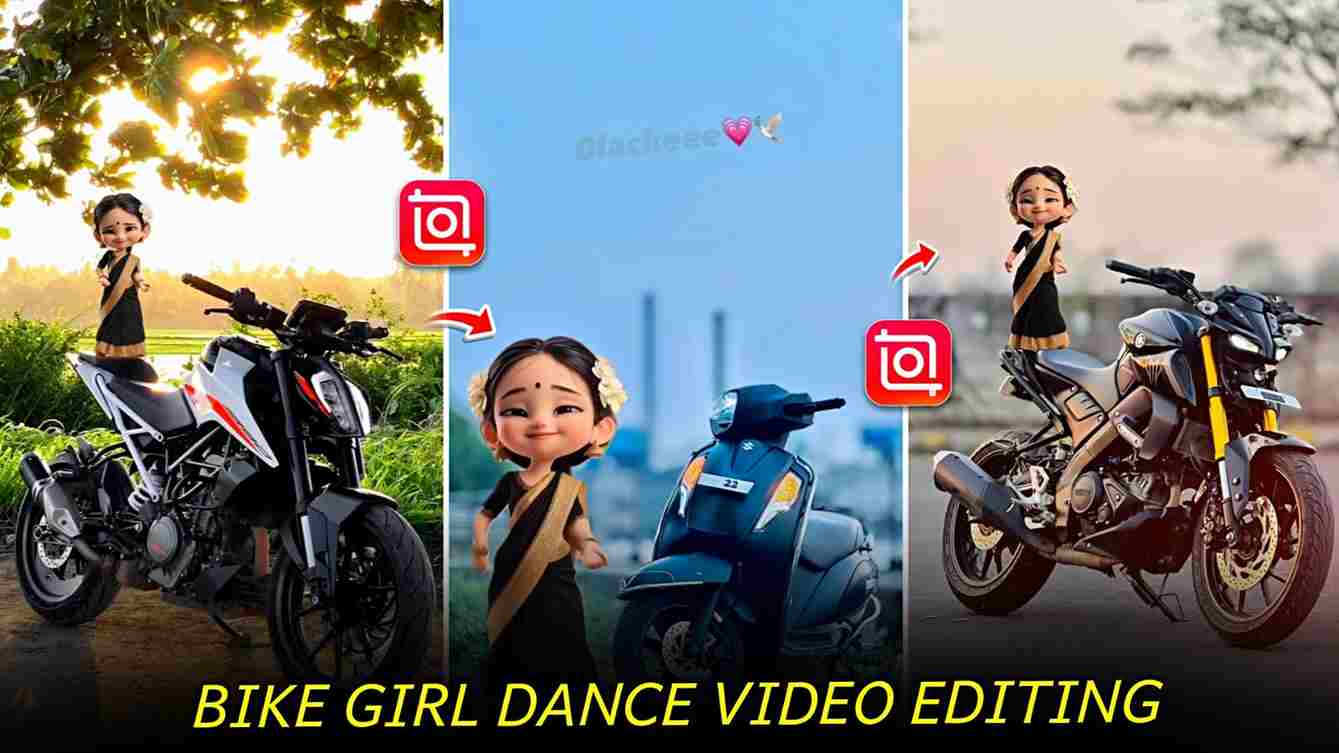
Trending Doll Dancing Bike Reels are very popular on Instagram right now. In these videos, a small baby doll is placed on or near a bike and edited to look like it is dancing to the music. The dance moves match the song, which makes the reel fun to watch. Bike lovers especially enjoy this trend, so these videos get good views and likes. Many creators are making these reels because they are easy to edit and do not need advanced skills. By using a trending song and simple editing, you can also make doll dancing bike reels and increase your reach on Instagram.
How to make Viral Doll Dancing Video?
Friends, to make a viral doll dancing video, you can use video editing apps like InShot, VN Video Editor, or CapCut. However, I highly recommend the VN App because it is almost free and available on both the Play Store and App Store. The VN app offers useful features such as background removal, chroma key for removing green screen clips, free effects, filters, and keyframes. With these tools, you can easily create a clean and attractive mid-level video edit without advanced editing skills.
Doll Dancing Bike VIdeo Editing Process:
First, import your bike clip into the VN app and increase its duration to around 15 seconds. Next, import the doll dancing green screen clip. Use the chroma key option to remove the green background and adjust the clip length to match 15 seconds. Finally, add effects and filters as per your choice, export the video, and upload it on Instagram.
Download Trending Doll Dancing Green Screen Clip
Guys, please download the green screen clip given below to make a trending doll dancing bike video that is currently going viral on Instagram. Use this clip in your editing app to easily add dancing doll effects and make your reel more attractive and engaging.
Doll Dancing Car Video Editing Process (Same as Bike)
The doll dancing car video editing process is very simple and is almost the same in all video editing apps like VN, InShot, and CapCut. You just need to replace the bike clip with a car clip and follow the same steps. First, import your car video and set the duration to about 15 seconds. Next, add the doll dancing green screen clip and remove the green background using the chroma key or background remove option. Place and resize the doll properly so it looks natural with the car. After that, add music, effects, and filters as you like. Finally, export the video in high quality and upload it on Instagram to get more views, likes, and reach.
Conclusion
Friends, in this article I have explained everything about trending doll dancing bike and car reels in a simple way. I have shared how this trend is going viral on Instagram, which apps you can use, and the step-by-step editing process for both bike and car videos. This editing is very easy and can be done in any video editing app like VN, InShot, or CapCut. I hope this guide helps you create your own viral doll dancing reels and grow your Instagram reach. If you face any problem while editing, feel free to ask in the comments or message me on Instagram.
Check out the full video on YouTube for better understanding ⬇️