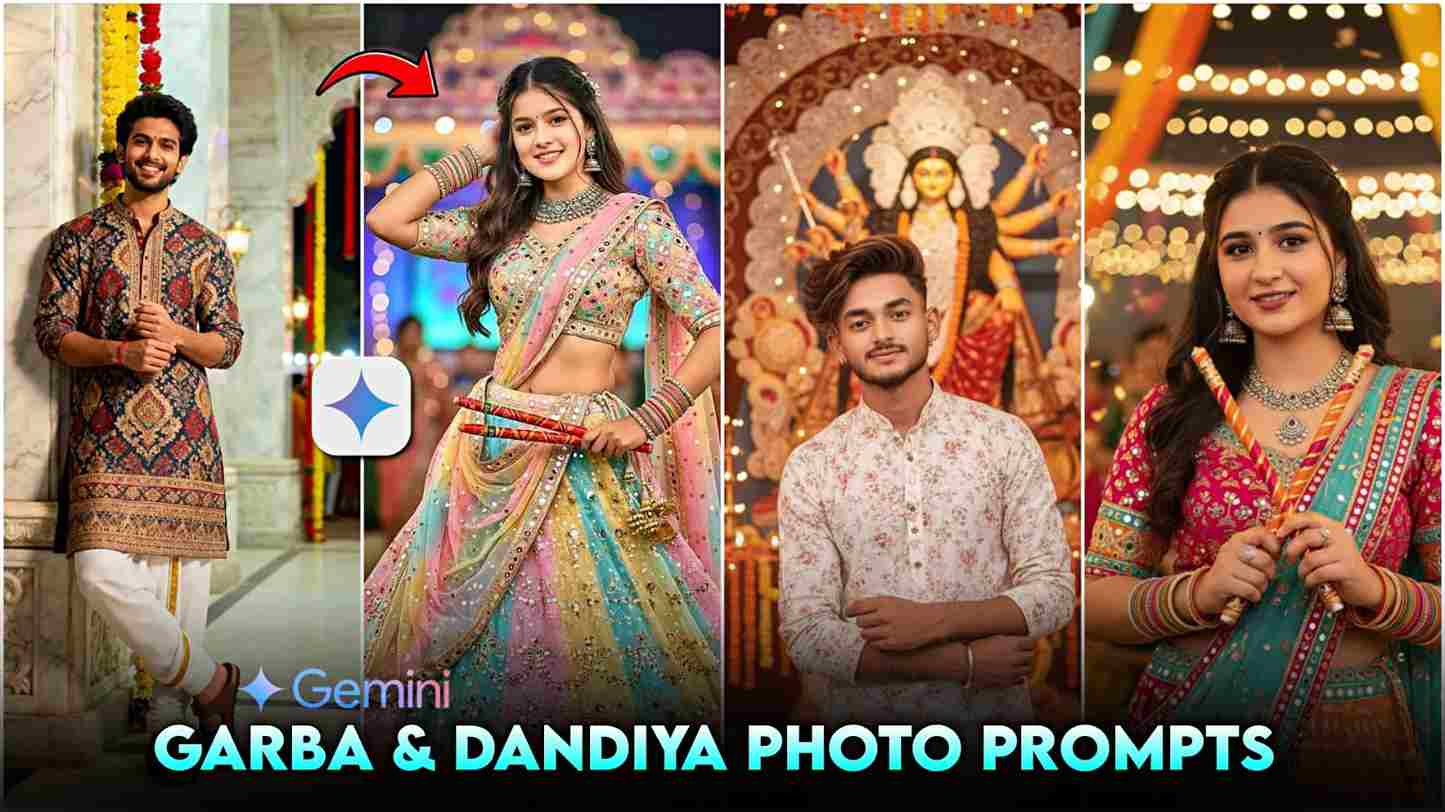
In this article, I’m going to share the most amazing Google Gemini prompts for creating realistic images for the occasion of Garba and Dandiya. The Google Gemini trend is currently going viral on Instagram and YouTube, with people creating AI-generated photos using the new “Nano Banana AI” feature recently added to the Gemini app. This powerful tool enables you to easily generate high-quality photos and videos for free, simply by typing an appropriate prompt, and delivers stunning, high-definition results within seconds.
Currently, there’s a special offer for college students: they can use Gemini Pro free for 1 year. With the Pro version, you get access to unlimited photo and video creation, 2TB of free Google Drive storage, and advanced features like ultra-HD output, priority rendering, and early access to new tools. If you’d like a tutorial on how to obtain the Gemini Pro offer, please let me know in the comment box—I’ll try to upload a full video on this topic as soon as possible.
How to use ready-made Prompts for creating images?
Firstly, let’s understand what a prompt is — it’s a short instruction or statement that helps you complete a task quickly and efficiently. To use one, first find a prompt you want to try; this could be from a website, Instagram, YouTube, or any other source. Tap and hold on the text until the “Copy” option appears, then tap it. Open the Gemini App on your phone, go to the prompt input box, tap and hold inside the box until the “Paste” option appears, and then tap it to insert your copied prompt. Below are multiple ready-made prompts for creating realistic AI images of couples celebrating the Navratri festival in traditional attire, perfect for those who want to make this festive season special and memorable with their life partner.
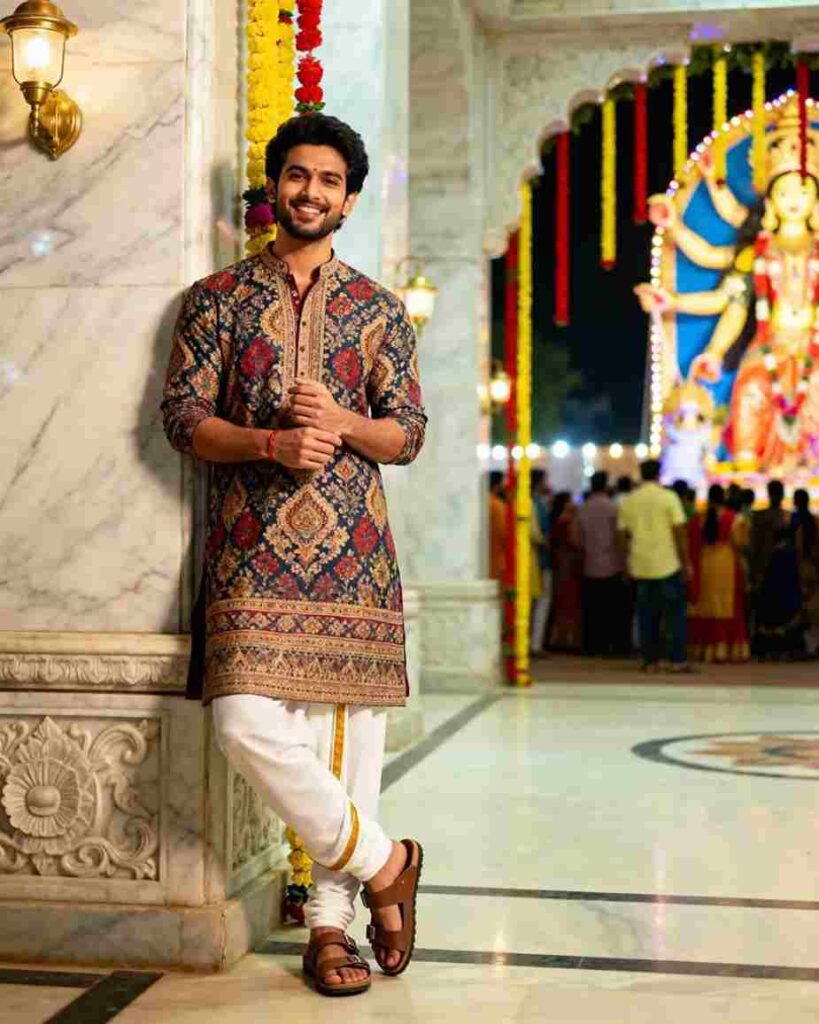
Hyper-realistic 8K cinematic vertical (4:5) full-body shot of a young man (26–30) standing cross-legged, leaning on a marble pillar inside a vibrant Durga Puja temple at night. Wearing a designer printed kurta, dhoti, and Birkenstock sandals, smiling warmly at the camera with arms crossed. Colorful lights, festive crowd, and temple decor softly blurred in the background with creamy bokeh. Sharp focus, warm cinematic tones, shallow depth of field.
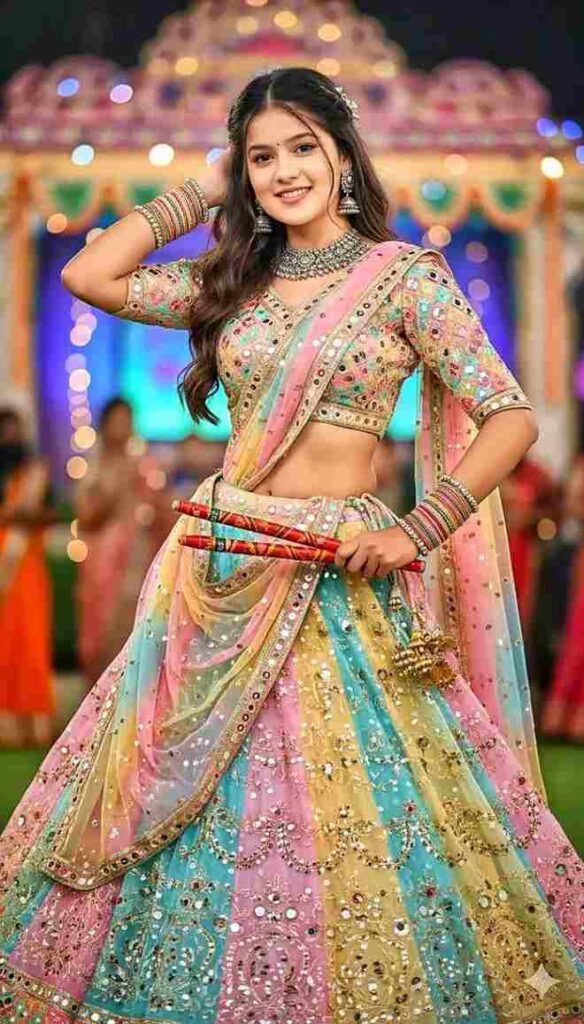
Use the uploaded picture. Do not alter or change the face — keep it exactly the same, 100% unchanged. Transform the outfit into a traditional festive pastel color chaniya choli with mirror work with full Navratri vibe: richly embroidered blouse, flowing lehenga, and dupatta with mirror work and vibrant colors. She is adorned with silver bangles, necklace and elegant jhumkas.the girl body look slim slim.with dandiya pose, open hair style
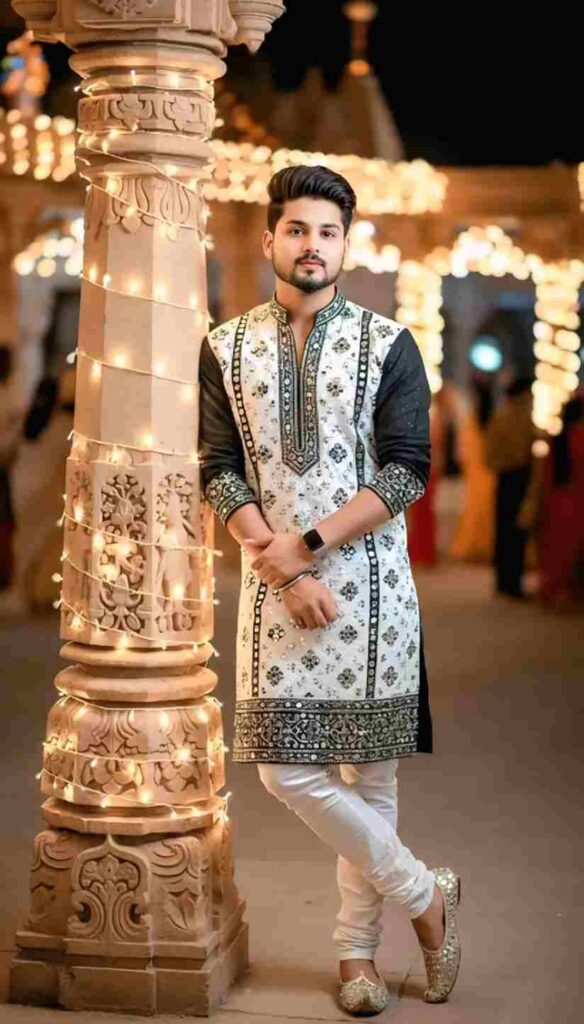
"Ultra-realistic cinematic full-body portrait of a stylish 22-year-old slim man (height 5'4"), with the same original face and perfectly set hairstyle as in the reference. He is wearing a vibrant white and black traditional dandiya outfit decorated with intricate mirror work and golden embroidery, paired with matching dandiya shoes and a sleek wristwatch. The man is leaning casually against a beautifully decorated pillar wrapped in glowing festive lights
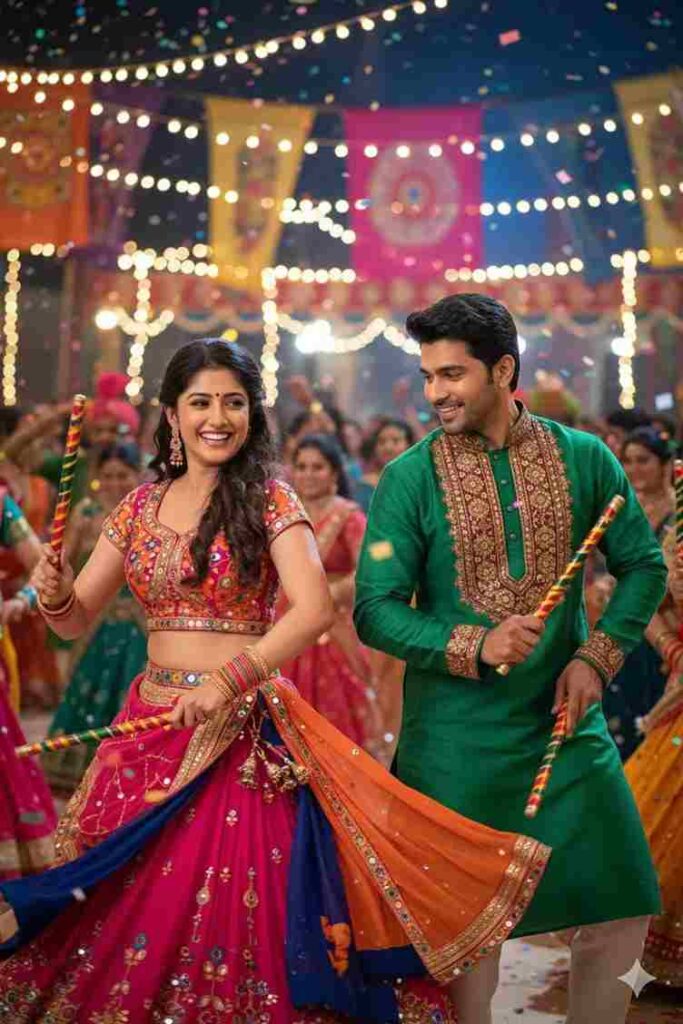
"Ultra-realistic cinematic image of a beautiful woman and a handsome man (faces from provided images) joyfully playing dandiya. The woman twirls gracefully with a radiant smile, wearing a colorful embroidered ghagra choli, while the man dances beside her in a vibrant embroidered kurta-pyjama, both holding decorated dandiya sticks. Captured mid-movement with festive energy, against a lively blurred Navratri night background of dancers, fairy lights, and colorful decorations.
How to Make Navratri Garba And Dandiya Ai Photos?
Let’s learn how to make a Navratri Garba and Dandiya special AI photo with a realistic face using the Google Gemini App. Just follow these simple steps:
- Download the Gemini App from the Google Play Store.
- Open the app and sign in using any Google account.
- Upload a clear, close-up photo of your face (and your partner’s, if you’re creating a couple image).
- Enter a prompt based on your theme or paste a ready-made prompt suited for Navratri or Durga Puja.
- Tap the Create button (the arrow icon) to begin the process.
- In just a few seconds, your stunning AI-generated image will be ready.
- Download and save the image to your device — completely free of cost!
Conclusion
Friends, in this article, I have talked about how to create trending Garba and Navratri AI photos using the Google Gemini app. With the new Nano Banana AI feature, you can easily generate realistic and high-quality images for Navratri and Durga Puja by simply uploading a photo and entering a prompt. College students can get Gemini Pro free for 1 year, unlocking unlimited image creation and 2TB of Google Drive storage. If you need help or a tutorial, comment below—I’m here to assist!
🎉 Thank you so much for visiting our website! 🙏✨ We truly appreciate your support and hope you found everything helpful.