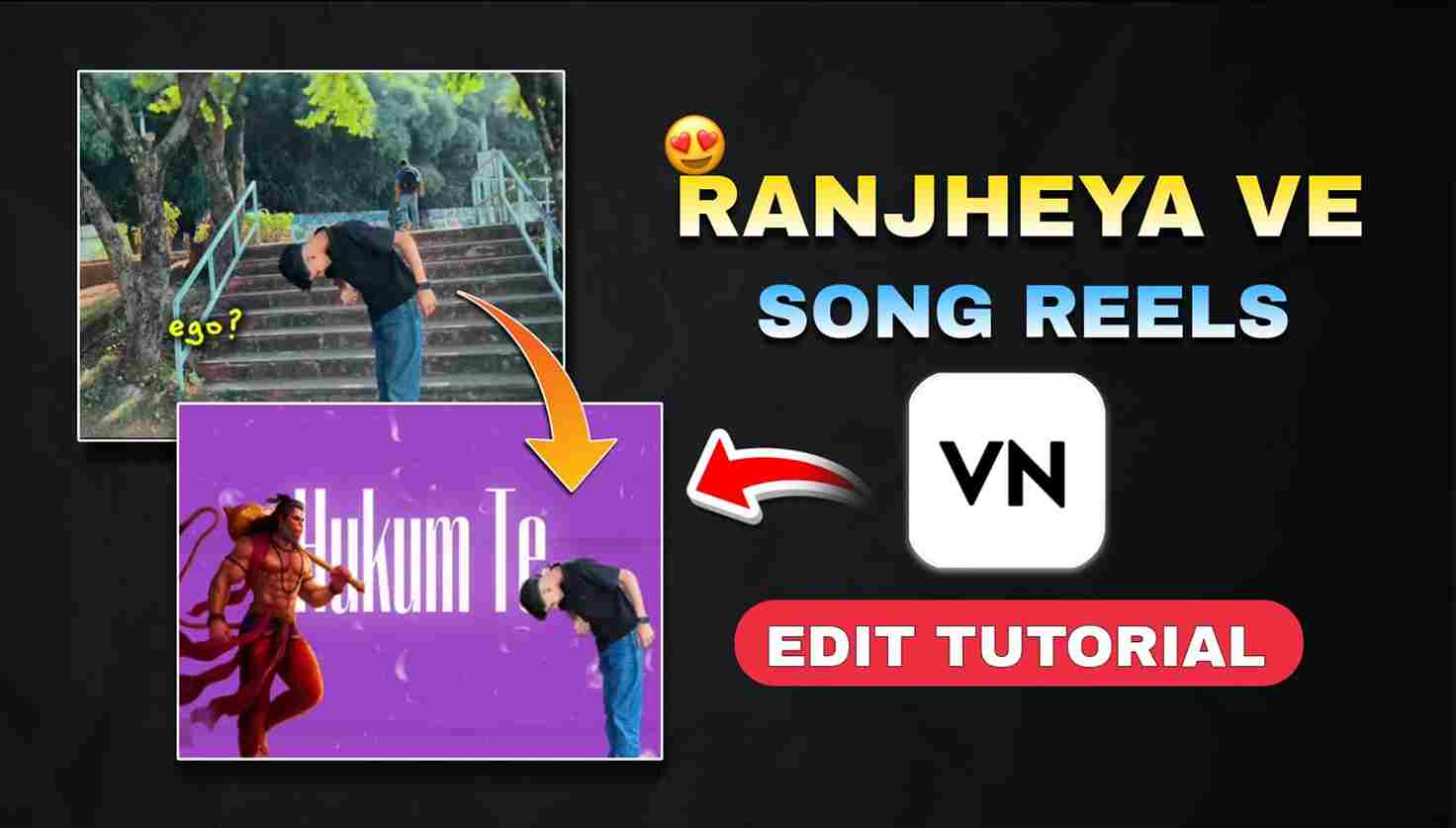
In today’s article, I am going to share the latest VN Video Editor template that is currently blowing up on Instagram. Creators and users are making reels on this song, and those who know editing can easily create their videos manually. However, some people don’t have editing skills and are unable to make this trending reel.
For them, I am providing a VN template through which they can edit their reels easily in just a few steps. Below, I have shared all the details—please review them for better understanding.
Why are we using the VN Code template for editing?
People use VN code templates for their editing because these templates help them create reels in just a few seconds. Creators design these templates based on trending styles on social media. Templates reduce editing time and effort, making the process as simple as drag and drop. Another big advantage is that you don’t need to spend money on any video-editing subscription. VN Video Editor provides enough tools like filters, effects, transitions, animations, and more. For mobile editors, this app is one of the best options for both video and photo editing.
How to use the VN Code Template for video editing?
Friends, creating the Ego? Ranjheya Ve song reel is straightforward to use using a VN Code Template. Just follow the simple steps given below:
- Open Google or any browser on your phone.
- Search “Harish Edits” and tap on the first website that appears.
- Scroll down and click on the search bar.
- Type the trend or template you’re looking for.
- Open the post you want and download the VN code or take a screenshot.
- Now open the VN Video Editor app.
- Tap on the scanner icon at the top-right corner.
- Upload the VN code to download the template.
- Import your clips into the template.
- Adjust, crop, and use the text tools for customization.
- Finally, export your video in high resolution
Download the Ranjheya Ve VN Code Template
Below, I have shared the Ranjheya Ve Song VN Code Template that you can easily download or screenshot for quick reel editing. Simply long-press on the QR image to download it, or use the three-finger swipe gesture on Redmi and Realme devices—or swipe left to right on Samsung—to take a screenshot. After saving the VN Code, follow the steps mentioned above to import it into the VN Video Editor and create your trending Ranjheya Ve reel within seconds.
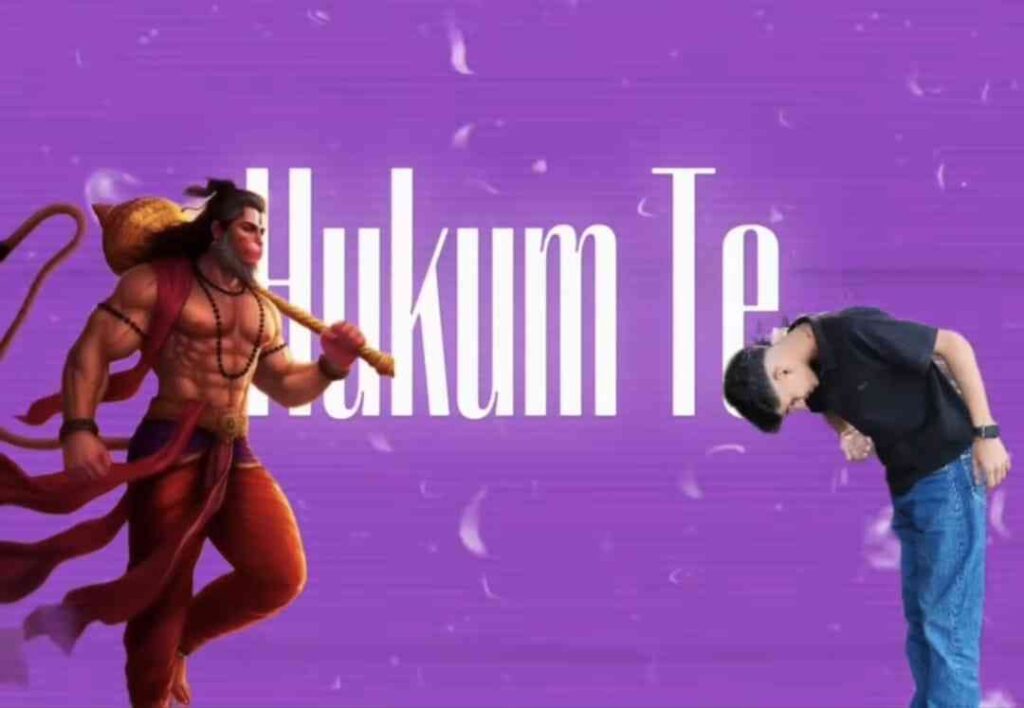

What about the VN Video Editor and its features?
The VN Video Editor is one of the most popular mobile editing apps, renowned for its intuitive interface and powerful features that make video creation effortless for both beginners and experienced creators. I have been using the VN app since 2021, and if you truly want to edit videos on your mobile phone, this app is the best choice for every beginner. It offers high-quality tools like filters, effects, transitions, speed control, keyframes, multi-layer editing, and advanced text customization—all without any subscription fees. Users can easily trim clips, add music, apply templates, and export videos in HD. Whether you’re creating Instagram Reels, YouTube Shorts, or cinematic edits, VN provides everything needed for professional-quality results on a smartphone. Its lightweight design and user-friendly workflow make it perfect for fast, smooth, and creative editing.
Conclusion
In this article, I have discussed the trending “Ego? Ranjheya Ve” song video editing, which is currently going viral on Instagram. That’s why I decided to share a VN Code template that helps you create this trending reel in just a few simple steps. I have also explained the complete editing process and highlighted the top features of the VN Video Editor to make the workflow easier for beginners. I hope you find this guide helpful.
You can follow me on Instagram to stay connected and get more trending VN Codes, editing tips, and amazing templates.