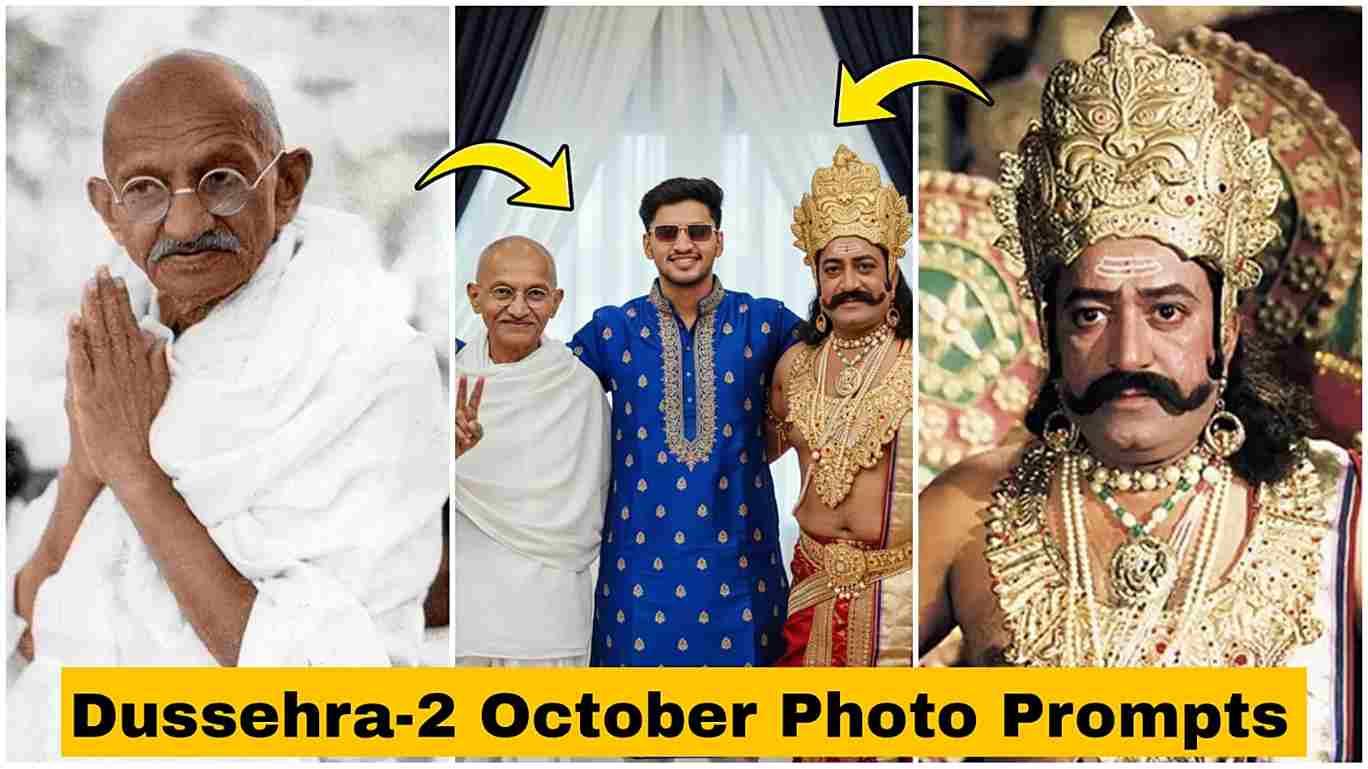
Friends, this post is going to be very special because I am sharing some amazing AI photo editing prompts on the occasion of Dussehra and Gandhi Jayanti — two major holidays that fall on the same day. It’s an unexpected and unique collaboration between Ravan and Gandhi, which is why these kinds of images are going viral on social media.
To create the image, the Google Gemini AI tool was used. It features the Nano Banana AI technology, which generates images with realistic faces without altering facial features — the results depend entirely on how you describe your needs. As shown in the image, a young boy is in the center, with Gandhi on one side and Ravan on the other — creating a truly unique visual
How to Make Dussehra and 2nd October AI Photo?
Guys, if you really want to create realistic images for free using Google Gemini AI, you’ve come to the right place! I’ve explained the entire process from A to Z — including how to copy and paste a prompt, and even how to sign in with your Google account.
Follow the steps below to easily create a realistic image with properly rendered faces:
- First, install the Google Gemini app from the Play Store or App Store.
- Open the app and sign in with any Google account.
- Next, go to your browser and search for “Harish Edits”, then click on the website.
- Browse the website and copy any prompt you like.
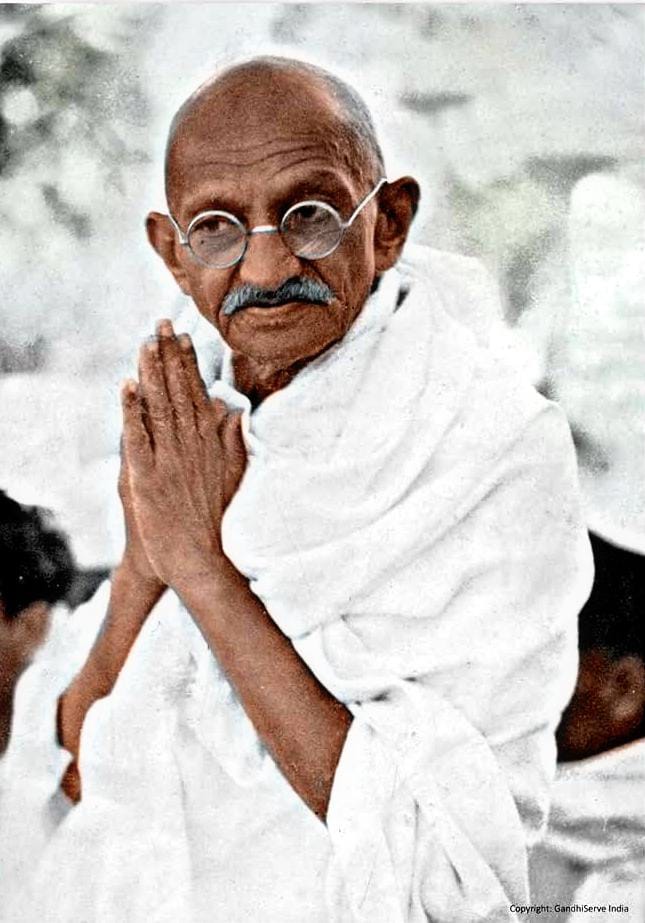
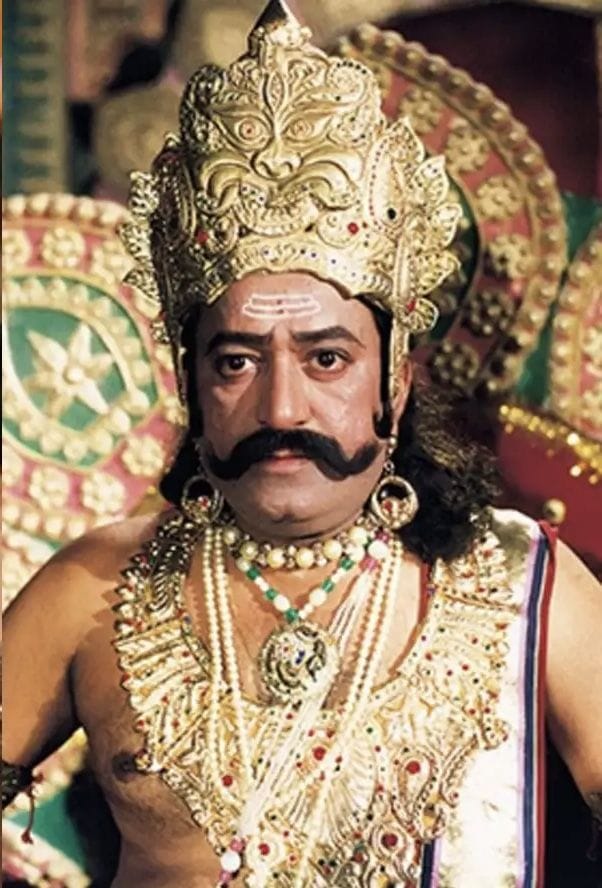
- Now open the Gemini app, upload your image along with photos of Gandhi ji and Ravan ji.
- Paste the copied prompt into the app and generate your image.
- Finally, download the image and you’re done!
What is Google Gemini’s new feature in 2025?
In 2025, Google Gemini AI introduced many exciting new features. The most notable one is the Nano Banana tool, which enables you to edit photos with realistic-looking faces without altering the appearance of individuals. It also introduced a Deep Think mode to better solve complex problems, such as math and coding. Gemini now works better with Google apps like Gmail, Docs, and Meet. You can also make short videos using text with a new tool called Veo 3. Plus, Gemini is now used in smart home devices, replacing Google Assistant with a more helpful and natural way to talk to your home. Using Nano Banana AI, photo editing became very easy because we don’t need editing skills — just type a simple prompt on Gemini as you want to see in the picture, and Gemini will create the image for free and in realistic mode.
Use all the given assets below to create an AI image.
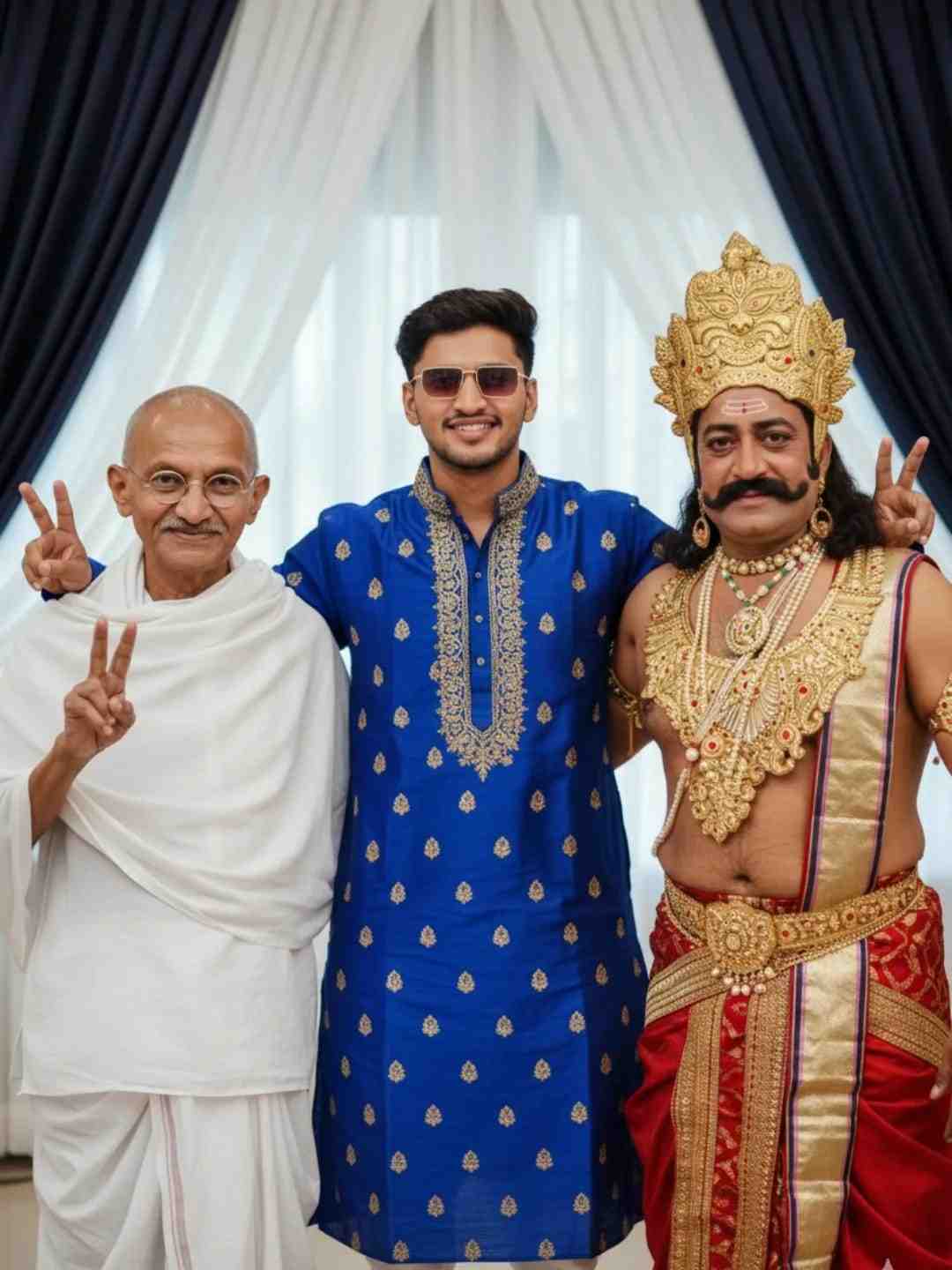
“A stands in the center with his arms around two people in costume. On his left is a man dressed as Mahatma Gandhi, wearing a simple white dhoti and shawl, round glasses, and showing a peace sign. On his right is a man dressed as a mythological king, wearing a golden crown, jewelry, and a red-golden royal costume, also showing a peace sign.
They are standing indoors with royal blue and white curtains in the background
Download these two Photos to create images
Conclusion
Friends, in this article, I have talked about how to create trending Dussehra and 2nd October AI photos using the Google Gemini app. With the new Nano Banana AI feature, you can easily generate realistic and high-quality images for Gandhi Jayanti by simply uploading a photo and entering a prompt. College students can get Gemini Pro free for 1 year, unlocking unlimited image creation and 2TB of Google Drive storage. If you need help or a tutorial, comment below—I’m here to assist!