
Friends, in this post, I am going to share amazing Google Gemini prompts on the occasion of Chhath Puja. These prompts will help you create realistic AI images for free. Chhath Puja is not just a festival; it’s an emotion for the people. During this festival, devotees stand in water for 24 hours, offering thekua, fruits, and prayers to the Chhath Goddess for the well-being and prosperity of their families. This deep devotion makes the festival unforgettable and special. That’s why I thought, why not make it even more memorable by providing the best Chhath Puja prompts?
Why do we celebrate Chhath Puja every year?
Chhath Puja is celebrated to honour the Sun God (Surya) and Chhathi Maiya, seeking their blessings for our family’s health, happiness, and prosperity. It is an ancient four‑day festival observed mainly in Bihar, Uttar Pradesh, Jharkhand, and Nepal. During Chhath, devotees fast, offer prayers at sunrise and sunset, take dips in rivers or ponds, and perform rituals without using idols or priests—everyone takes part directly. This festival is also about gratitude to nature, showing respect to the sun, water, and the earth, and it brings communities together in devotion and simplicity.
Best Google Gemini Prompts for Chhath Puja.
There are multiple Gemini Prompts out of which you can copy a prompt that fits your desired and create your real face image without any problem.
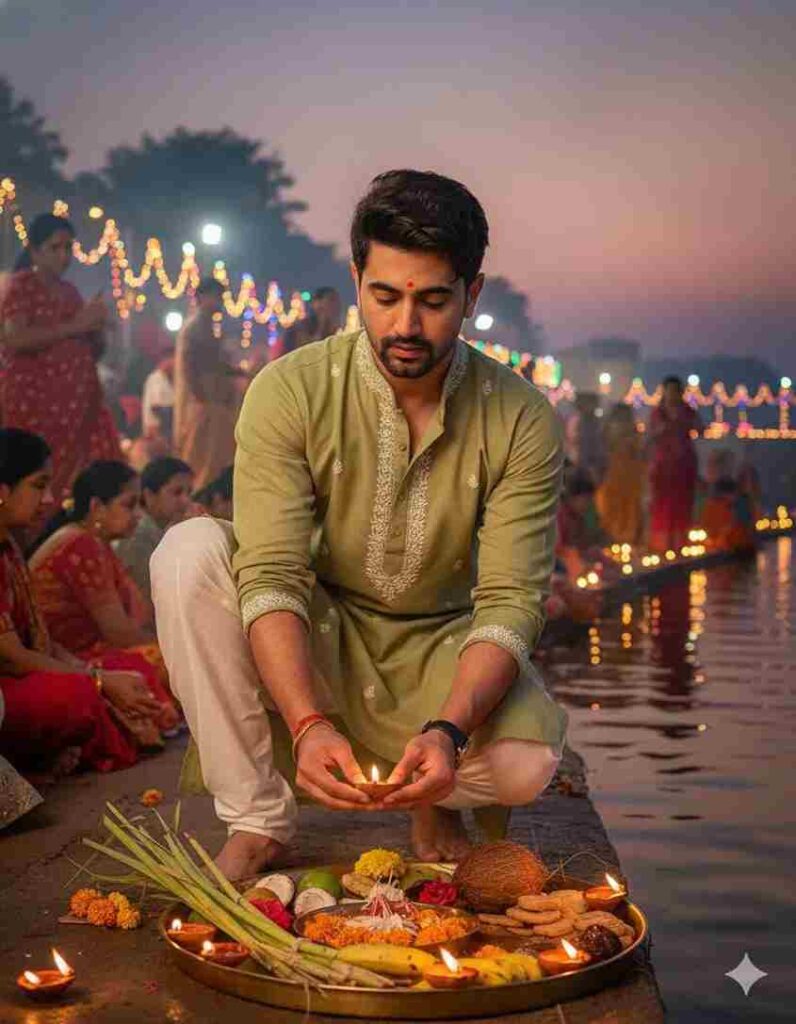
Create an image of chhath Puja celebration a festival of bihar. this picture is of evening and use the image provided of the man is lighting the lamp at Ghat, He's full of gratitude and devotion the ghats are all decorated with lights and soups for chath Puja and for celebration he's wearing a light olive kurta and white pajama with thread details this picture is Full of grace and emotion towards the festival
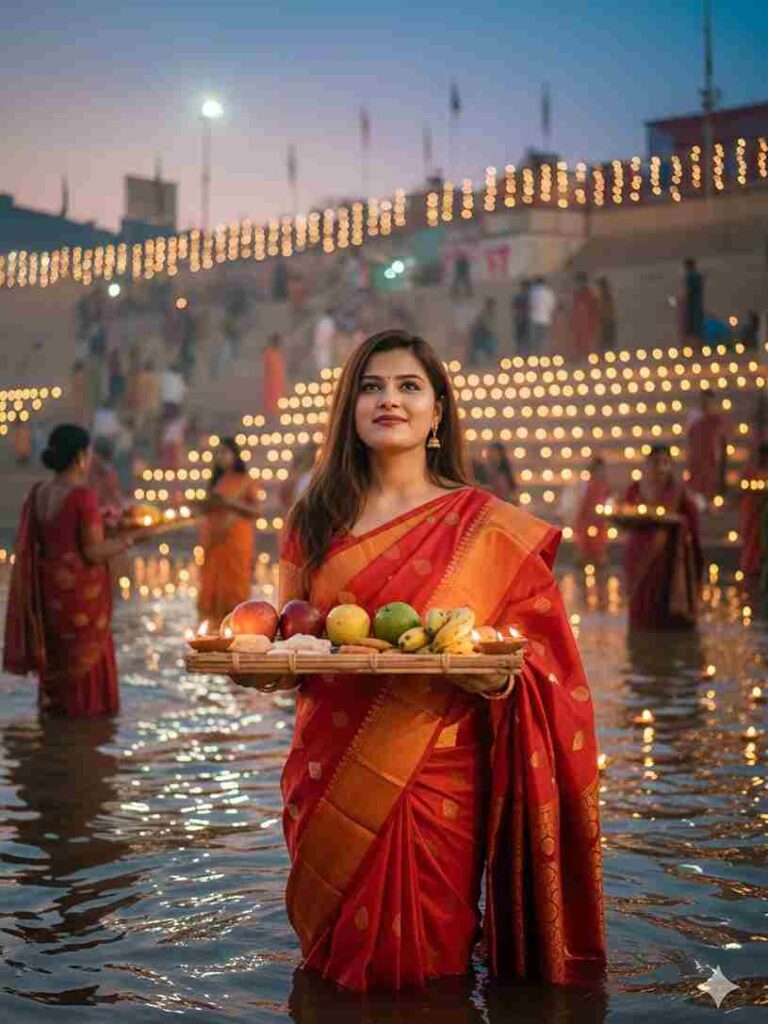
Create an image of chath puja celebration a festival of bihar. This picture is of evening and use the image provided of the girl where shes holding the rectangle bihari traditional soup full of fruits thekua, diya and standing in the water at the ghat, her hair is open and she's full of gratitude and devotion. The ghats are all decorated with lights and soups for chath puja and for celebration. She's wearing red banarasi silk saree with jewelry , pinteresty asthetics and has open silky hair.
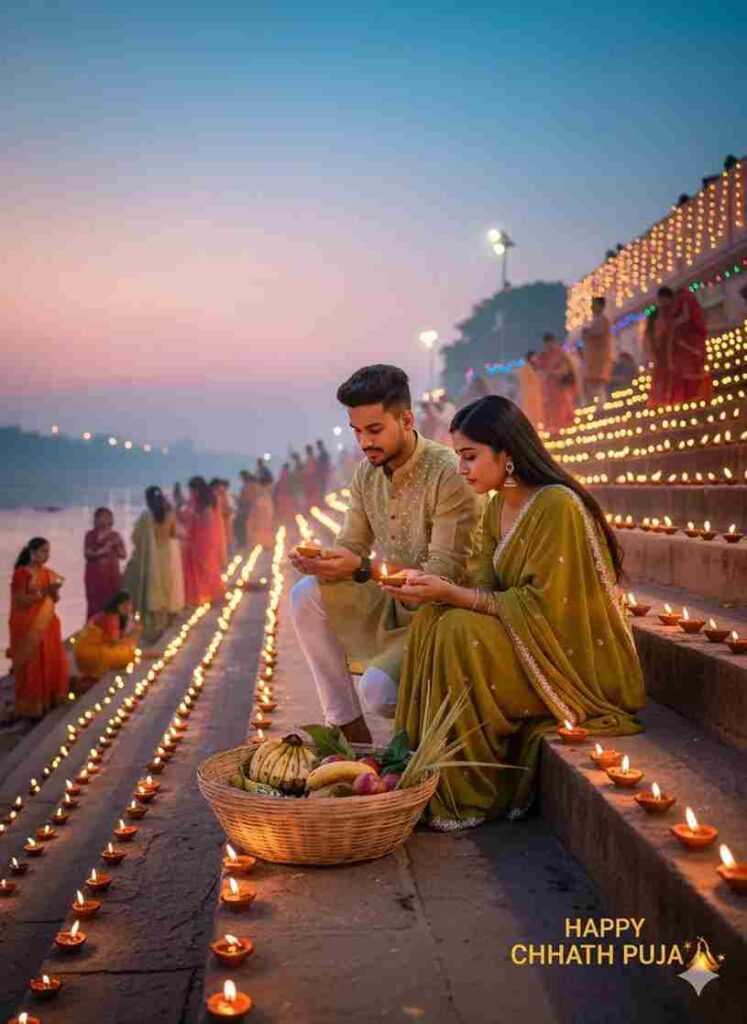
Create an image of chhath Puja celebration a festival of bihar. this picture is of evening and use the image provided of the yang 18 years old man and woman is lighting the lamp at Ghat, He's full of gratitude and devotion the ghats are all decorated with lights and sours for chath Puja and for celebration he's wearing a light olive kurta and white pajama with thread details this picture is Full of grace and emotion towards the festival
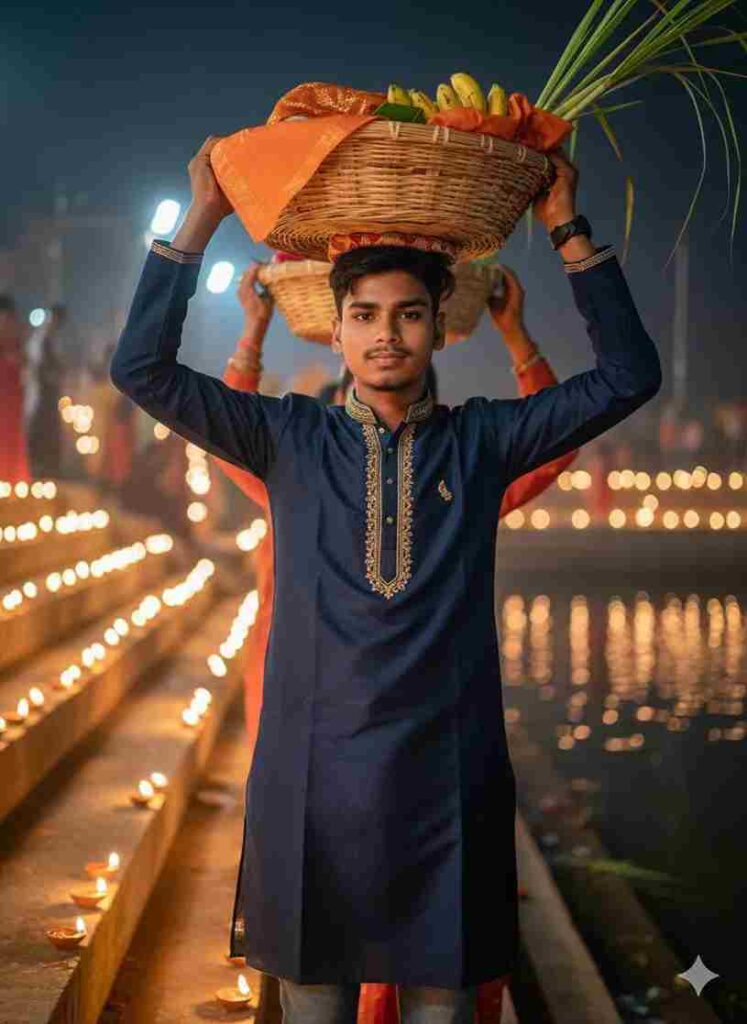
A cinematic photo of a boy celebrating Chhath Puja at the ghats, standing in the same position with a traditional red kurta and colorful embroidered scarf, holding a wicker basket of fruits and sugarcane above his head. The glowing diyas are floating in the river, golden reflections shimmering on the water, while people in the background pray with devotion. Premium ultra-HD detail, festive aura, divine lighting, cinematic colors
How to create the Chhath Puja Special AI Photo?
Guys, if you really want to create realistic images for free using Google Gemini AI, you’ve come to the right place! I’ve explained the entire process from A to Z — including how to copy and paste a prompt, and even how to sign in with your Google account.
Follow the simple steps below:
- First, install the Google Gemini app from the Play Store or App Store.
- Open the app and sign in with any Google account.
- Next, go to your browser and search for “Harish Edits,” then click on the website.
- Go to the website and copy any prompt you like.
- Now open the Gemini app; upload your image along with photos of Gandhi ji and Ravan ji.
- Paste the copied prompt into the app and generate your image.
- Finally, download the image and you’re done!
Conclusion
Guys, in this article, I have shown you how to create amazing AI images on the occasion of Chhath Puja using the Google Gemini App with realistic faces, and also discussed where to find the latest prompt and the full A-to-Z process. I hope you will get all the points, but if you still face any problem, then let me know in the comment box. I will try to reach you soon.