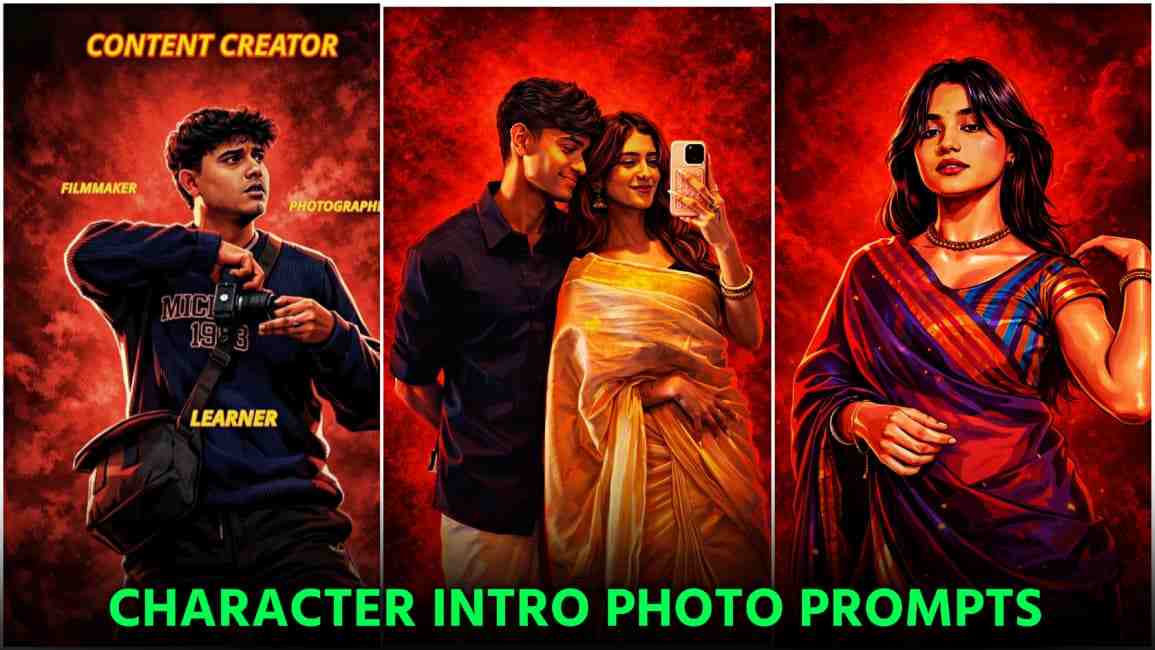
In this article, I am sharing an amazing ChatGPT character intro AI photo editing prompt that helps you turn your normal photo into a viral character intro style image. The good thing about this prompt is that it works perfectly for both boys and girls. Currently, this trend is going viral on Instagram, where people are creating cinematic character intro videos using AA23 music and the Powerhouse song and gaining a lot of views and engagement. That’s why I have shared this prompt along with a complete tutorial and a YouTube link for intro video editing, so you can easily create your own character intro image and video. Make sure to check out the entire article for better understanding and step-by-step guidance to follow this trending style.
Why this character intro trend going viral?
This character intro trend is gaining popularity because it allows creators to clearly present their identity and profession, such as content creator, editor, photographer, dancer, or their location. The use of background music like AA23 and Powerhouse complements this format, making the videos visually appealing and engaging. To create this edit, start by recording your video and importing it into CapCut or any professional video editing application. Capture a screenshot of the final frame, crop it properly, upload it to ChatGPT, and apply the prompt provided below to generate a character intro image. Then, import the generated image back into your editing app, apply suitable transitions and effects, and add descriptive text about yourself. Begin the video with the line “this is your sign to finally make an intro video.” For a clearer understanding, refer to the YouTube tutorial linked below.
Trending Character Intro Image Prompt for ChatGPT
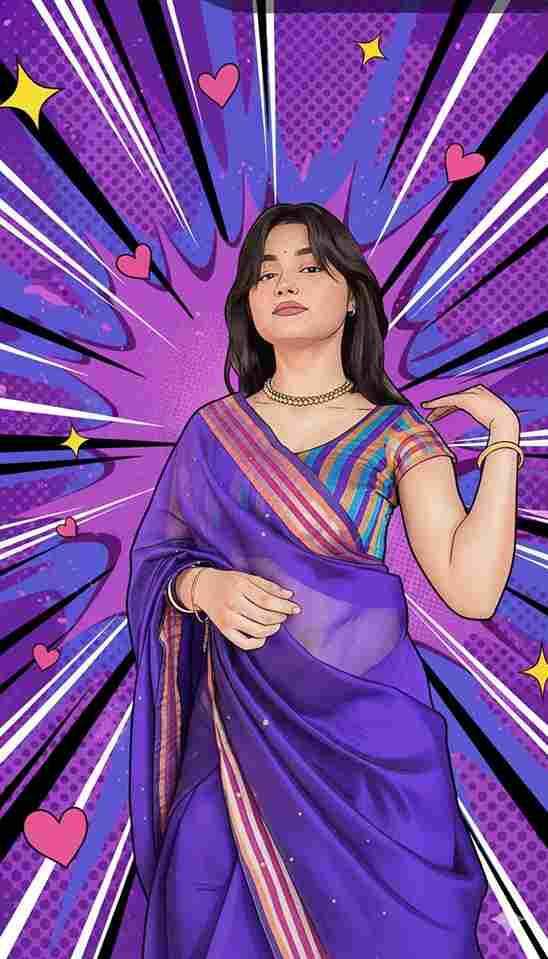
Transform the image into a high-end professional pop-art vector illustration. Use Clean vector shapes with accurate facial features, soft cartoon detailing, minimal halftone shading. Add comic bursts, dotted patterns, motion lines, energy effects, spark highlights using the photo's dominant colors. Bold outlines, crisp edges, vibrant balanced colors, fully color-adaptive pop-art background and some cute pink hearts, no white background, no blank edges, no borders, no frame, no empty space, no transparent background, no crop gaps, no unfinished background, no rough edges, no blur
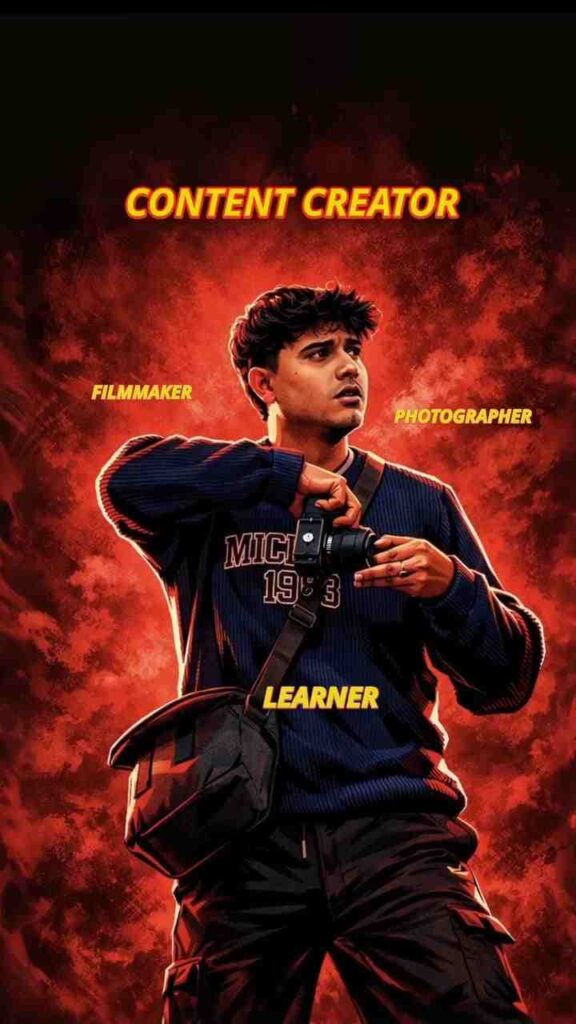
Create a cinematic digital illustration of the person in the reference photo Maintain the exact face identity hairstyle, expression skin tone and pose with zero distortion Transform the entire scene into a deep red high contrast Tamil gangster movie poster style. Replace the background with red gradients smoky atmosphere and subtle textures. Add bold comic book shading thick outlines, strong black shadows and glossy highlights on the skin and clothes. Stylize the outfit with richer tones clean folds and dynamic lighting while keeping the original clothing design Add intense highlights to the jawline cheekbones and edges of the body. Maintain the original pose and attitude Create a gritty powerful cinematic mood with dramatic lighting and high contrast Ultra-detailed sharp lines vibrant red atmosphere action movie poster energy, 4K illustration
How to make Character intro photo?
Follow these steps to create a character intro image using ChatGPT:
- Open any web browser and search on Google for Harish Edits.
- Visit the Harish Edits website and open the Character Intro post.
- Copy the prompt provided in the post.
- Click on the Create Your Image button.
- You will be redirected to ChatGPT; sign in if you are not already logged in.
- Upload your image to ChatGPT.
- Paste the copied prompt and wait for the image to be generated.
- Once the image is ready, download it and use it for your character intro edit.
Final Words
Friends, in this article I have explained how to create a trending character intro image using ChatGPT and also shared useful tips for making an intro video that is currently going viral on Instagram. I have included an embedded YouTube video below for reference so you can easily understand the complete process. In the YouTube video, I have explained everything from A to Z to help you create your intro video step by step. I hope this article helps you a lot, but if you face any problems or have questions, feel free to let me know in the comment box or through my Instagram handle.
YOUTUBE VIDEO⬇️