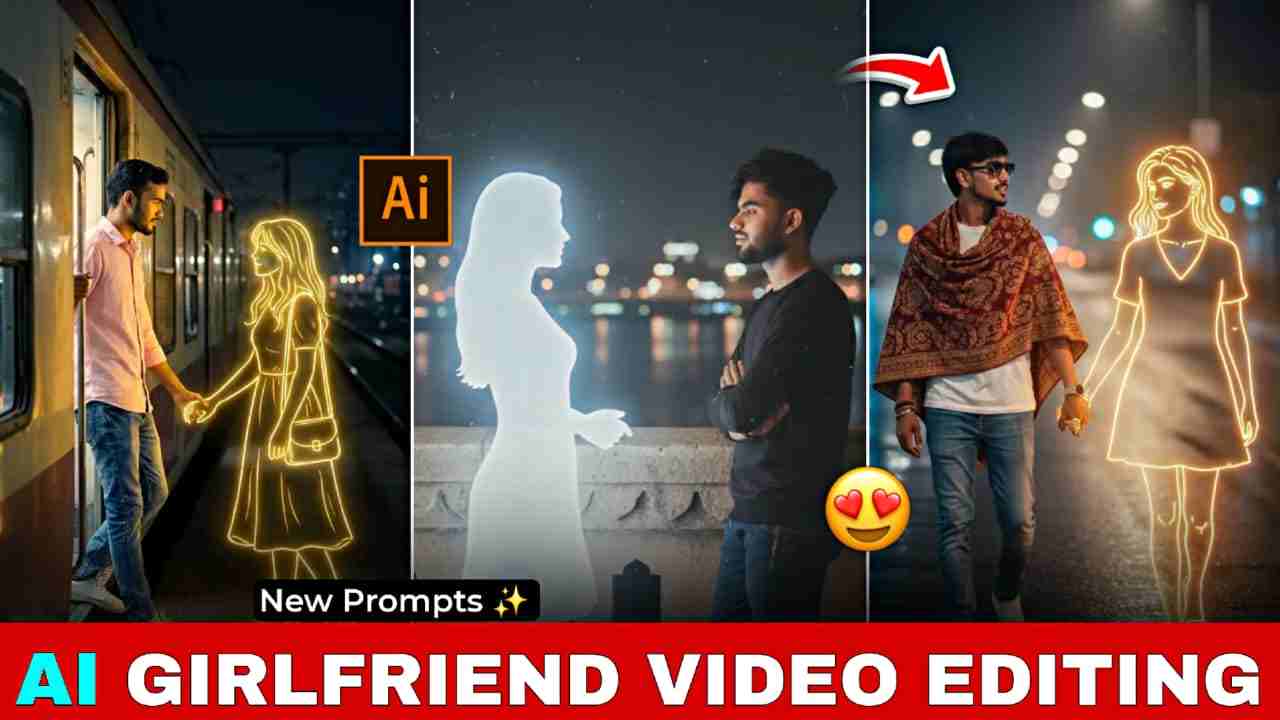
Friends, in this article, I’m going to talk about how to create AI girlfriend photos and videos that are currently blowing up on Instagram. People are making these trendy videos, uploading them on their accounts, and gaining millions of views. So I thought, why not share the trending Gemini prompts and the complete process through which you can easily create such viral reels? Below, I have shared the full process, so please read the entire article for better understanding.
Why is the AI girlfriend video going viral on Instagram?
The AI girlfriend video trend is going viral on Instagram because these reels include everything that represents a love story, along with a beautiful song that expresses the feelings of couples. Guys, if you have a girlfriend or a crush, you should definitely try this trend—it feels good for both you and your partner.
Below, I’ve shared some ready-made prompts. Just copy any prompt, open the Gemini app, upload your favourite picture, and paste the prompt. After a few moments, your image will be generated, and you can post it on Instagram.
Trending AI Girlfriend Photo Editing Prompts
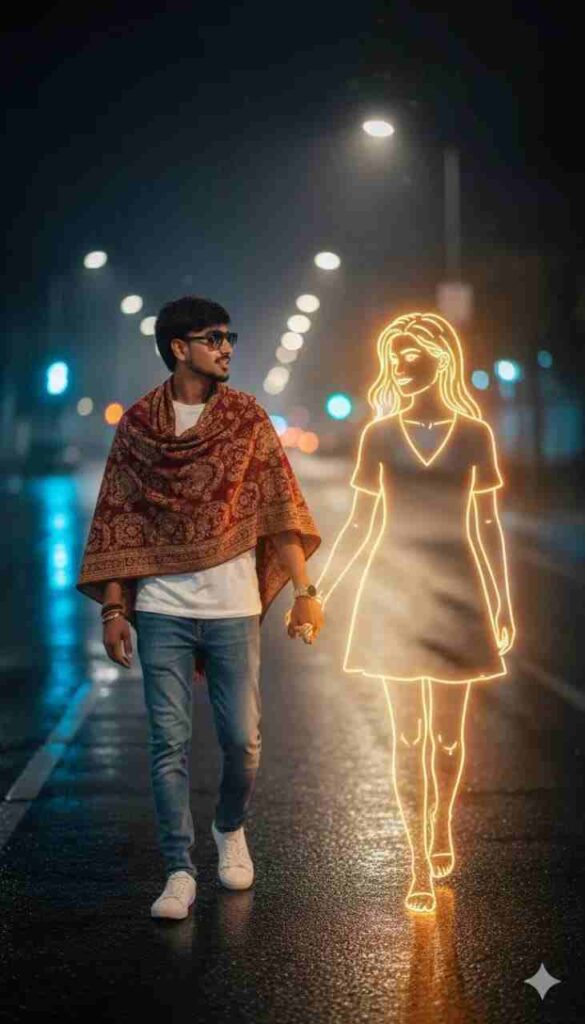
A photorealistic night-time portrait of me walking down an empty city street, wearing a white T-shirt, jeans, and white sneakers. No hair description. A warm shawl drapes loosely over my shoulders as I look to my side with a soft smile. Beside me walks a golden glowing neon-style illustration of a girl, perfectly aligned to my pace, her outline emitting soft white-golden light. She holds my hand gently, and her glow spreads across the wet street surface. City lights in the distance blur.
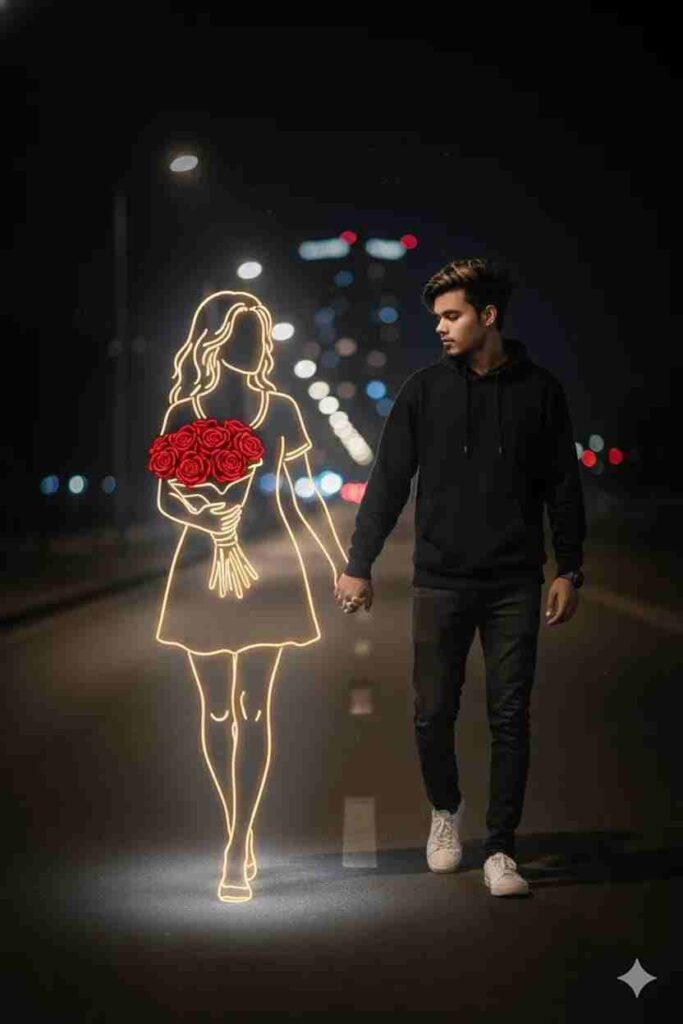
"A young man walks alone on a dimly lit path at night, wearing dark casual clothes and white sneakers. Beside him appears a Golden glowing neon-style illustration of a girl holding a bouquet of bright red roses. The neon girl emits a soft white light, contrasting against the dark, blurry background of city lights in the distance. The atmosphere feels calm, melancholic and slightly surreal, blending reality and imagination. 100% accurate my face, both holding hand middle of road.I want exact woman's same face as, I uploaded no alteration 100% same. Ratio 9:16."
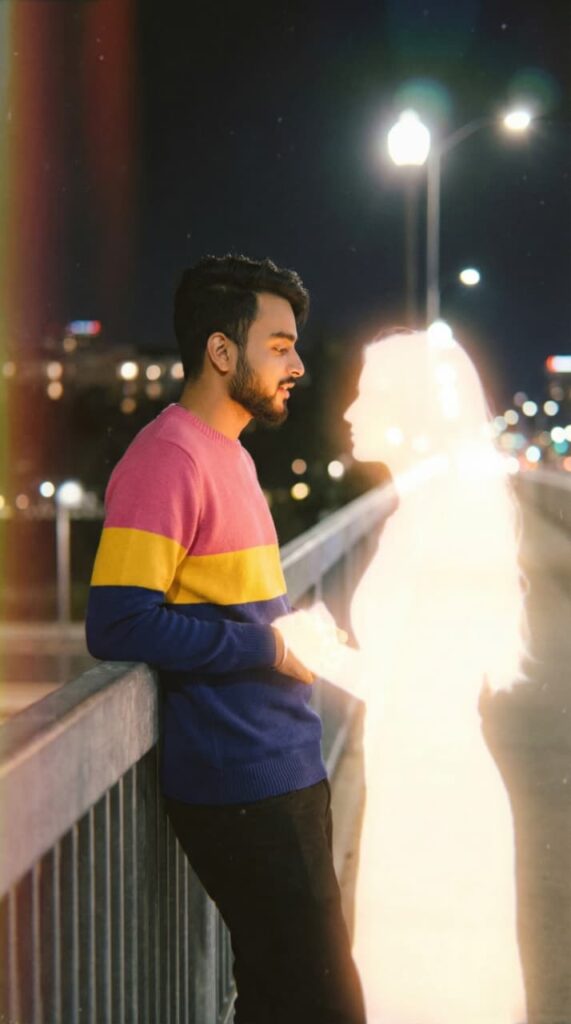
Retro cinematic photograph of a young man (uploaded image) standing on a bridge at night, facing and softly talking to a glowing imaginary girl. The girl has a delicate feminine silhouette made of soft white light with smooth edges, appearing like a memory or dream. Both stand close, slightly leaning toward each other in conversation. The camera captures a medium side shot showing their profiles from the waist up, with blurred city lights behind them. The image should have a nostalgic retro film look — slightly faded colors, soft focus, mild grain, and natural lighting. The glow from the girl should illuminate the man’s face subtly, with realistic shadows and highlights. The overall tone should be calm, emotional, and cinematic, resembling an old film still rather than a digital render. Add film texture, lens softness, and analog photo imperfections for authenticity.
Click on the button below for Image generation
Click the button below for video generation
How to create AI photo & video for free?
Follow the steps below to generate a trending reel:
- Open your browser or Google and search for “Harish Edits”.
- Visit the website, open the post, and copy the prompt.
- After copying the prompt, click on the “Create Your Image” button.
- Download your image and return to the same website.
- Click on the “Generate Video” button and sign in with your Google account.
- Upload your AI-generated image and type “add walk movement.”
- Now click on the “Create” button. After a few seconds, your video will be ready.
- Save it to your phone, and you can post it on any social media platform.
How to log in/ sign in on the Google Labs website?
Google Labs, also known as Flow AI, offers 1,000 credits when signing in with a Google account or an email address. With these free credits, you can generate high-quality AI videos from image to image or text, add movements, create animations, and test different styles. This makes it easy for beginners to learn and experiment with AI video features. You can upload your image, apply prompts, and use the credits to create smooth and realistic video results.
Conclusion
Guys, in today’s article, I have shared trending girlfriend prompts for AI image generation. This type of image creation is becoming very popular on Instagram, and many people are using these images to generate videos through Google Labs. Currently, Google Labs is free, and when you sign in, you receive some free credits for video generation. After your credits are used up, you can sign in with another account to continue creating photos and videos.
I hope you find this article helpful. If you face any issues, feel free to ask for help in the comment box.