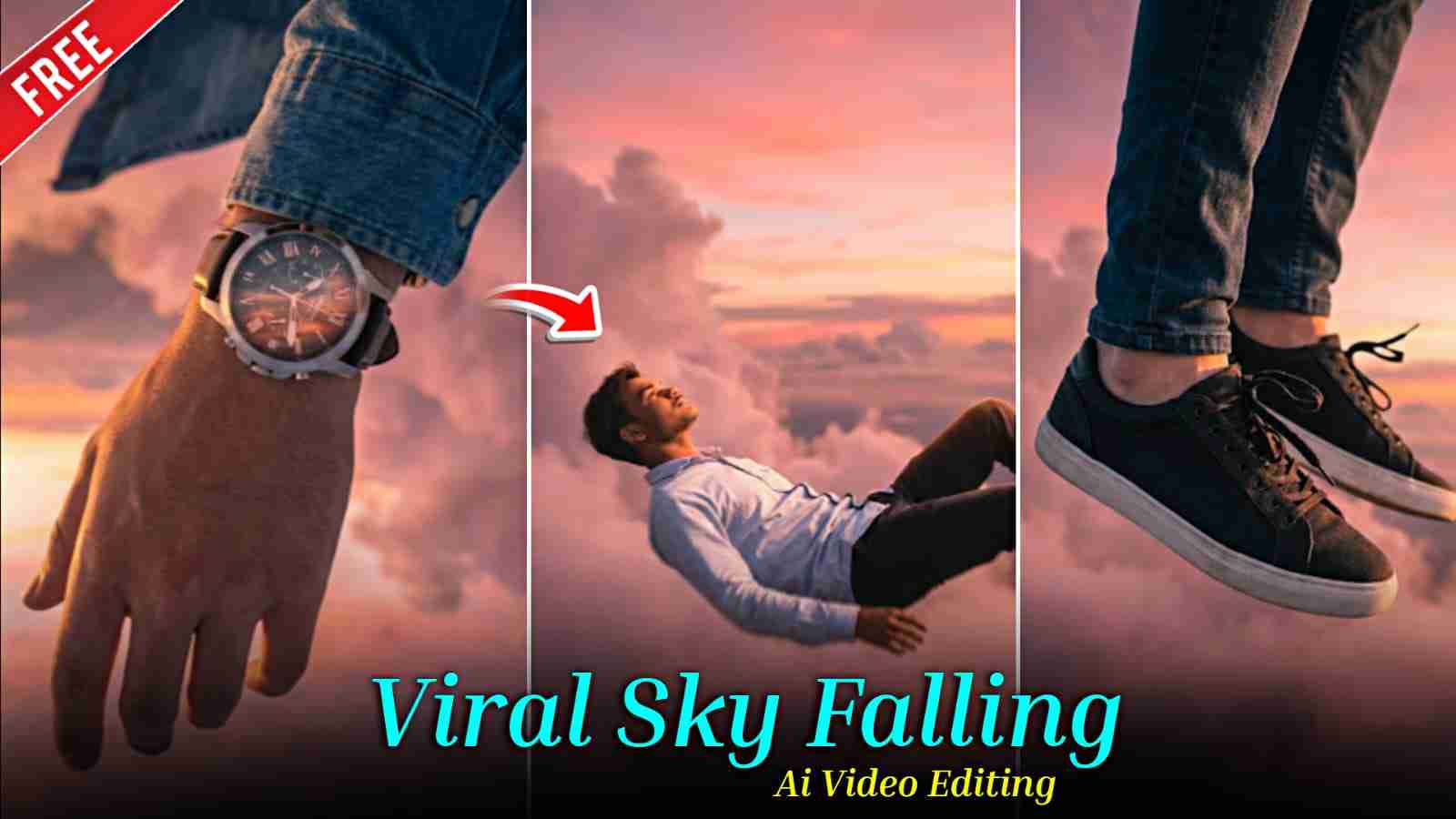
In this article, I’m sharing a few powerful prompts that will help you easily create AI images using Gemini AI and then convert them into viral flying AI videos for free using Flow AI. You may have already seen such trending Instagram videos where a person flies smoothly through the sky in a cinematic and ultra-realistic style—these videos look incredibly amazing and grab instant attention. That’s why I decided to share this method with my audience, so you can also create similar eye-catching content, upload it on social media, and gain more views, followers, and engagement. Make sure to read the entire article carefully for a clear, step-by-step understanding and the best results.
Why Man Flying in the Sky AI Trend Is Going Viral?
The man flying in the sky AI trend is going viral on Instagram Reels and YouTube Shorts because it looks exciting, cinematic, and different from normal videos. Seeing a person fly smoothly in the sky feels magical and instantly grabs attention, which makes people stop scrolling and watch till the end. With easy AI tools like Gemini AI and Flow AI, anyone can create these videos without professional editing skills. These videos often get more likes, shares, and replays, which helps them reach a larger audience. In simple words, this trend is popular because it turns imagination into realistic visuals and helps creators gain more views and followers quickly.
How to Create Flying Sky Ai Images?
Follow the simple steps below to create viral Man Flying in the Sky AI images using Gemini AI.
- Open Google or any web browser and search for “Harish Edits.”
- Visit the website and open the Man Flying in the Sky AI Video post.
- Copy the Man Flying in the Sky AI image prompt provided in that post.
- Click on the “Create Your Image” button given below the prompt.
- You will be redirected to Gemini AI.
- Upload your clear face photo (front-facing, good lighting).
- Paste the prompt and generate the image.
- Download the image and use it for posting or video creation.
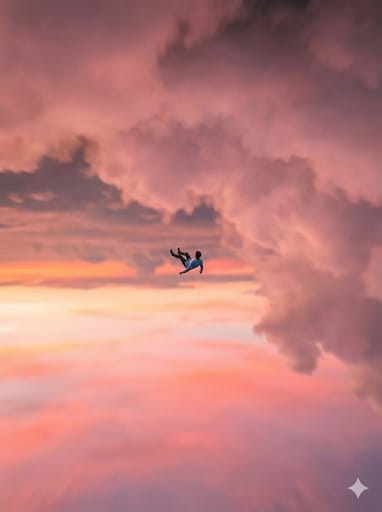
Take a picture from below as this man is very high in the sky, very small, slightly visible because he is very small, The camera is looking up, the sky is the same color, the angle is from bottom to top. The person has his back to us, we look up at the sky as in photo 2
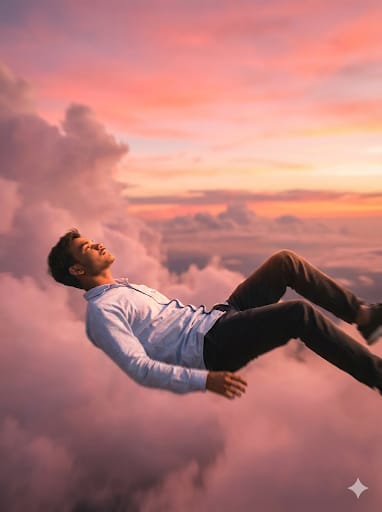
Generate a person from photo 1 . The location is very high in the sky at a slightly pinkish sunset, a man in a horizontal position in the effect of falling. The man's face is calm, he falls backwards. The frame is at the human level, we see it in full growth. movie shot, slightly blurred background, beautiful color correction
Video Prompt⬇️
A smooth frame descends smoothly, a man falls from the sky and the movement of the fall
How to generate AI Video from Images?
First, click on the “Generate Your Video” button given below. You will be redirected to Flow AI, where you need to click on Create with Flow. After signing in to your account, you will receive around 150 free credits for AI video generation, and each video usually consumes about 20 credits. Next, click on the New Project option, select Text to Video, and then choose the Frames to Video option. Upload your first and second Gemini-generated images, paste the video prompt, and submit it. After a short processing time, your AI video will be generated and ready to download.
How to Fix “Video Couldn’t Be Generated” Problem?
If you see the “video couldn’t be generated” error on Flow AI, don’t worry. This usually happens because many people are using the tool at the same time. Sometimes the progress stops at 99 percent, but the video is still being created in the background. In this case, close the tab, open Flow AI again, tap on your profile icon, and check the My Library section—you may find your video there. You can also refresh the page, start a new project, and upload your images and prompt again. Make sure you have enough credits, and if the issue continues, log out, sign in again, or try after some time.
Conclusion
In this article, I have explained how to create viral flying in the sky AI videos by providing ready-to-use AI image and video prompts along with a clear, step-by-step guide to generate the images and videos. I hope this article helps you easily create your own content. If you face any problems or have questions, feel free to let me know in the comment box or connect with me on my Instagram handle.