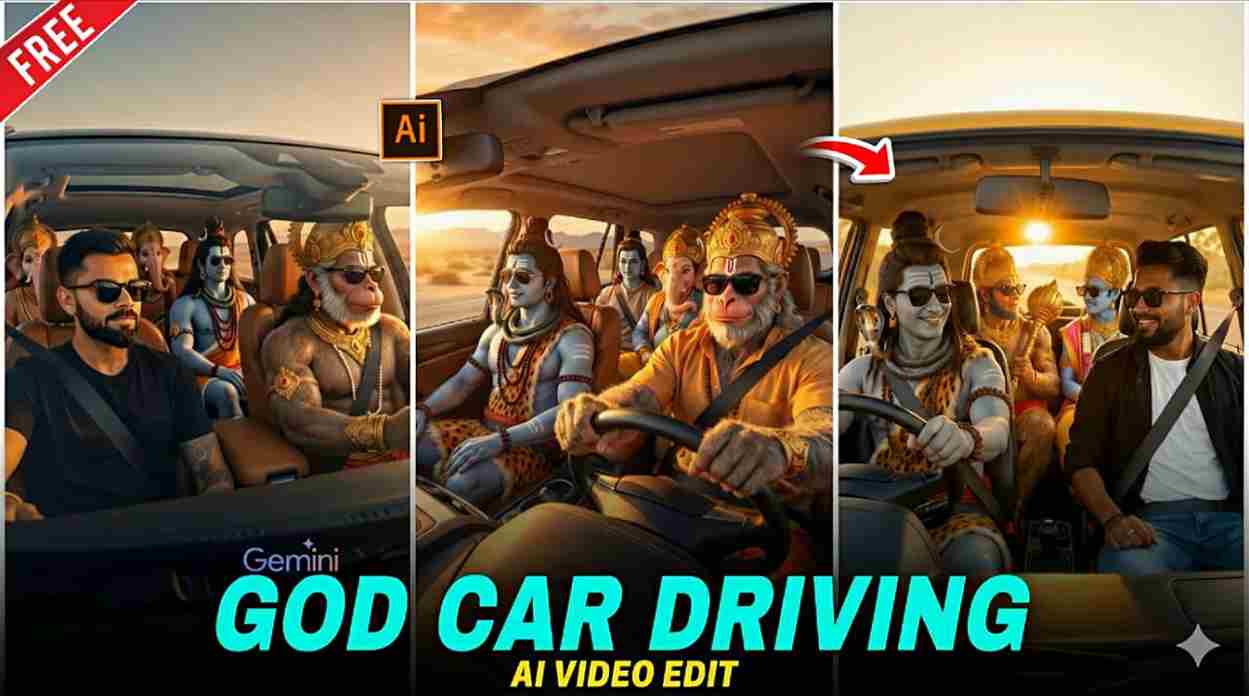
Friends, if you are active on Instagram, you may have noticed the God Driving Car AI videos that are currently going viral, where people are shown sitting next to God while driving a luxury car in a cinematic and emotional style. Creators are using AI to add their own faces, uploading these videos as Reels, and gaining massive views, followers, and engagement in a short time. In this article, I will share powerful AI image and video editing prompts along with a step-by-step explanation of how to create these visuals realistically and make them viral, so make sure to read the entire article carefully for the best understanding and results.
Why are the God Car Driving AI videos going viral?
The God Car Driving AI videos are going viral because they combine emotion, imagination, and personalization in a deeply engaging way—people see themselves riding with a divine figure in a cinematic, visually striking scenario that feels both inspirational and highly shareable. This trend taps into aspirational storytelling, allowing users to insert their own faces into dramatic, high-quality scenes that instantly grab attention while scrolling. Since platforms like Instagram strongly promote Reels and short-form videos, creators receive massive reach, engagement, and social proof, as viewers like, comment, share, and recreate similar videos, which further fuels the viral cycle.
How to Create God driving car AI Images?
Creating a viral God driving car AI image is very easy. Just follow the steps given below carefully, where each step is explained clearly for better understanding.
- Open Google or any web browser and search for “Harish Edits.”
- Visit the website and open the God Driving Car post.
- Copy the AI image generation prompt provided in that post.
- Click on the “Create Your Image” button given below the prompt.
- You will be redirected to Gemini AI.
- Upload your clear face photo (front-facing, good lighting).
- Paste the copied prompt into the prompt box and generate the image.
- Download the generated image and use it for video generation.
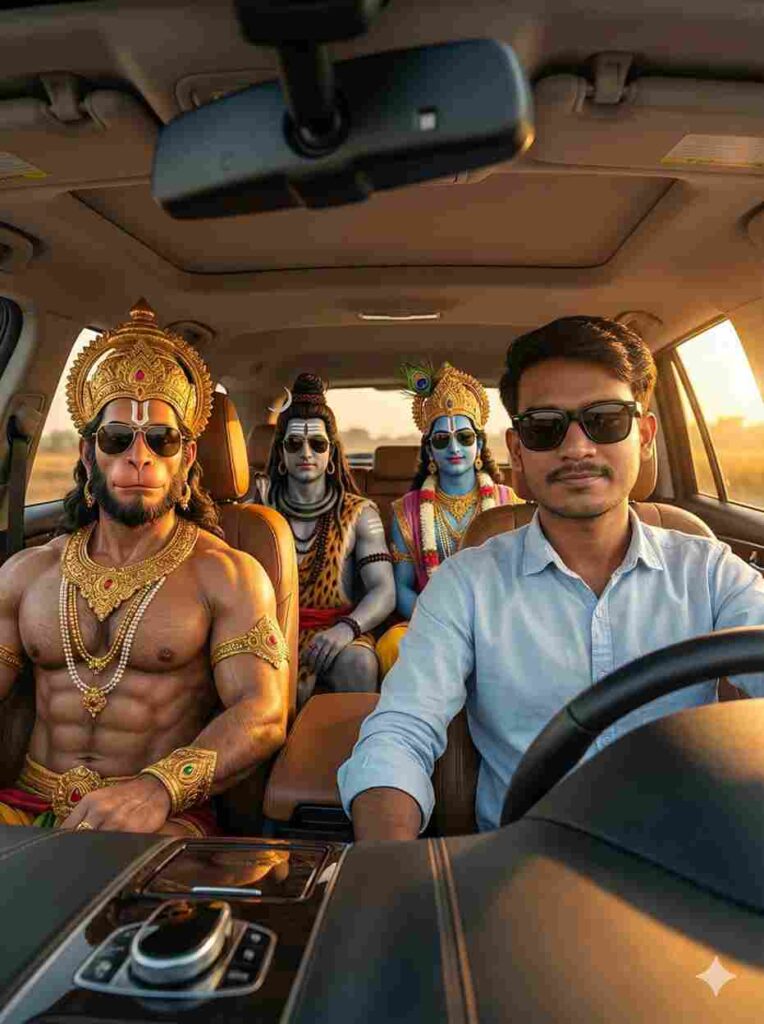
A cinematic, ultra-realistic shot taken from the front view (windshield angle) looking inside a modern luxury SUV during a golden hour sunset. The main subject is a young Indian man [reference image] sitting in the driver's seat, wearing a light blue shirt and stylish black sunglasses, looking cool and relaxed. Seated in the passenger seat is Lord Hanuman in a divine human form with a powerful physique and golden ornaments. In the back seat are Lord Shiva (with ash marks and rudraksha beads) and Lord Krishna (with a peacock feather crown). All the gods are also wearing stylish black sunglasses, blending a modern vibe with a divine aura. The car windows are open, and warm sunlight floods the cabin. 8K resolution, photorealistic skin texture, sharp focus, natural shadows, and highly detailed reflections.
How to Generate AI Videos Using AI Images (Step-by-Step)
After creating the God car driving AI image, go back to the Harish Edits website, copy the AI video prompt, and click on the Generate Your Video button to get redirected to Flow AI. Choose the Create with Flow option, sign in to your account, and click on New Project to receive around 150 free credits. Then select Text to Video, choose the Frames to Video option, upload your Gemini-generated image, and paste the copied video prompt. Wait for the processing to complete, download the generated video, import it into any video editing app, add your favorite music, make final edits if needed, and your God car driving AI video will be ready to upload.
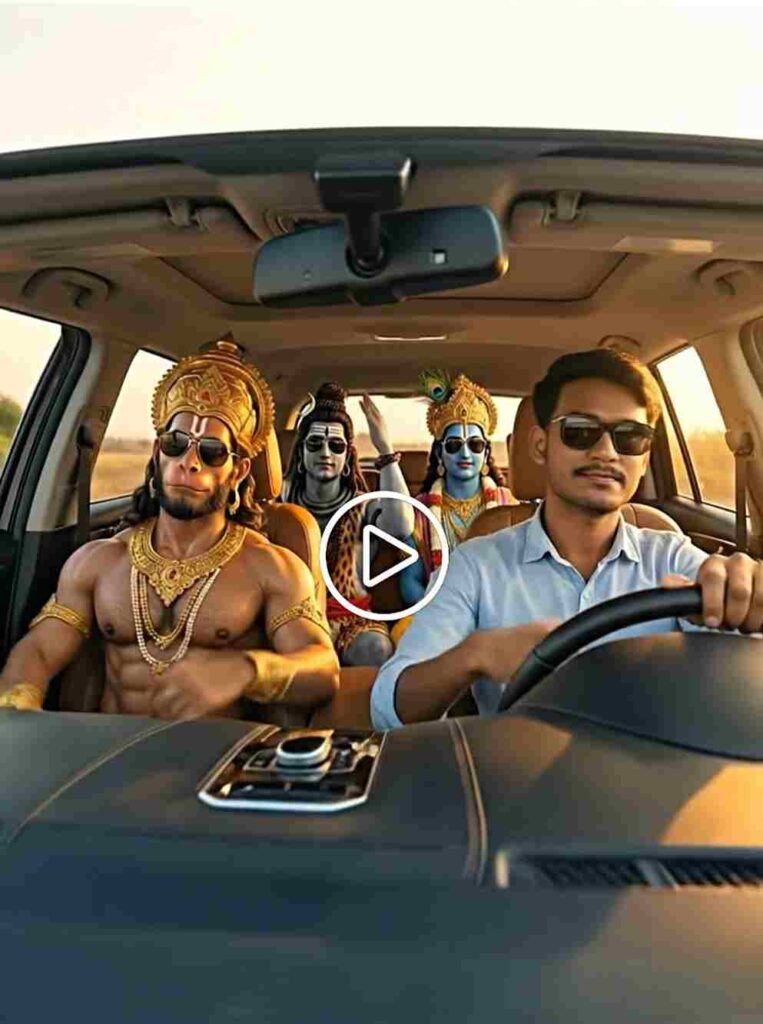
All four people inside the car are vibing to music with natural head nodding light shoulder movement subtle hand tapping and relaxed facial expressions
How to fix flow ai Vidoe generation problem?
Guys, if you are facing issues like “video couldn’t be generated, try again” or any other error, don’t worry. Sometimes, due to high demand, Flow AI is unable to generate videos on the first attempt. Simply try again after some time, and the video usually gets created—I’ve faced the same issue myself, so I’m sharing this from experience. If you run into a credit-related problem such as “not enough credits,” you can log in using another Google account to get fresh credits. Also, if you are using a Jio SIM, you may be eligible to claim a free Gemini Pro plan, which can help you continue your image and video generation without interruption.
Final words
Friends, in this article I have explained the complete process of creating viral God driving car AI images and videos in a simple and effective way using Gemini and Flow AI. I hope this guide helps you easily generate high-quality images and videos for your content. If you have any questions or need further help, feel free to ask in the comment section or connect with me on my Instagram handle.