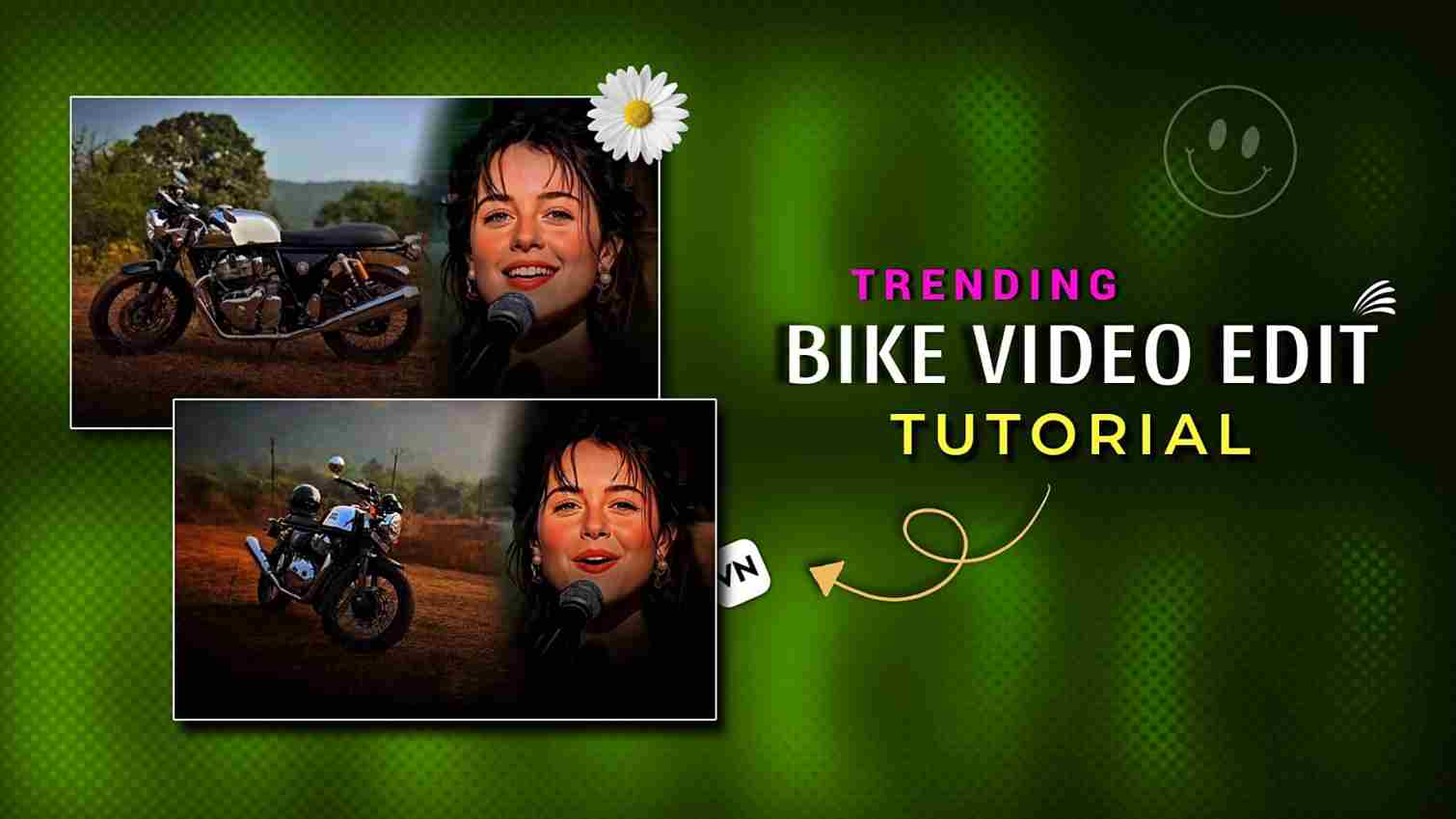
In this article, I will show you how to edit a trending bike video on the “Callin’ U” song, which is currently going viral on Instagram. I have seen many bike reels using this song, and if you are a bike lover, you will definitely enjoy trying this edit. The editing process is very simple and takes only a couple of minutes to complete. Just follow the step-by-step instructions given below for better understanding, and I have also shared all the materials used in this reel below to make the editing easier for you.
Why is this bike video edit trending on Instagram?
This bike video edit is trending on Instagram because it beautifully represents dedication to one true passion, and for bikers, that passion is their bike. Riders often share a deep emotional connection with their machines, and the Callin’ U song perfectly captures that feeling. The lyrics, “I don’t need nobody, I don’t fear nobody, I don’t call nobody but you, my one and only,” sung by Elyanna, strongly resonate with people who stay loyal to what they love the most. This emotional alignment makes the edit relatable, powerful, and highly shareable, which is why it’s going viral, and the song can also be used to express love and dedication toward anything or anyone that truly matters to you.
How to make this bike video edit on VN App?
This bike video edit is very simple to create. First, record a few clips of your bike from different angles, such as the front, back, and side views. Then import all the clips into VN Editor and remove the unnecessary parts, keeping only the required footage with a total duration of around 11 seconds. After that, go to the overlay option and import the girl singing the song clip that I have provided below. Use the mask tool, select the circle option, adjust it properly, and slightly increase the feather for a smooth and clean look. I have also provided custom lyrics that I personally created for you—using them will help improve audience engagement. Once you complete these steps, your video will be ready. The same process can be followed on other mobile video editing apps like CapCut, InShot, and more.
Download Girl Clip ⬇️
What Is VN Video Editor and Its Features?
VN Video Editor is a free and easy-to-use mobile and desktop video editing app that is popular for creating high-quality videos and reels. It offers powerful features such as multi-layer timeline editing, precise trimming, speed control, keyframe animation, filters, transitions, text and subtitle tools, and advanced overlay and masking options. One of its standout features is the VN Code Template, which allows users to share and apply ready-made editing projects using a simple code, making complex edits quick and effortless. VN also supports high-resolution exports without watermarks, making it a favorite choice for content creators on platforms like Instagram and YouTube.
Final words
In this article, I explained how to create a trending bike video edit on the Callin’ U song that is currently going viral on Instagram. I also shared why this edit is so popular among bikers and how the song’s lyrics connect emotionally with riders. By following the simple editing steps using the VN app or any other mobile editing app, you can easily make this edit in just a few minutes. I have also mentioned the features of VN Video Editor to help you understand why it is a good choice. If you are a bike lover, this edit is definitely worth trying to create engaging and viral Instagram reels. If you have any doubts or face any issues while editing, feel free to let me know on Instagram—I’ll be happy to help.