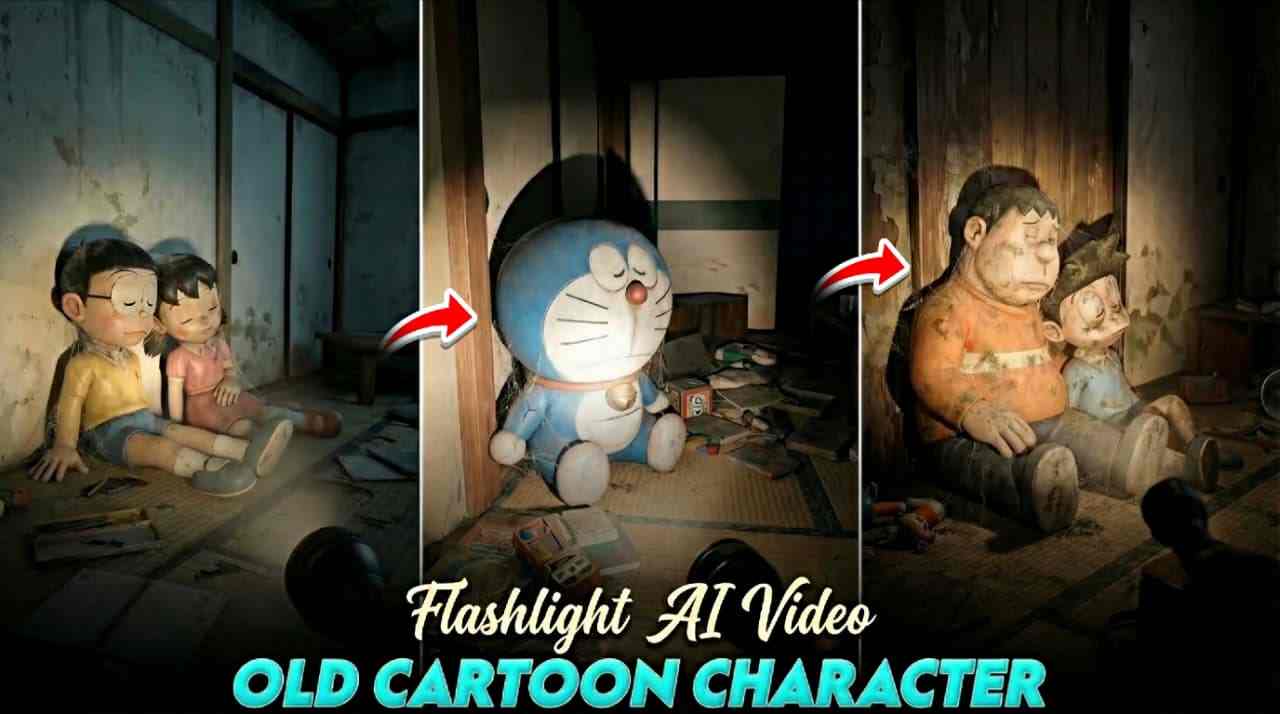
In this article, I am going to share some powerful AI flashlight prompts that help create abandoned images and videos of old cartoon characters such as Doraemon, Nobita, Shizuka, and Motu Patlu. These emotional and cinematic AI videos are currently going viral across social media platforms. By creating and uploading abandoned cartoon AI reels, many creators are gaining millions of views and followers. You may have already seen such reels where childhood cartoon characters appear alone in dark, abandoned places with a flashlight, creating a strong feeling of nostalgia. If you also want to create these types of AI images and videos, there is nothing to worry about. In this article, I will explain the complete process in simple and easy steps so that even beginners can follow and create high-quality AI content.
Flashlight Abandoned AI Videos Explained
A flashlight abandoned AI video is a cinematic, artificial intelligence–generated video in which a cartoon character is shown in a dark, broken, or abandoned environment. The character is either holding a flashlight or illuminated by a soft flashlight glow, which creates a dramatic and emotional atmosphere. These videos often represent feelings of loneliness, forgotten memories, and lost childhood moments. The dark surroundings, combined with realistic lighting and slow camera movement, build a strong nostalgic connection with viewers. Because of this powerful emotional storytelling, flashlight abandoned AI videos perform extremely well on social media and attract high engagement, including likes, shares, and comments.
How to create old cartoon character Ai Image?
Follow the Steps Below to Create an Old Cartoon Character Flashlight AI Image ⬇️
- Open Google on your browser and search Harish Edits.
- Visit the Flashlight AI post on the Harish Edits website.
- Copy the Old Cartoon Character AI image prompt from the post.
- Click the Create Your Image button.
- Log in with your Google account if required.
- Tap on New Chat to start a new session.
- Upload your cartoon photo for better results (optional).
- Paste the copied Flashlight AI prompt into the prompt box.
- Click Generate and wait a few seconds.
- Download the final old cartoon character flashlight AI image to your device.
- Create at least two images for video generation.
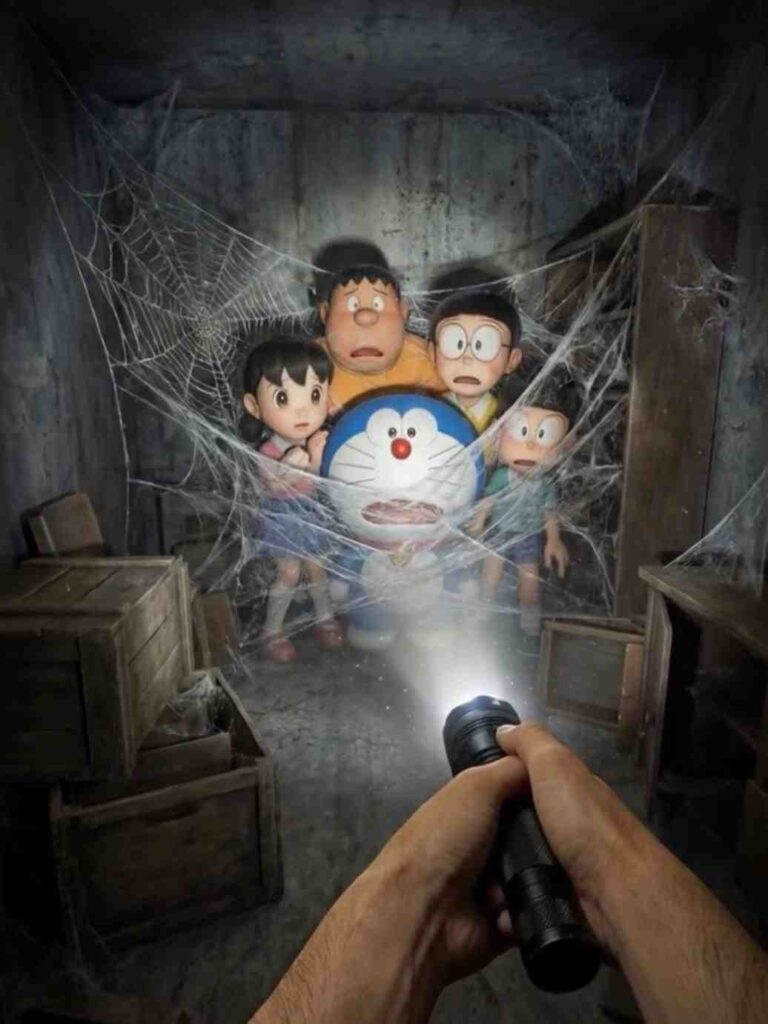
Use the uploaded image of the character as an exact reference. Preserve the original
proportions, materials, colors, textures, and facial features. Do not alter the design and do not
stylize the character. A first-person point-of-view shot inside an abandoned space [LOCATION TYPE: television studio / advertising set / real filming location].
The viewer is holding a flashlight, creating a single circular beam of light while the rest of the
space is engulfed in darkness. In the flashlight beam, it is visible that the character is positioned as if it was left behind after filming: [POSITION: lying on the floor / curled up in a corner / leaning against a table / slumped against a wall]. The character must appear completely lifeless and inactive: no action, no intentional pose, no sense of presence. If it is a doll or a costume, there must be no visible hands, rods, strings, or person inside. The character appears old, dirty, and abandoned: worn fabric, accumulated dust, stains, discoloration, flattened or damaged areas. The environment is clearly abandoned: dusty surfaces, old filming equipment, cables scattered on the floor, faded signs or set decorations. Dust particles float within the flashlight beam; the space feels silent and untouched for years. Photorealistic flashlight-based lighting, harsh shadows, rough textures, documentary realism,
on-location shooting aesthetics, no stylization Aspect Ratio 9:16
How to Generate AI Video using images and Prompts?
After creating the old cartoon character AI images, copy the video generation prompt given below and click on the Generate Video button. You will be redirected to Flow AI, where you can easily log in using your Google or Gmail account. Once logged in, click on New Project, select the Text to Video option, and then choose Frames to Video mode. Upload the first and second images, paste the video prompt into the prompt box, and wait a few moments for the video to generate. To continue the sequence, upload the second and third images in the same way, repeat the process, and your complete old cartoon character flashlight AI video will be created.
The camera represents a real human point of view walking slowly inside the same location.
Movement is grounded and realistic: subtle vertical bob from footsteps, gentle side-to-side sway, imperfect handheld motion. The viewer is holding a flashlight; the beam reacts naturally to walking and turning with delayed movement, small overcorrections, uneven scanning.
The character remains completely still and lifeless: no animation, no blinking, no breathing, no
movement. Only environmental motion: floating dust, minimal light flicker, very subtle movement of loose elements. The environment stays consistent the whole shot: no set changes, no teleporting, no new objects. Photorealistic video, found-footage realism, handheld walking camera, low light, strong shadows, gritty textures, natural imperfections
Conclusion
Friends, in this article I have explained a simple and beginner-friendly method to create old cartoon character flashlight AI images using Gemini AI and then convert those images into cinematic videos using Flow AI. By following the step-by-step process shared above, you can transform normal photos into emotional and nostalgic cartoon-style visuals and use them to create trending Instagram reels. This type of content is currently going viral on social media and helps creators gain more reach and engagement. If you have any questions or face any issues, feel free to comment below or message me on my Instagram handle. I will try my best to help you as soon as possible.