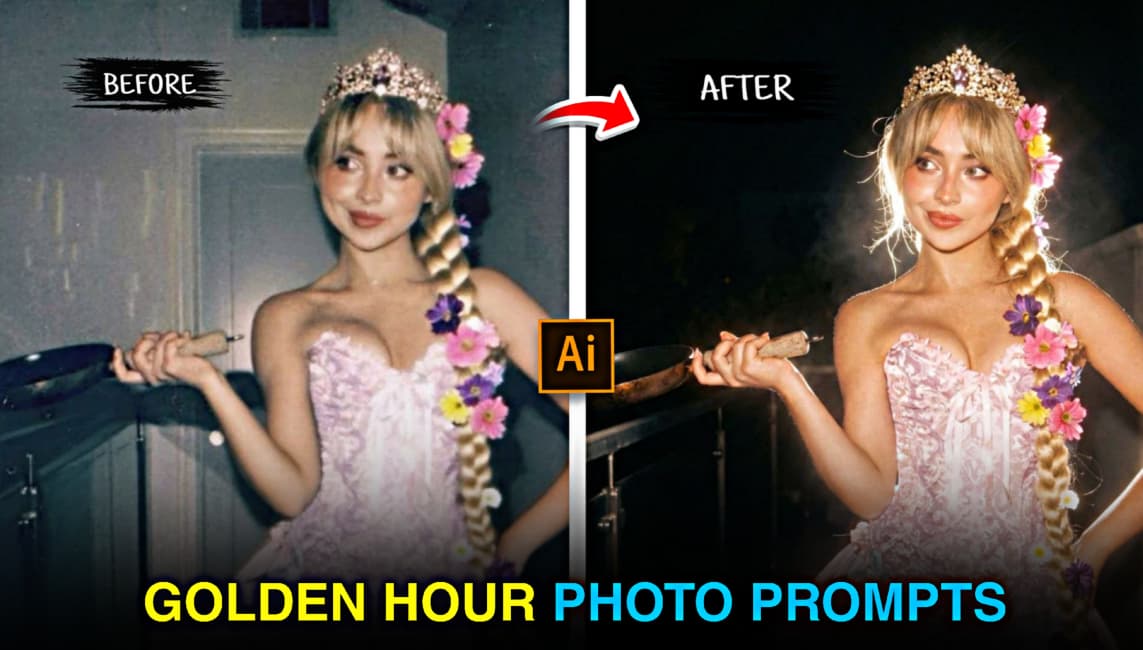
Friends, in today’s article I am sharing trending Gemini AI photo editing prompts that help you easily convert a normal photo into a beautiful golden hour image with an aesthetic and professional look. Golden hour photos are currently trending on Instagram, and many creators are using Gemini AI image prompts to create viral content without manual photo editing. In this article, I have provided ready to use Gemini prompts that you only need to copy and paste, upload your photo, and instantly generate a cinematic golden hour effect. Read the complete article carefully to understand the full process and get the best results from AI golden hour photo editing.
Why Are Golden Hour AI Photos Going Viral on Instagram?
Golden hour AI photos are going viral on Instagram because they create a warm, natural, and visually pleasing look that instantly catches attention. The soft golden lighting makes photos feel calm, aesthetic, and professional, which helps them stand out while scrolling. AI tools allow anyone to achieve this golden hour effect in seconds, even without photography or editing skills. Many creators use these images to get more likes, saves, and shares, and as popular influencers adopt this style, it continues to spread rapidly across Instagram.
Trending Golden Hour AI Photo Prompts
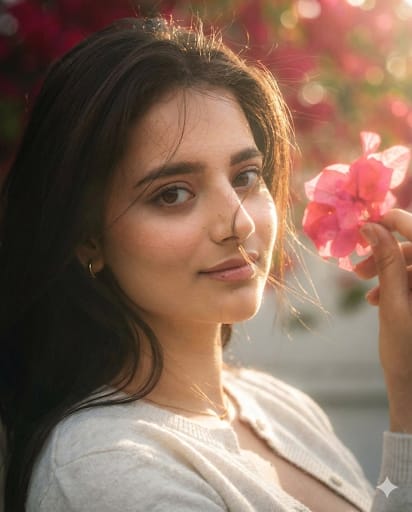
apply an ethereal lighting filter to the uploaded photo while fully preserving the original subject and background. Elevate the image using soft, dreamy sunlight similar to late-afternoon golden hour. Add diffused sunbeams striking the subject’s skin, creating a glowing highlight on cheekbones, nose bridge, lips, and hair strands. Maintain clear separation between bright sunlit areas and soft, deep shadows to create a cinematic high-contrast mood. Inject subtle lens bloom, light haze, and a thin layer of atmospheric glow around the face and shoulders. Render skin with luminous translucency and gentle peachy tones. Enhance stray hair strands backlit by sunlight. Color-grade with slightly lowered saturation, and gentle film-like grain. Keep the overall background intact but allow sunlight flares and soft bokeh to wrap naturally around the subject. The final result should look like a soft, ethereal daydream—sunlit, delicate, and cinematic—while keeping every original detail of the photo unchanged except for lighting, glow, and color mood. Hard rule: Do not change the face and hairs of the subject.
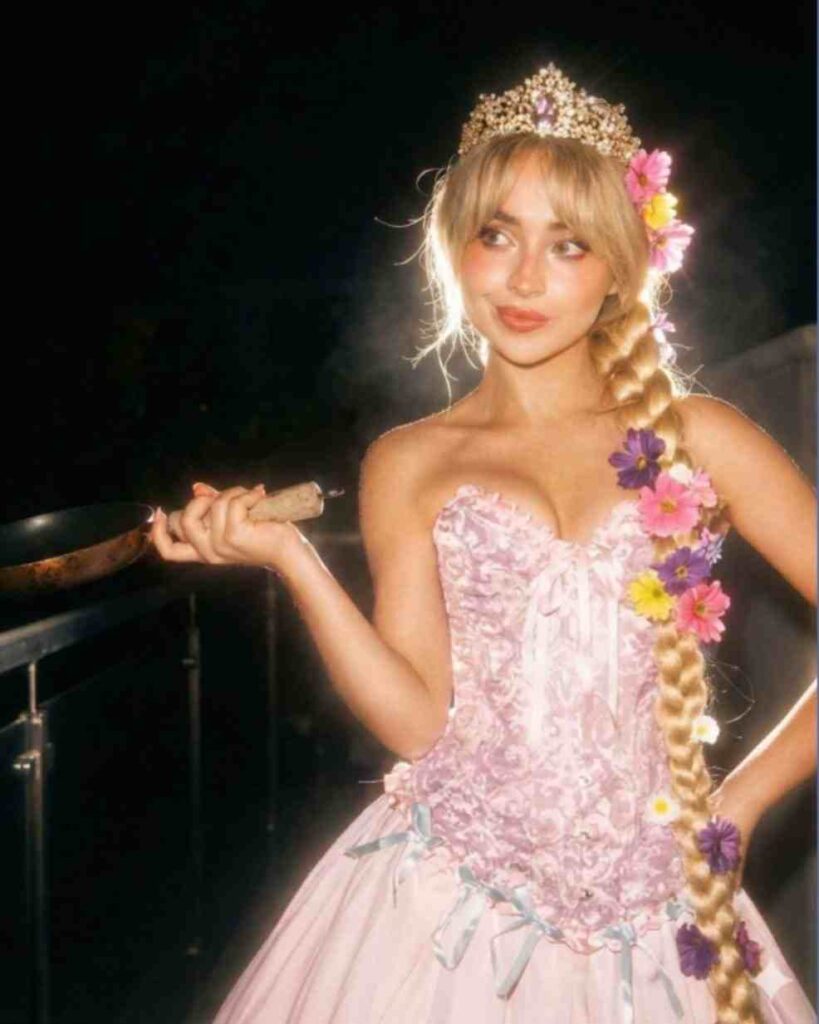
Apply a bold night-flash aesthetic to the uploaded photo while fully preserving every original detail of the image. Hard rule: Do NOT change, reshape, beautify, replace, or alter the subject’s face or hair in any way. Face identity, facial structure, skin details, and hair must remain 100% identical to the original photo. Pose, Composition & Framing (LOCKED) Keep the exact same pose, posture, body position, camera angle, framing, crop, and perspective Do NOT move, rotate, resize, or reposition the subject Do NOT alter lens characteristics, focal length, or framing Composition must remain pixel-identical, except for lighting effects. Lighting & Mood Maintain a dark, deep, realistic nighttime environment Preserve all existing shadows, silhouettes, and background details Do NOT brighten or modify the background, except for subtly enhancing existing point lights Illuminate the subject using a strong, warm, direct front-facing flash The subject must be the brightest element in the entire frame Flash focused on the face and upper body Strong separation between bright highlights and soft, deep shadows for a cinematic high-contrast look Add subtle lens bloom, light haze, and a thin atmospheric glow around the face and shoulders Render skin with luminous translucency and gentle peachy tones Enhance stray hair strands with soft backlit highlights Do NOT alter face texture, facial structure, or hair shape Final Goal: Create a cinematic night-flash portrait , with foreground blur and depth layers, while keeping the subject’s face, pose, and composition perfectly
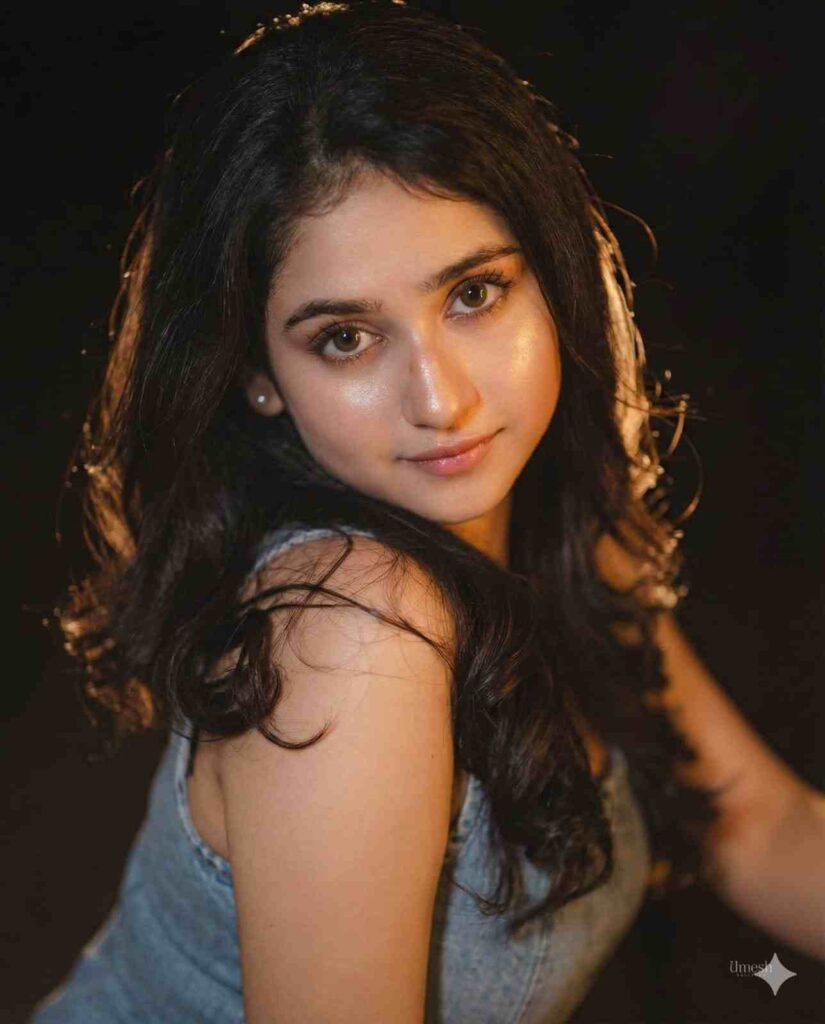
Apply a bold night-flash aesthetic to the uploaded photo while fully preserving every original detail of the photo unchanged except for lighting, glow, and color mood. Keep the nighttime environment dark, deep, and unlit, maintaining all existing shadows and silhouettes. Do not brighten or alter the background except for slightly enhancing existing point lights to keep the night atmosphere realistic. Illuminate the subject with a strong, warm, and direct front-facing flash. The flash should be drawn precisely to the face and upper body, making the subject the brightest element in the entire frame. Add diffused sunbeams striking the subject's skin, creating a glowing highlight on cheekbones, nose bridge, lips, and hair strands. Maintain clear separation between bright sunlit areas and soft, deep shadows to create a cinematic high-contrast mood. Maintain body pose.
Steps to Create a Golden Hour AI Photo
Turn your normal photo into a realistic Golden Hour AI portrait using simple Golden Hour AI prompts. Create professional-quality images with warm sunset lighting, soft shadows, and a natural glow in just a few steps using Harish Edits prompts.
- Open Google Chrome and search “Harish Edits Golden Hour AI Photo Prompts.”
- Visit the website and copy any Golden Hour AI prompt you like.
- Click on “Create Your Image.”
- Sign in to the Gemini AI image generator if required.
- Upload your photo and paste the Golden Hour AI photo editing prompt.
- Click Generate and wait a few seconds.
- Regenerate if needed, then download your final Golden Hour AI image.
Final Words
Friends, in this article I have explained how you can easily create Golden Hour AI photos using Gemini AI and ready-made prompts. By following the simple steps shared above, you can convert your normal photos into professional and aesthetic Golden Hour images and use them to create trending content on Instagram. If you have any queries, let me know in the comments or message me on my Instagram handle. I’ll try to reach you as soon as possible.