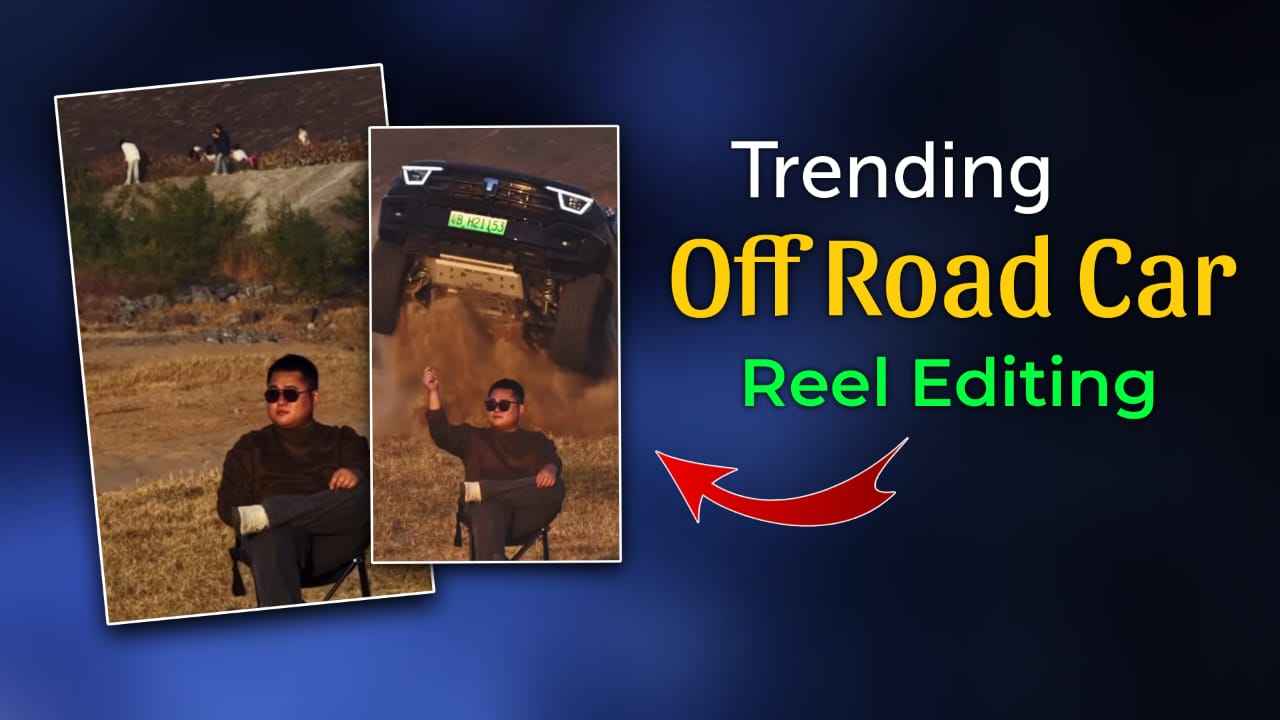
Trending AI Car Stunt Reels Editing Prompts 2025 – Friends, AI car stunt reels are going viral on Instagram in 2025 because they look realistic, cinematic, and full of action. In these reels, a boy or man is sitting calmly on a chair in an open field while a car performs off-road stunts, drifting, or jumping behind him, which looks very impressive and attracts millions of views and likes. Many people want to create similar reels but don’t know the correct or easy method. In this article, I have explained everything in simple language, from using the right AI car stunt prompts to generating professional-looking reels in just one click. If you read this article carefully, you will easily understand how to create trending AI car stunt reels and make viral videos for Instagram in 2025.
Why is AI-based car stunt reels Going Viral?
Right now, AI-based car stunt reels are rapidly gaining popularity across Instagram and other social media platforms, and creators who use this trend early have a strong chance of achieving viral reach. Trends depend completely on timing, and since this one is still active, it’s the perfect moment to create and post such content. The good news is that making AI car stunt videos does not require complex editing skills—you only need a single photo to get started. In this article, I have shared unique and SEO-friendly AI car stunt reels editing prompts along with a reliable method that delivers realistic and cinematic results. These videos are not created using ready-made templates, but through a tested and practical process. By following this guide, you can easily create high-quality AI car stunt reels and publish them on Instagram or Shorts to gain massive views and engagement in 2025.
Viral Prompts for AI Image & Video Generation
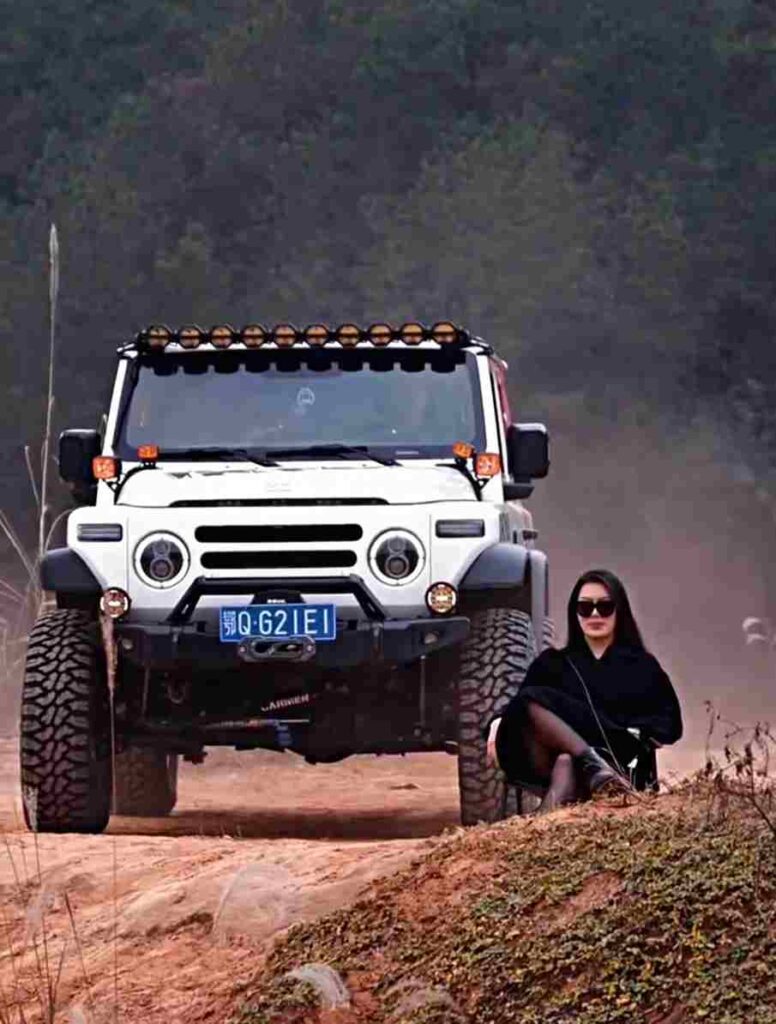
Please generate a image using my picture A striking editorial portrait of a handsome young man in a long, camel-brown overcoat and black leather pants/boots, seated on a black folding chair in the middle of a vast, bright desert with large sand dunes. Harsh, natural light. Fashion photography, high quality, cinematic.”
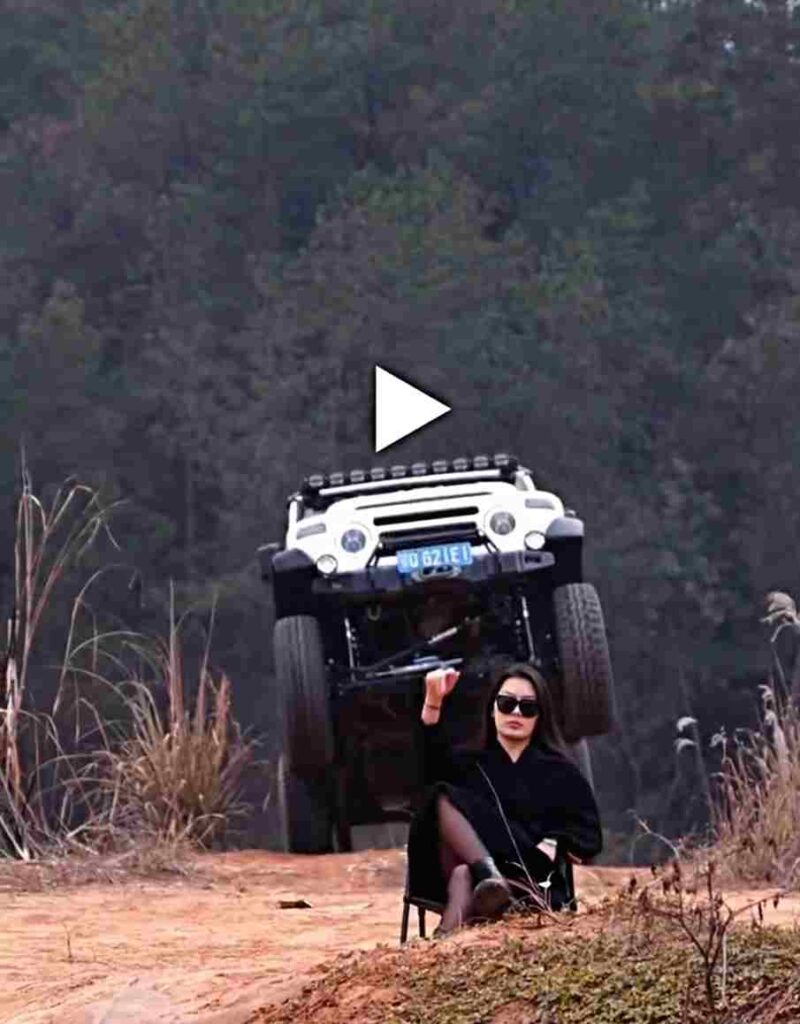
Use the uploaded image as the reference frame and create a highly realistic, cinematic desert scene. At the beginning of the video, the man is sitting calmly on a folding chair with his right hand raised. As a car starts emerging from behind a wide sandy ridge, he slowly and naturally lowers his hand and rests it on his lap, with smooth, subtle, and realistic movement, maintaining a confident and relaxed posture. Behind him, a full-size black Mahindra Thar, properly scaled and powerful in appearance, jumps into the air from behind the desert ridge. As the Thar flies, massive sand and dust burst upward with realistic particle effects and depth. The vehicle then lands firmly on the sand and stops dramatically a short distance behind the man, while dust clouds continue to rise and gradually settle, creating a cinematic slow-motion effect with natural desert lighting, accurate depth perspective, realistic shadows, ultra-real physics, and stunning 4K cinematic realism.
Make Car Entry AI Video Using Kling?
- Install the Kling AI app from the Play Store / App Store.
- Open the app and sign in with a Google account (get 166 free credits).
- Go to Kling 01 inside the app.
- Upload the reference video, your image, and the car image.
- Paste the given prompt in the prompt box.
- Click Generate and wait for a few moments.
- Your AI video will be ready to preview and download.
Download Reference Video:-
Use the @image2 reference video as-is. Replace the person with the person from @Image 1 Replace the vehicle with the @Image 2 (samemodel, color, design)
How to create AI Image For Car Stunt Video?
If you want to turn your normal photo into a viral AI car stunt reel in 2025, the process is easy and beginner-friendly. This editing style transforms your image into a cinematic, high-action car stunt scene that looks realistic and perfect for Instagram Reels and Shorts. Follow the simple step-by-step guide below to create Trending AI Car Stunt Reels in just a few minutes:
- Open Google Chrome and search for “Harish Edits.”
- Visit the website and open the Trending AI Car Stunt Reels Editing Prompts 2025 article.
- Choose an AI car stunt prompt that matches your style and copy the prompt.
- Scroll down and click on “Create Your Video” or “Create Your Image.”
- Sign in to your Google Gemini AI account if required.
- Upload your photo and paste the copied AI car stunt reel prompt into the prompt box.
- Click Generate and wait a few seconds while Gemini creates a realistic cinematic car stunt reel.
- Click Download to save your final AI car stunt reel to your device and post it on social media.
Conclusion
So friends, in this article I have clearly explained the entire step-by-step process for creating AI car stunt videos in an easy and beginner-friendly way. I have also guided you on how to prepare the right image for the best results, mentioning that if you already have a photo of yourself sitting on a chair in an open area or field, you should use it for a more realistic output. If you don’t have such a photo, you can easily create one using the AI image prompt shared above. I hope this guide has helped you understand the complete process without any confusion and made it easier for you to create professional and viral AI stunt reels on your own.