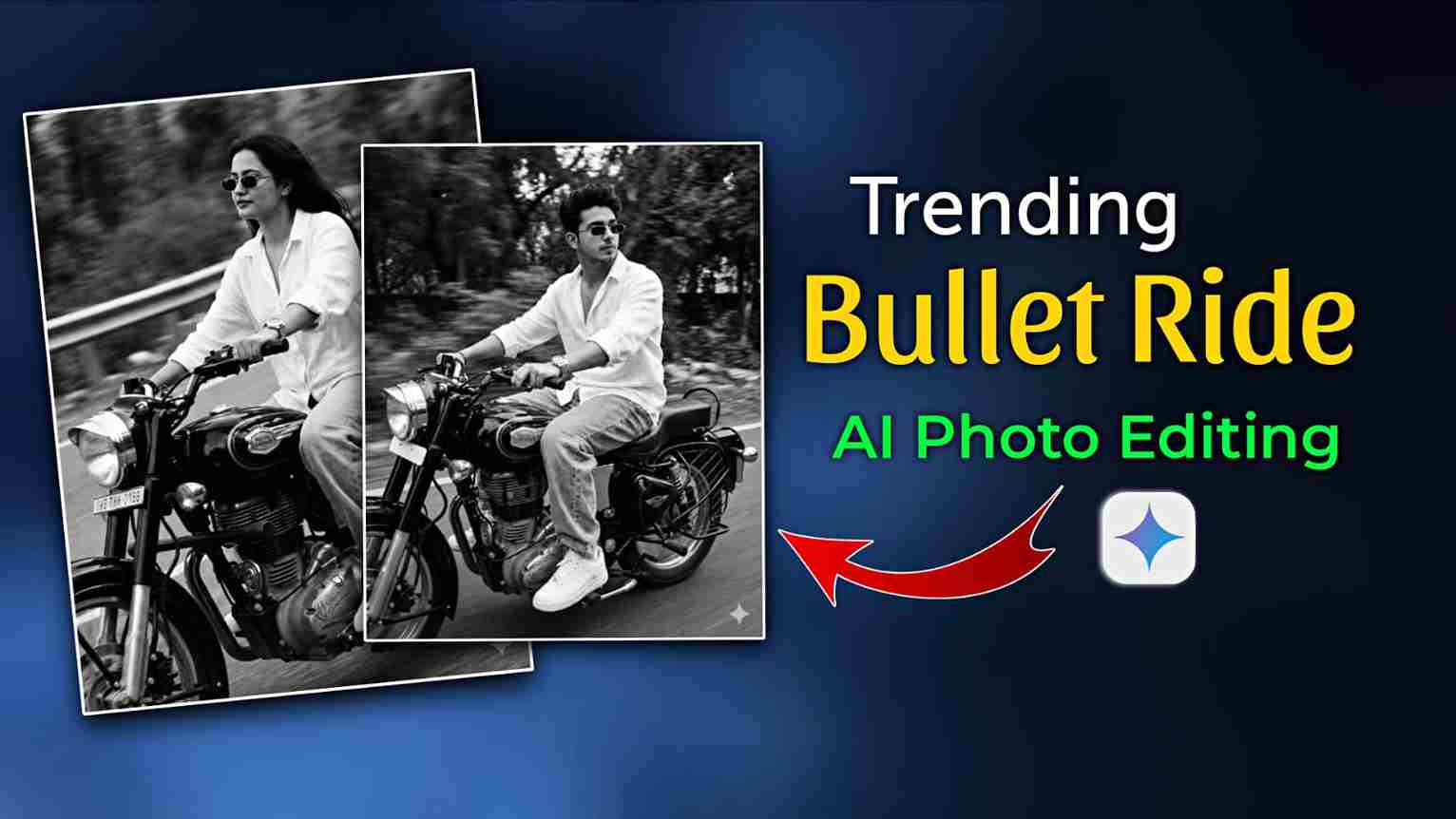
Bullet 350 Bike Ride AI Photo Editing Prompts – In this article, I am sharing the best and most viral Prompts for creating realistic and cinematic images using your real face. After experimenting with multiple Gemini AI image generations and refining camera angles, motion blur, and background details, I finalized these high-quality prompts to deliver the most realistic Bullet bike riding effect. Below, you will find a complete step-by-step guide on how to create 350 Bullet bike ride AI photos using the Google Gemini application. This SEO-friendly guide is designed to help beginners and creators generate trending Bullet bike AI images for Instagram and social media. If you face any issues during image generation, feel free to reach out for assistance.
Why Is the Bullet 350 Bike Ride AI Trend Going Viral?
The Bullet 350 Bike Ride AI trend is gaining massive popularity because it combines cinematic bike photography with advanced AI technology, creating thrilling and realistic riding visuals. People love seeing their real photos transformed into dynamic 350 Bullet bike ride scenes with motion blur, dramatic angles, and powerful road presence—all without professional cameras, drones, or costly editing software. With smart tools like Google Gemini AI, anyone can generate high-quality Bullet bike riding images in just a few steps, making cinematic bike photo editing accessible to everyone.
Another major reason behind this trend’s viral success is its strong social media impact. Bullet 350 bike ride AI photos look bold, energetic, and eye-catching, making them perfect for platforms like Instagram Reels, Facebook, and WhatsApp status. Creators and bike lovers use these AI-generated images to stand out, increase engagement, and grow followers. The realistic motion effects, dramatic backgrounds, and action-packed camera angles give the images a real riding experience feel, instantly grabbing attention and driving this Bullet bike AI photo editing trend viral in 2025.
Image Prompt for Boy:-
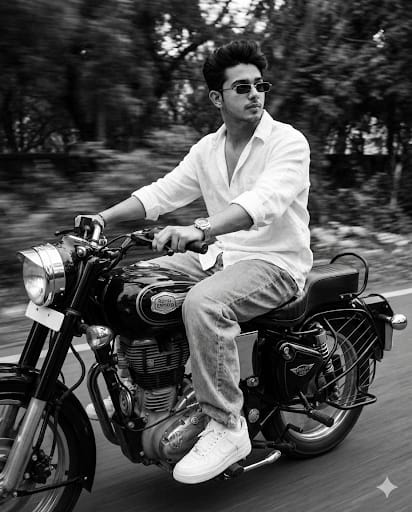
A slim-fit 5'9 young man riding his black Royal Enfield Bullet 350, glancing confidently to the side, hands on the handlebars, leaning naturally into the ride. He's wearing an oversized white linen shirt with the top buttons open, light blue baggy jeans, and clean white Nike Air Force 1 sneakers. A silver wristwatch shines subtly on his wrist, and narrow-frame rectangular classy sunglasses complete her look. Her face is fully visible -preserve 100% face. The photo features a vintage cinematic grain aesthetic with Leica M11 Monochrome black-and-white tones, enhanced with a motion blur effect to convey speed and dynamic movement.
Image Prompt for Girl:-
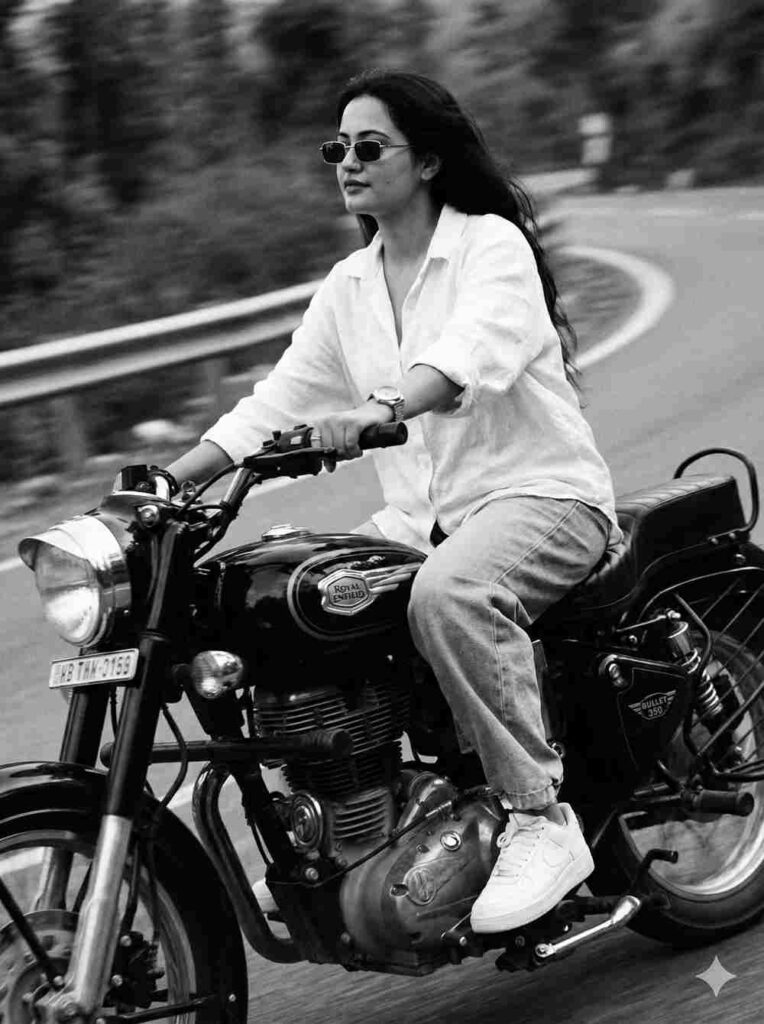
A slim-fit 5'7 young woman riding her black Royal Enfield Bullet 350, glancing confidently to the side, hands on the handlebars, leaning naturally into the ride. SHe's wearing an oversized white linen shirt with the top buttons open, light blue baggy jeans, and clean white Nike Air Force 1 sneakers. A silver wristwatch shines subtly on his wrist, and narrow-frame rectangular classy sunglasses complete her look. Her face is fully visible - preserve 100% face. The photo features a vintage cinematic grain aesthetic with Leica M11 Monochrome black-and-white tones, enhanced with a motion blur effect to convey speed and dynamic"
Video Prompt for Girls:-
A slim-fit 5’7 young woman riding her black Royal Enfield Bullet 350, glancing confidently to the side, hands on the handlebars, leaning naturally into the ride. SHe’s wearing an oversized white linen shirt with the top buttons open, light blue baggy jeans, and clean white Nike Air Force 1 sneakers. A silver wristwatch shines subtly on his wrist, and narrow-frame rectangular classy sunglasses complete her look. Her face is fully visible - preserve 100% face.
The photo features a vintage cinematic grain aesthetic with Leica M11 Monochrome black-and-white tones, enhanced with a motion blur effect to convey speed and dynamic movement.
Make a hd video. Give me same prompt for boy give only prompt in text format.
How to make Viral Bullet 350 RIde AI Photo?
If you want to convert your normal photo into a viral Bullet 360 bike ride AI image, the process is simple and beginner-friendly. This editing style gives your photo a cinematic, action-packed, and realistic riding look, making it perfect for Instagram and Reels. Follow the step-by-step guide below to create a 350 Bullet bike ride AI photo in just a few minutes:
- Open Google Chrome and search for “Harish Edits.”
- Visit the website and open the Bullet 350 Bike Ride AI Photo Editing Prompts article.
- Select a Bullet bike prompt that matches your riding style and copy the prompt.
- Scroll down and click on “Create Your Image.”
- Sign in to your Google Gemini AI account if required.
- Upload your photo and paste the copied Bullet 350 bike ride AI prompt into the prompt box.
- Click Generate and wait a few seconds while Gemini creates a realistic 350 Bullet bike riding image.
- Click Download to save your final Bullet bike AI photo to your device.
Conclusion
Friends, in this article, I have explained how to create a viral Bullet 350 bike ride AI photo using Google Gemini prompts with your real face, covering the complete A to Z process in simple and easy steps. From selecting the right Bullet 350 bike ride AI prompt to generating a realistic and cinematic bike riding image, everything has been clearly explained for beginners. I hope this guide helps you create trending Bullet bike AI photos effortlessly for social media. If you still face any issues during image generation, feel free to contact me through my Instagram handle. Stay connected and keep visiting for more viral AI photo editing tutorials, Gemini prompts, and trending AI editing guides.