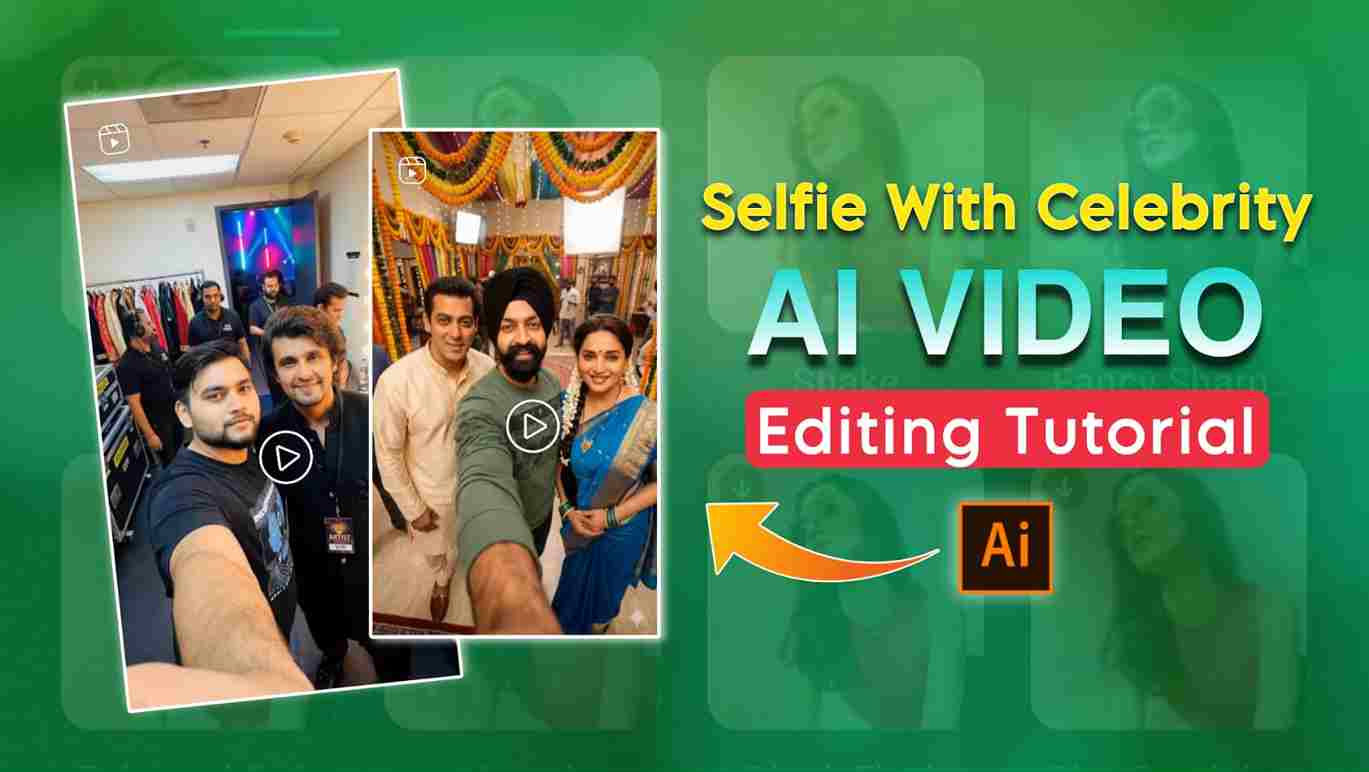
Selfie with Celebrities AI Video Editing Prompts 2025 – In this article, I am going to share amazing Gemini prompts for creating selfie photos with celebrities, which are currently going viral on Instagram. I will also provide AI video generator prompts to help you create realistic AI selfie videos with celebrities. You may have seen Reels where a person appears to be clicking pictures with their favorite celebrities one by one. Below, I will share complete details on how to create AI selfies and videos with your favorite celebrity. So, please read the entire article for a better understanding.
What is the Google Gemini Pro?
Google Gemini Pro is an advanced AI model developed by Google that is designed to help users with content creation, image generation, coding, learning, and productivity tasks in a fast and accurate way. It can understand text, images, and prompts together, making it ideal for creating realistic AI photos, AI videos, social media posts, blogs, and scripts. Gemini Pro offers improved reasoning, better prompt understanding, and high-quality outputs compared to earlier AI tools. It is widely used by content creators, students, marketers, and developers because it saves time and delivers professional results with simple instructions. With regular updates and powerful features, Google Gemini Pro is becoming one of the best AI tools for creative work and digital growth in 2025.
How to make a selfie with Celebrity AI Photo?
If you want to turn your normal photo into a realistic and cinematic selfie with your favorite celebrity using AI, the process is simple and beginner-friendly. Just follow the steps below to create a professional-looking celebrity AI selfie photo:
- Open Google Chrome on your device and search for “Harish Edits.”
- Visit the website and open the Selfie With Celebrity AI Photo Editing Prompts section.
- Please select your favorite celebrity selfie prompt from the list and copy it.
- Scroll down the page and click on the “Create Your Image” button.
- Log in to your Google Gemini account if prompted.
- Upload your photo and paste the copied celebrity AI selfie prompt into the prompt box.
- Click the Generate button and wait a few seconds while Gemini creates a realistic AI selfie with the celebrity.
- If needed, use the Regenerate option to improve face matching and overall realism.
- Once you are satisfied, click ‘Download’ and save your final celebrity AI selfie image to your device.
Image Prompt:-
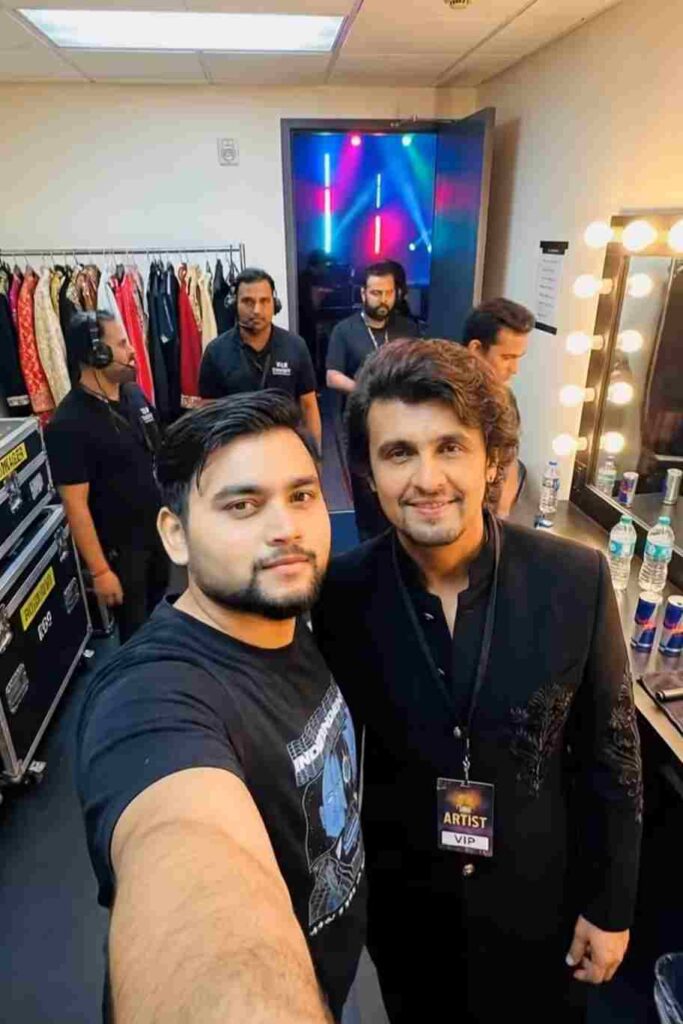
Create a realistic, high-fidelity (8K) image based on the attached reference photo. Maintain the exact facial features, skin tone, bone structure, hairstyle, and expression of the attached person, with no alteration or face swapping. The attached person is taking a selfie with [Celebrity], standing at [Set/Location]. Crew members are adjusting internal lighting and equipment, with cables and gear visible. Directors and managers are standing behind, discussing the next take.
How to make Ai Video Using Kling AI?
Step 1: Open the official Kling AI website in your browser.
Step 2: Sign up for a new account or log in to your existing account.
Step 3: Go to the AI Video Generator from the dashboard.
Step 4: Choose Text-to-Video or Image-to-Video mode.
Step 5: Enter a detailed prompt or upload a high-quality image.
Step 6: Adjust video settings like duration, aspect ratio, and motion style.
Step 7: Click on Generate and wait for the video to process.
Step 8: Preview the generated AI video.
Step 9: Download the final video to your device.
Video Prompt:-
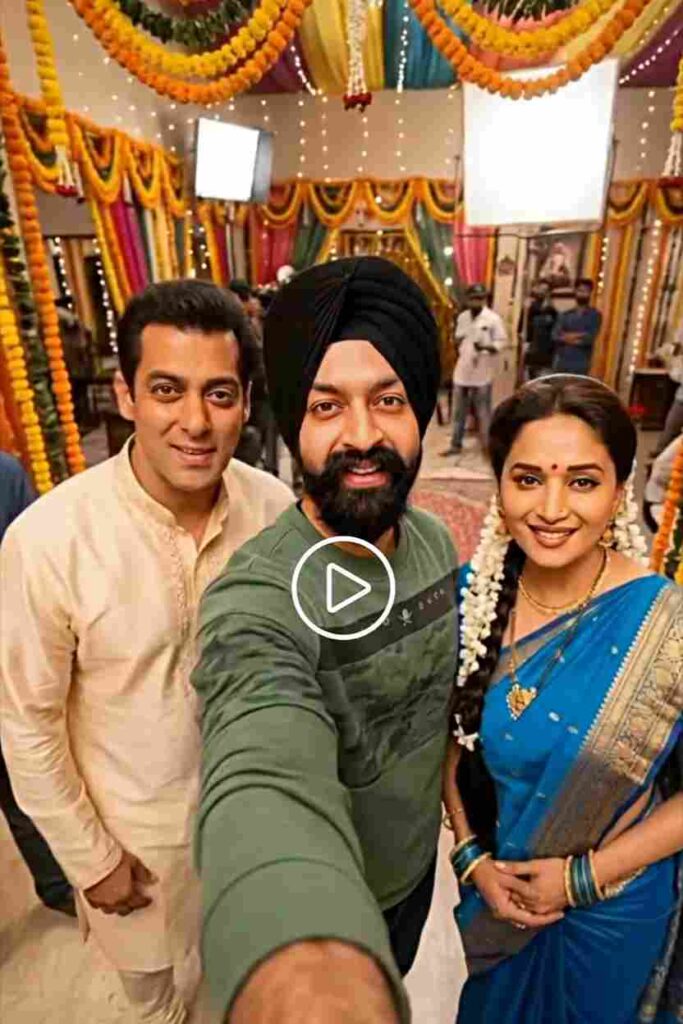
The guy takes a selfie and walks to the next set with a smile, in excitement while vlogging while he holds the camera which is locked on his face, and takes a selfie again. Crew working on set in the background. No talking.
Conclusion
In this article, I have explained how to create a selfie with celebrities AI video using Gemini Pro and Kling AI in simple steps. I have shared high-quality image and video generation prompts along with a complete step-by-step guide to help you easily generate realistic celebrity selfie AI videos. By following the methods explained above, you can create viral AI selfie videos for Instagram Reels and other social media platforms without any technical skills. I hope this article helps you in making professional-looking AI videos. If you face any issues while generating images or videos, feel free to contact me through my Instagram page for support.