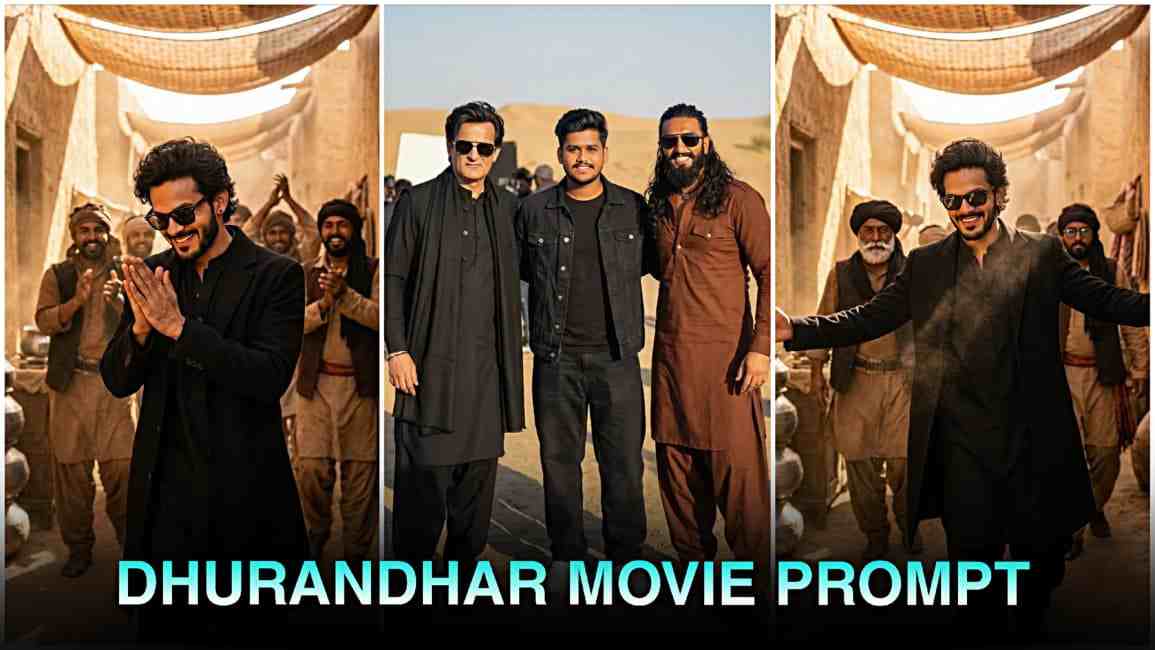
Social media is currently filled with stunning edits inspired by Akshaye Khanna’s fierce “Rehman Dakait” look from the movie Dhurandhar. Whether it’s profile pictures, status updates, or AI-generated posters, everyone wants to recreate that iconic style. Many people try again and again but still fail to achieve the perfect result because they don’t know the correct method of doing this editing. If you’re also facing the same issue, don’t worry—this complete guide is written especially for you. Here, you will understand the full process in simple words, just like a friend explaining it to you.
Who Is Akshaye Khanna?
Akshaye Khanna is one of the most respected actors in Bollywood, known for his powerful performances and unique screen presence. From romantic roles to intense characters, he has delivered hit after hit. In Dhurandhar, he appears as “Rehman Dakait,” a bold, mysterious, and striking character whose look has instantly grabbed everyone’s attention. His expression, outfit, attitude, and cinematic presentation make this avatar extremely appealing, which is why it has gone viral across social media platforms.
Why Everyone Wants Rehman Dakait Photo Editing?
The reason behind the massive popularity of this editing style is simple: the character’s look is incredibly stylish and cinematic. People love trying trendy edits, and when something becomes a trend, everyone wants to recreate it. Additionally, AI tools like Gemini, Midjourney, and others have made photo editing extremely easy. What once required hours of Photoshop work can now be done with a single detailed instruction. This is why Rehman Dakait–inspired edits spread so quickly and became a viral sensation.
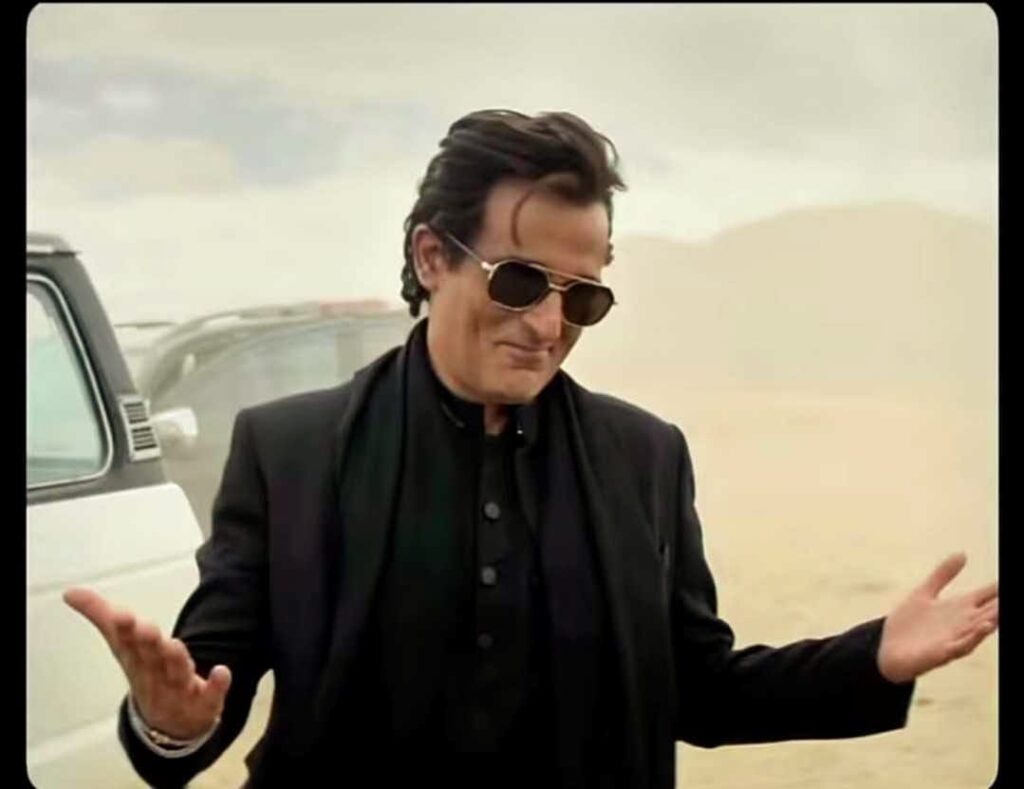
Recreate this cinematic desert movie scene using my selfie for the character. Replace the actor with me while keeping everything else exactly the same: the dusty desert background, the beige sky, the parked vehicles, the white van on the left. the warm color tone, and the dramatic lighting. Maintain the same camera angle, framing, pose, facial expression, hairstyle flow sunglasses, black outfit, and body anquage with both hands open while shrugging. The final image should look hvper-realistic, seamless, and naturally integrated, as if I acted in this movie.Preserve the film-like grading, shadows highlights, and depth of field Ultra-high detail, cinematic realism, 8K quality
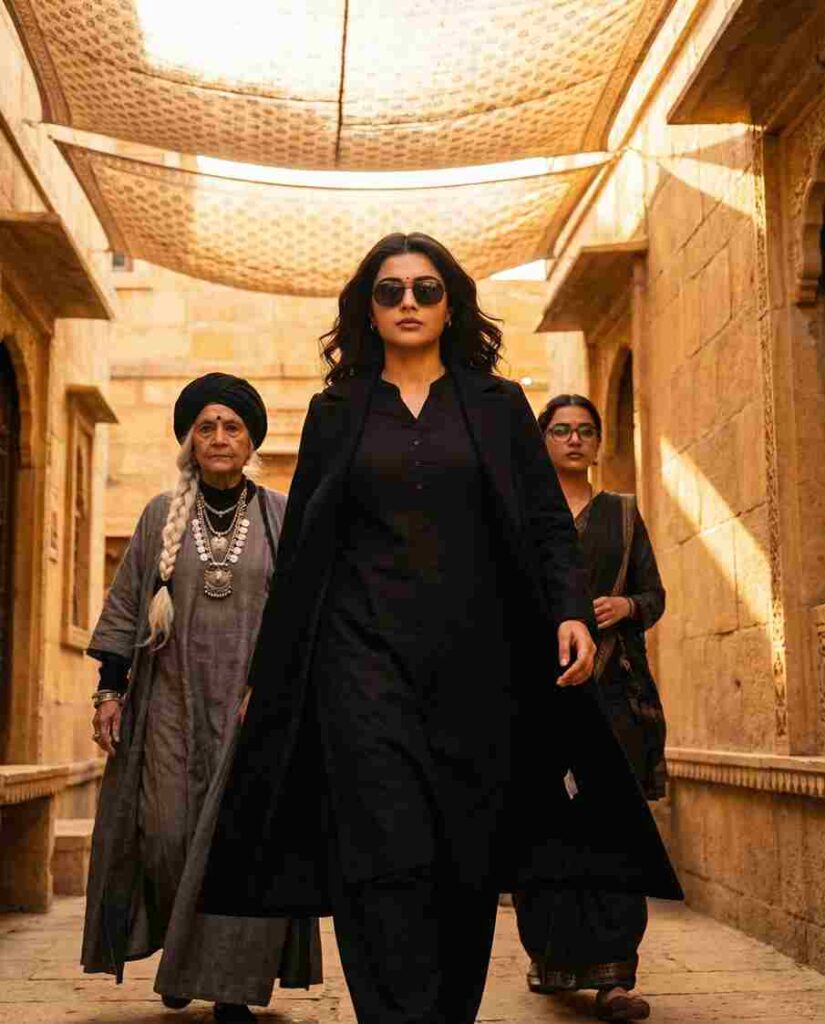
Ultra realistic, cinematic full-body portrait of the same young woman from the reference photo (same hairstyle, defined eyebrows, neatly trimmed facial contours, and confident expression). A powerful cinematic scene showing a stylish female villain making an intense entrance. A sharp-featured woman wearing a black kurta-style outfit, black overcoat, and dark sunglasses walks forward with confidence. Warm golden sunlight filters through patterned fabric shades hanging overhead, creating dramatic light and shadow on her face. Behind her, two women follow - one elderly with a long white braided hairstyle, black turban, layered grey robe, and heavy jewelru; the other younger with a confident look, dark glasses, and dark traditional clothing. The environment resembles an ancient marketplace or desert fort made of sandstone. with textured walls and warm golden tones. The camera angle is slightly low, capturing a heroic, slow-motion walk. Highly detailed faces, crisp shadows, cinematic depth of field, rich colour grading, dramatic.
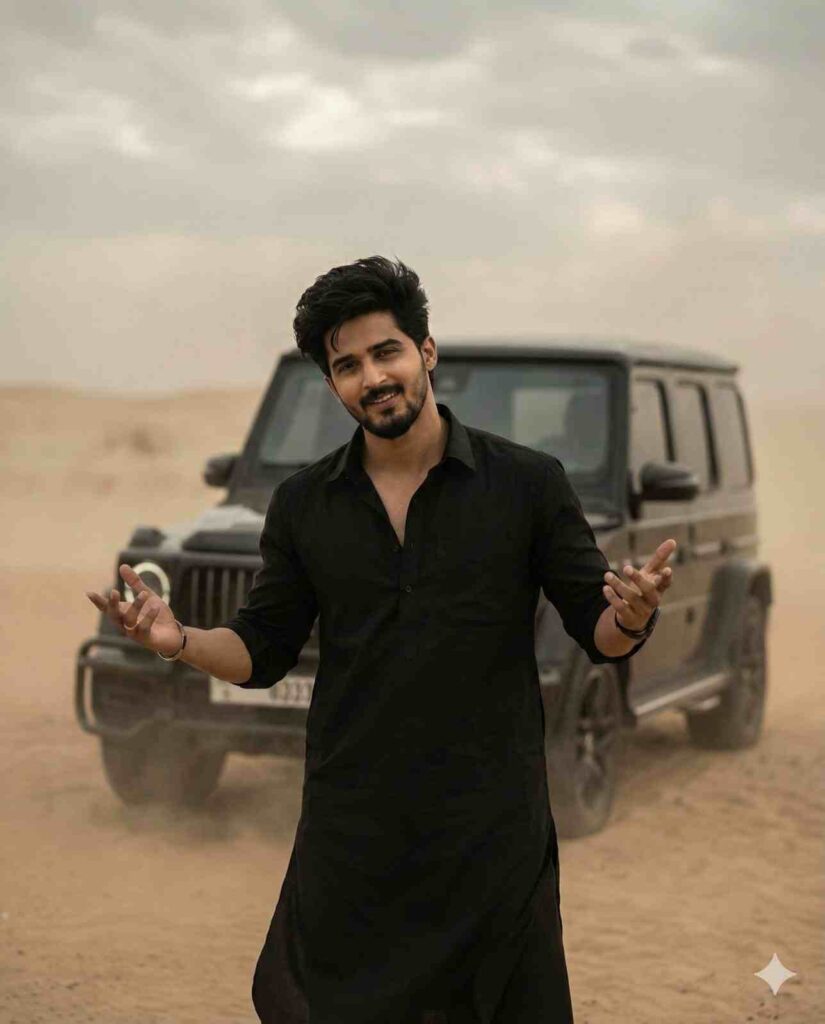
A stylish man standing confidently in a desert landscape wearing an all black kurta and little bit smile on his face his hands position like what happened make this like the pose of akhshay Khanna in dhurandhar movie luxurv SUV is parked behind him. The background is dusty with soft cloudy skies and muted beige tones. Cinematic lighting, shallow depth of field, realistic photographv, 4K ultra-detailed, moody Bollvwood movie scene. dramatic atmosphere, professional color grading.
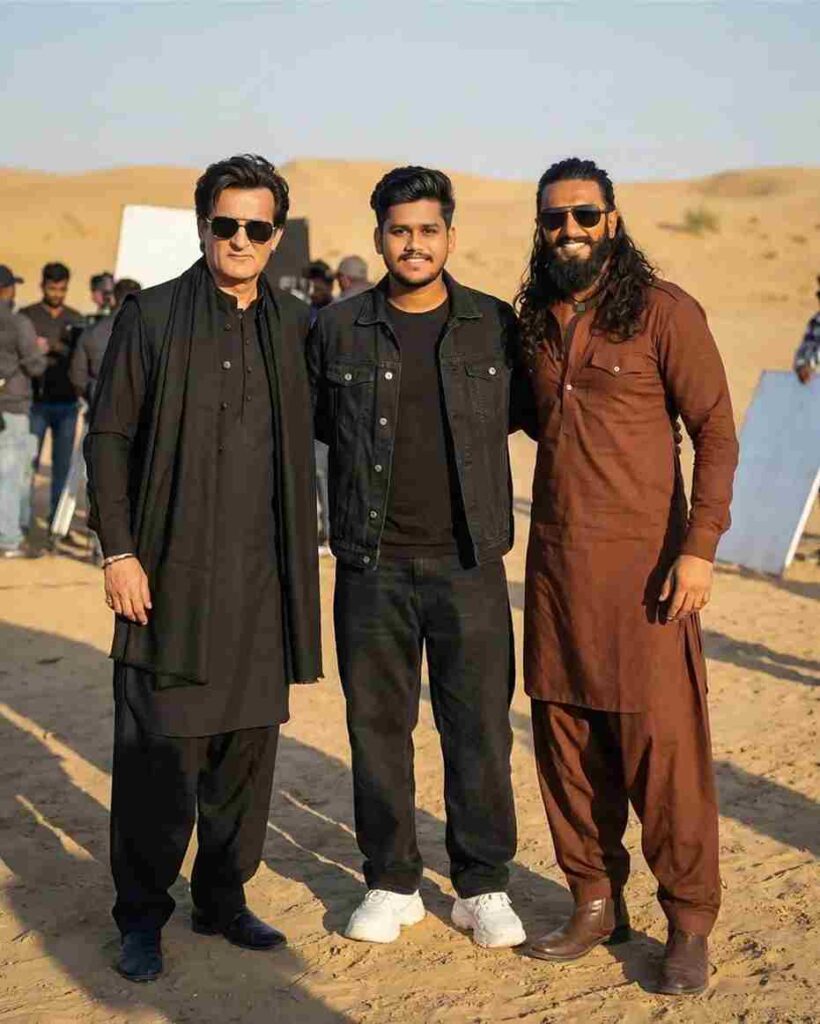
Natural BTS film shoot photo from movie “Dhurandhar”, outdoor daylight, cinematic natural light, shallow depth of field, realistic shadows. Three people standing naturally.
Center (Me): age 19, same refrence image face black denim jacket, black t-shirt, black baggy jeans, chunky white sneakers. Left: Actor 1 face exactly same as reference, same hairstyle, black kurta, black pajama, black stole/scarf, black outer layer, black rectangular sunglasses. Right: Actor 2 face exactly same as reference,
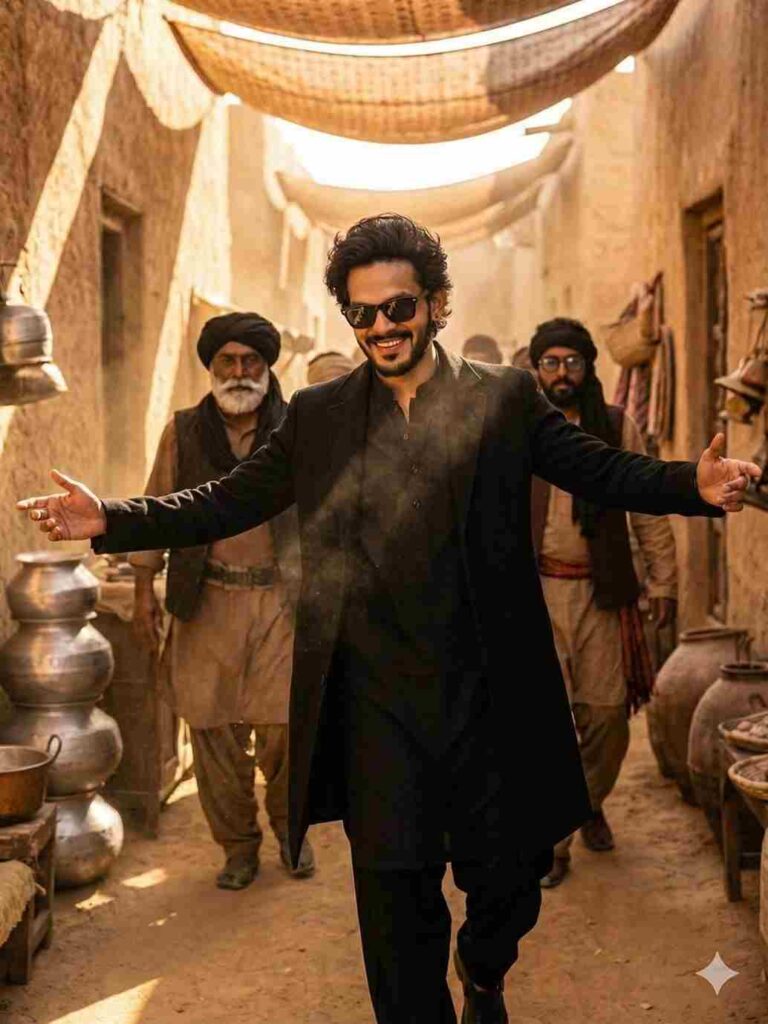
A confident young man walking forward in a dramatic cinematic scene, wearing an all–black kurta pajama with a long black coat, stylish beard, sharp jawline, and dark sunglasses. Two men walk behind him — one older man with a long white beard, turban, traditional jewelry, and grey ethnic clothing, and another man in a black outfit with sunglasses. Scene set in an ancient Middle Eastern/Indian marketplace with sandstone architecture, warm golden lighting, and shadows. Highly detailed, ultra-realistic, 8K, cinematic lighting, dramatic mood, hero entry shot, crisp focus
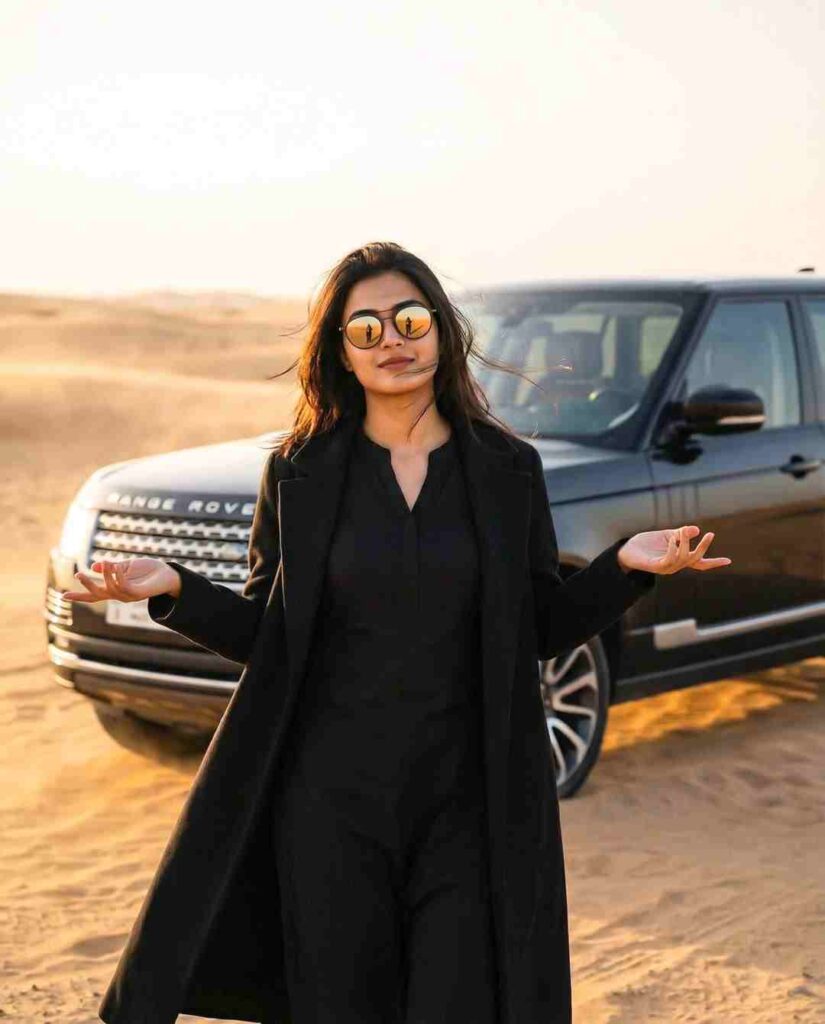
"A stylish woman standing in a desert, wearing an all-black outfit with a black kurta-style dress and a long black coat, hands open in a casual what can I say' gesture. Wind blowing lightly, desert sand in the background, a luxury SUV behind her. Cinematic lighting, soft warm tones, depth of field, high-quality 4K frame, sunglasses reflecting light, dramatic film look, minimal grain, realistic color grading."
Turn Your Image into Viral Akshaye Khanna Style AI Dance Video:-
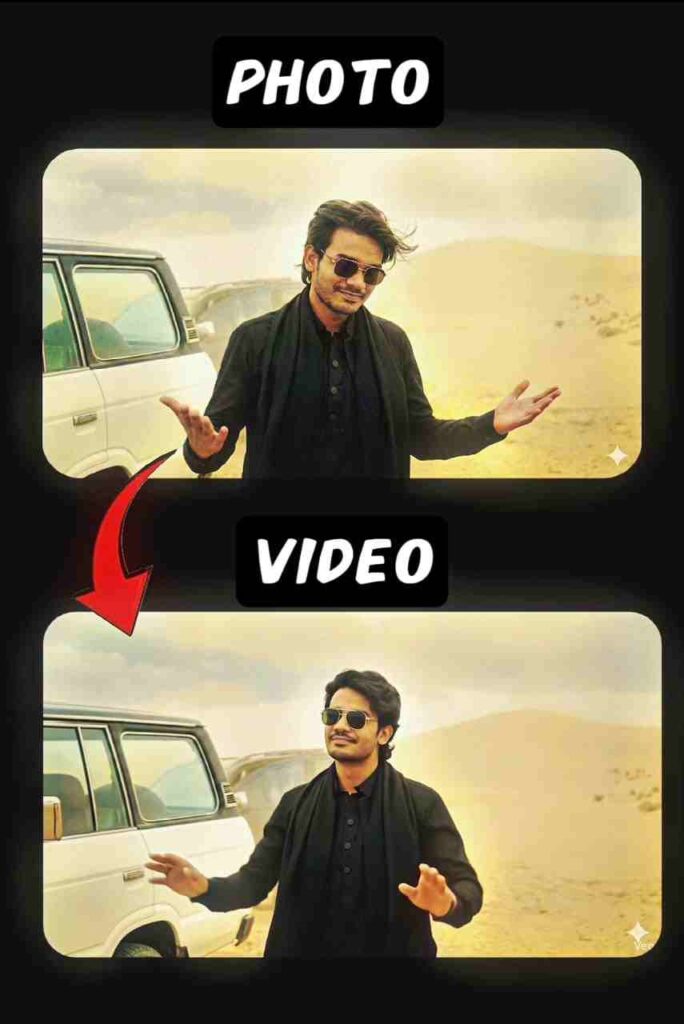
Use the exact provided image as the base frame without changing the face, pose, outfit, or background. Add subtle body movement in an Arabic rhythm dance style, including light rhythmic hand waves, small shoulder bounces synced to an Arabic beat, natural nodding movements, and a gentle sway of the body from left to right. Keep the same smile and facial expression. Do not change the environment; maintain the same desert scene and the same car. Add minimal micro-camera shake for realism and a very light, smooth breathing zoom effect. The overall vibe should match Arabic upbeat music with a desert festival feel, and the style must remain ultra-realistic with the same lighting and color tone as the original frame.
How to Create Your Own Rehman Dakait Editing?
If you want to transform your regular photo into a dramatic, dark, and cinematic Stranger Things–style AI portrait, the process is incredibly simple. Just follow the steps given below:
- Open Google Chrome and search for “Harish Edits.”
- Visit the website and browse the dedicated Rehman Dakait AI Editing Prompts section.
- Choose any prompt from the list and copy the one that matches the style you like.
- Scroll down the page until you find the “Create Your Image” button and tap on it.
- Sign in to your Google Gemini account if the system asks you to log in.
- Upload your original photo and paste the selected prompt into the text box.
- Press the Generate button and give the tool a few seconds to create your cinematic Stranger Things portrait.
- If you’re not satisfied with the first result, simply tap Regenerate to get an improved version.
- Once you achieve the perfect look, click Download and save your final Stranger Things–inspired AI image to your device.
Best Features of Gemini for Photo Editing
Gemini is now one of the most preferred tools for AI editing because of its user-friendly interface. It provides full HD results, quick processing, easy customization, and premium-level creativity, even in the free version. The system works smoothly on mobile, making it perfect for creators who want high-quality edits on the go. Whether you’re a beginner or a pro editor, Gemini gives you complete freedom to experiment with different looks and styles.
My Experience With Dhurandhar Movie Photo Editing
When I first attempted this editing style, I struggled a lot. I thought writing a simple description would be enough, but the results kept coming out wrong. Every picture looked different from the Dhurandhar look I wanted. After several failed attempts, I realized how important it is to describe each detail clearly—the clothing, lighting, expressions, background, everything. Once I understood the correct method, the result came out perfectly on the next try. This small struggle taught me that patience and the right approach can solve any editing problem.
Final Words
In this article, we explored the entire process of creating the viral Rehman Dakait photo editing look from the Dhurandhar movie. You learned who the character is, why the trend went viral, how to edit your photos easily, and how tools like Gemini make this job effortless. Now you can follow the same steps and create your own stunning images within seconds. My goal was to make your editing journey simple and enjoyable—and I’m sure you can now create professional-level Dhurandhar-style photos without any confusion.