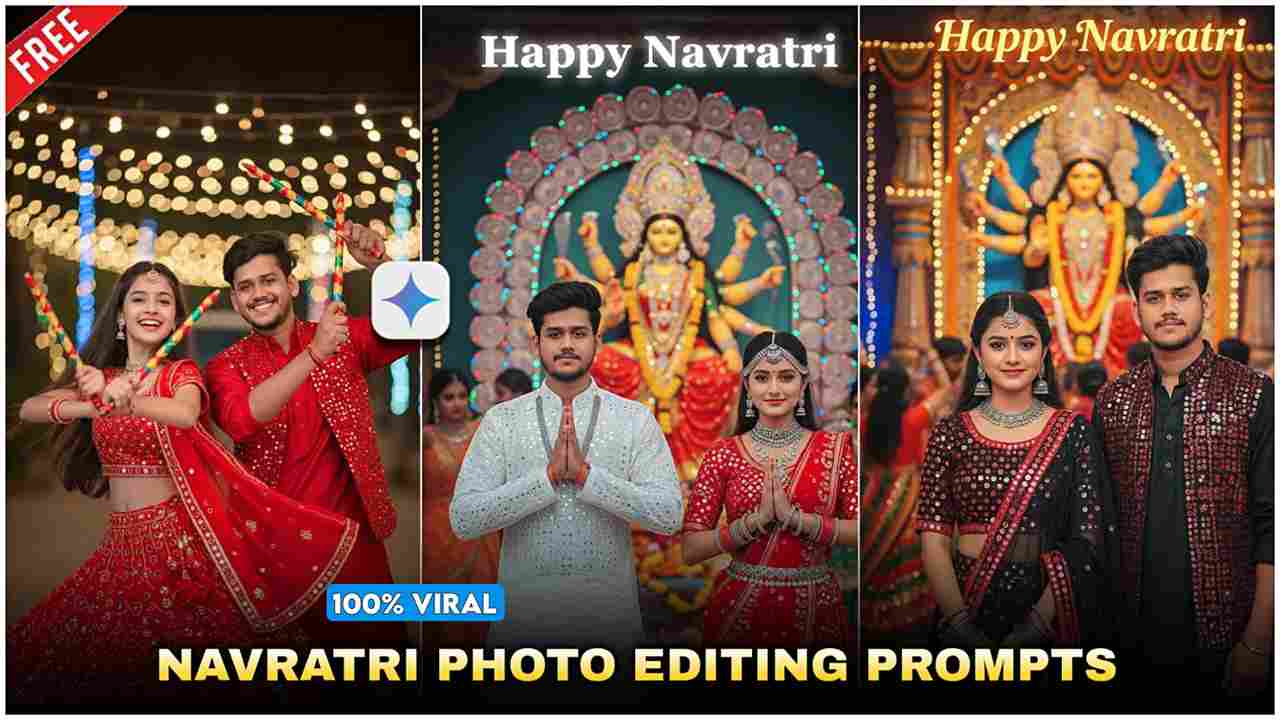
As we all know, the Google Gemini trend is currently going viral on Instagram and YouTube. People are creating their AI-generated photos using the new “Nano Banana AI” feature, which has recently been added to the Gemini application. This is an amazing tool that allows you to easily create high-quality photos and videos for free, simply by typing an appropriate prompt. Within seconds, Gemini provides you with stunning, high-definition results.
Currently, there’s a special offer for college students: they can use Gemini Pro free for 1 year. After switching to the Pro version, you can create unlimited videos and photos, and you’ll also receive 2TB of free Google Drive storage.
How to Make Couple Ai Photo on Navratri Durga Puja?
Creating a couple AI image for the occasion of Navratri or Durga Puja is very simple. Just follow the steps described below:
- Download the Gemini App from the Play Store.
- Open the app and sign in with any Google account.
- Upload a close-up photo of your face.
- Type a prompt as per your requirement or paste a ready-made prompt.
- Click on the Create button (arrow icon).
- Within a few seconds, your AI image will be generated.
- Download and save the image to your device — completely free!
How to copy and paste prompt into Gemini App?
Copying and pasting a prompt into the Gemini App is very simple. First, find a prompt you want to use — this could be from a website, Instagram, YouTube, or any other source. Tap and hold on the text until the “Copy” option appears, then tap on it. Next, open the Gemini App on your phone and go to the prompt input box. Tap and hold inside the box until you see the “Paste” option, then tap it to insert your copied prompt.
Friends, below are multiple prompts for creating realistic images of couples who are celebrating the Navratri festival in traditional attire and want to make this festival special and memorable with their life partner.
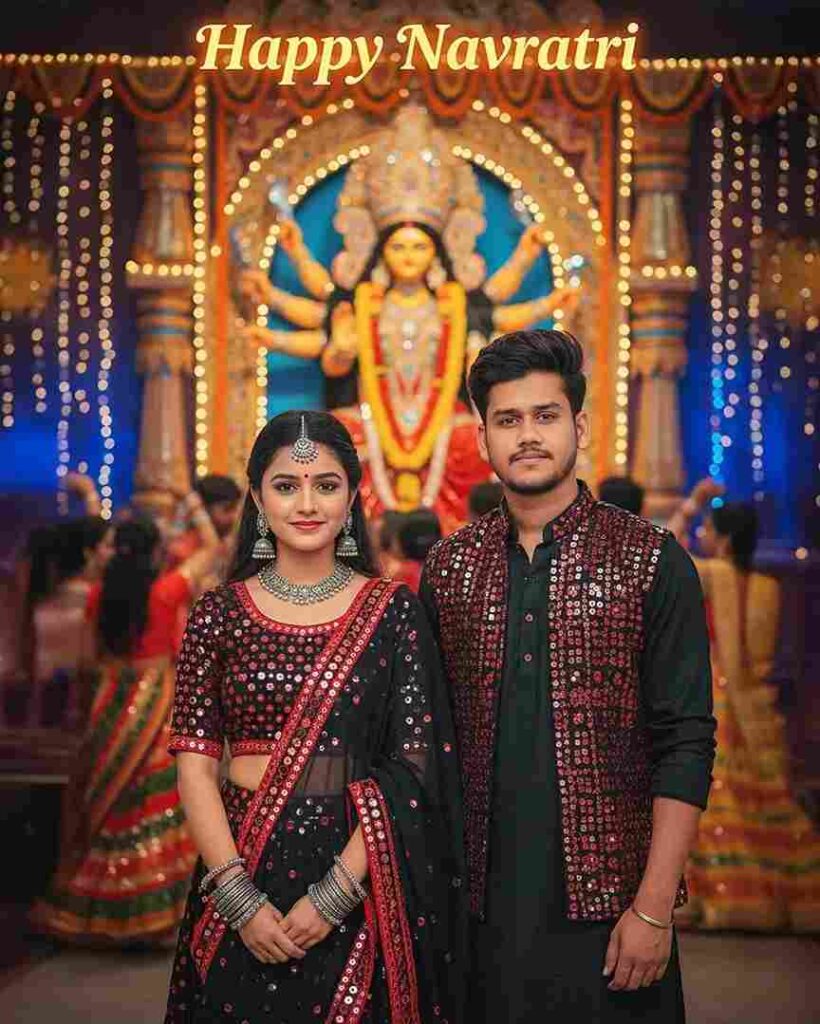
Ultra hyper-realistic 4K cinematic full-body portrait of an 20-year-old slim boy and girl
same reference faces, wearing elegant black and red mirror-work Navratri outfits with
jewelry details, standing side by side facing the camera with soft smiles. Behind them a
grand glowing Maa Durga murti, festive Garba crowd, colorful lights, cinematic bokeh, and
bold glowing text "Happy Navratri".
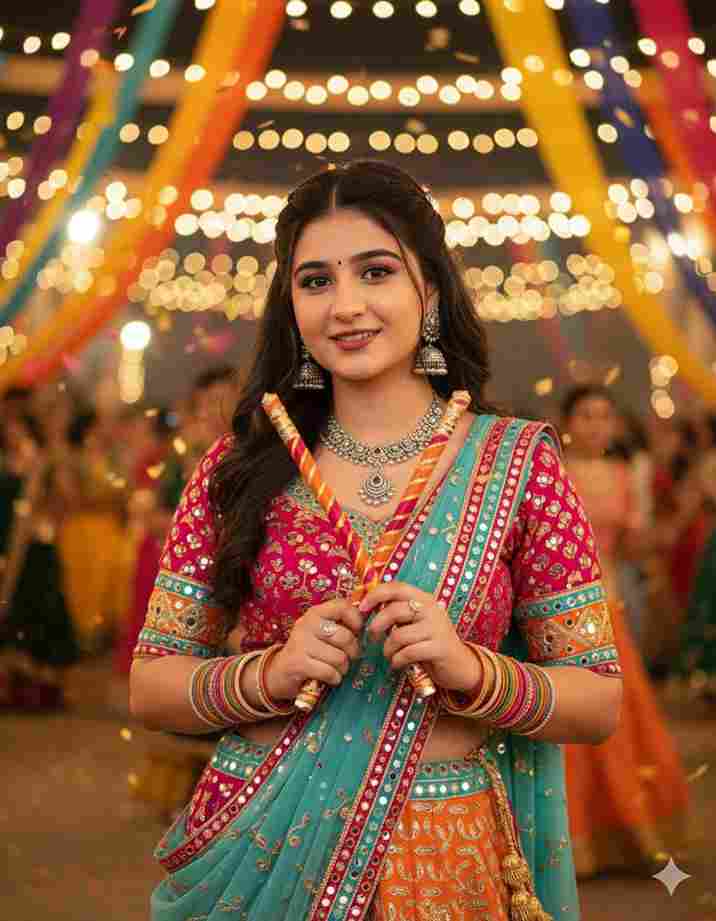
A stunning photo of a young woman posing at a Garba night venue, wearing a colorful leheng with mirror work, heavy jewelry, and holding dandiya sticks crossed in front of her. She smiles gracefully under decorative fairy lights, with a festive background blurred for depth of field. Match the facial expressions like in the picture . And make it little blur.
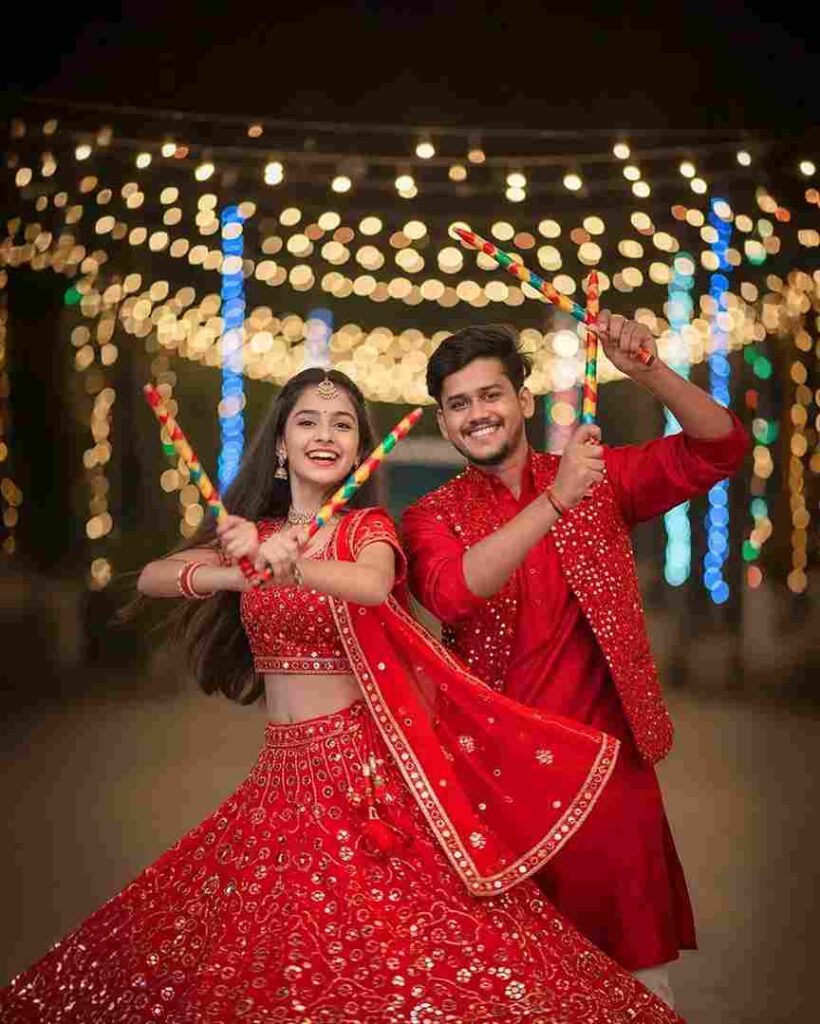
Ultra hyper-realistic 4K cinematic photo of an 20-year-old slim boy and girl, same reference
faces, wearing red mirror-work chaniya choli and red embroidered kurta with mirror jacket.
They are dancing Garba with dandiya sticks, boy spinning the girl, both facing the camera
with joyful smiles, colorful festive lights and cinematic bokeh in the background.
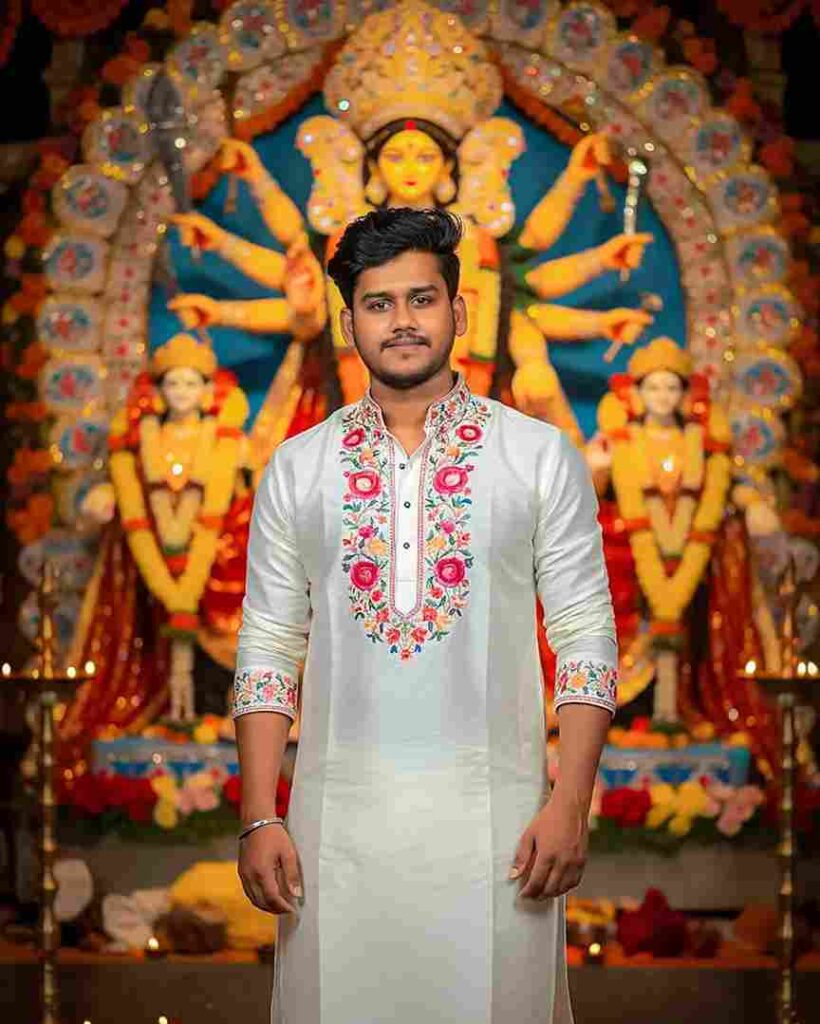
Creat a-realistic, 4k image with soft blur background and vibrant festive decorations like marigold and roses. Night scene with warm lighting highlighting textures and creating a glowing atmosphere.In the center, a stylish young Indian man with He wears a white kurta with floral , with minimal accessories like a silver bracelet and subtle earrings. He has a soft smile and elegant pose. The background features a grand Goddess Durga idol decorated with flowers, lamps, and soft glowing lights, enhancing the festive and spiritual feel.
Final words
In this article, I have explained how to create trending couple photos for the occasion of Navratri or Durga Puja with simple and easy steps. I also discussed Nano Banana AI, a new feature in Google Gemini that allows users to create good-looking and realistic images for free. College students can even get Gemini Pro free for 1 year by using their college ID.
I hope you found this article helpful. If you’re still facing any issues, feel free to ask in the comment box — we’ll do our best to help you as soon as possible.
Thank you so much, everyone, for visiting our website